
Still Avoiding iOS 26? 6 Reasons It’s Finally Time to Update
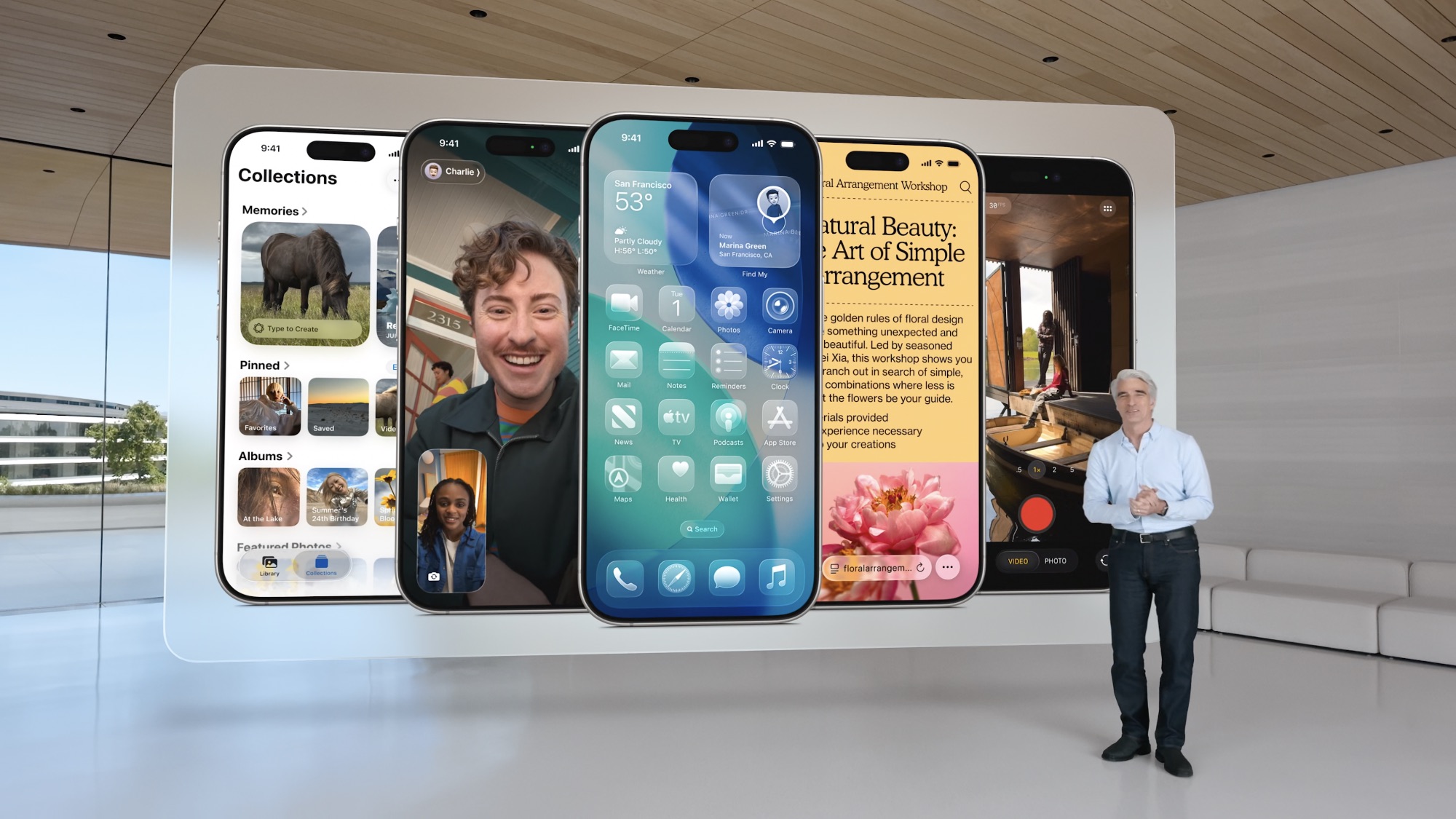
If you're still avoiding iOS 26 like the plague, you're not the only one. Many people aren't fans of Apple's new design changes and have tried to skip updating as much as possible.
With all of that said, you should know you're missing out. Apple didn’t just tweak a few icons and call it a day; iOS 26 is the biggest redesign in years, featuring a new “Liquid Glass” look, more useful features, and better tools that quietly make your iPhone an even better daily companion.
The biggest mistake many users are making right now is assuming this update is purely cosmetic and trying to skip it. That’s how you miss out on a ton of quality-of-life upgrades that can save time, protect your privacy, and give you better control over your battery.
If you're still on the fence, read on for six reasons why you should install iOS 26 right away.
The New Liquid Glass Design Makes iOS Feel Fresh Again
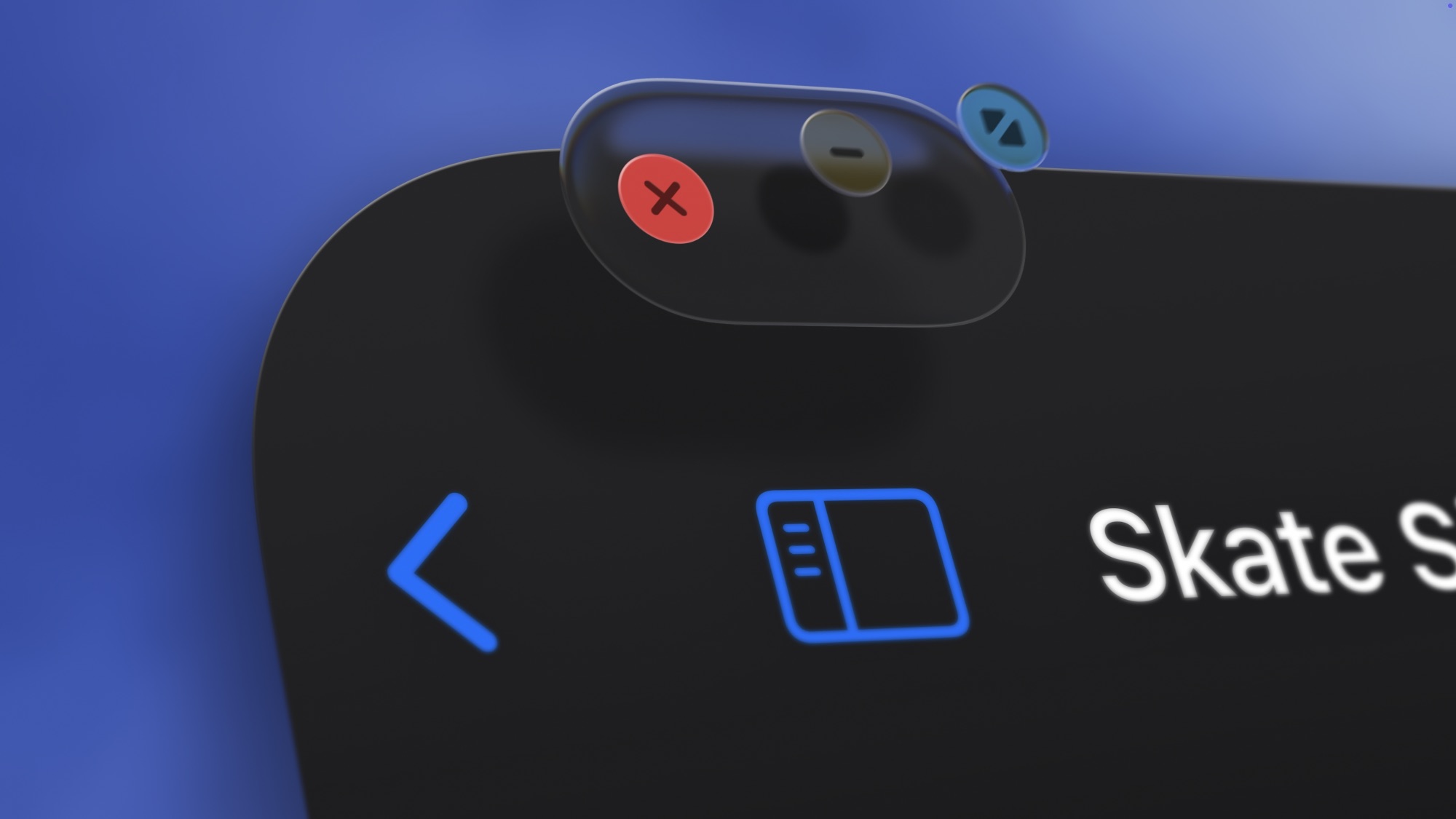
Whether you like it or hate it, you can't deny that it's been a long time since we got a new iOS design. The first thing you notice after updating to iOS 26 is the new Liquid Glass visual design.
Beyond the system-wide visual overhaul, first-party apps like Mail, Safari, Camera, and Messages now use translucent layers that move with the phone as you tilt it. Depth, lighting, and motion all play a greater role, making buttons and panels easier to distinguish.
App icons can adopt a Clear theme that blends into backgrounds, giving the Home Screen a cleaner, more unified look.
This entire redesign isn’t just there to look pretty; it helps make the interface feel more fluid and responsive. Animations have been tuned, and the glass-like effect adds depth to the UI. If your iPhone has felt the same for too long, iOS 26 is one of the easiest ways to make it feel new without upgrading. Plus, there are ways to tone down the new look if you find it overwhelming.
The Phone App Is Smarter Than Ever
The Phone app is one of the biggest winners this year, and these improvements fix long-term frustrations that every iPhone user (and pretty much every adult) has experienced.
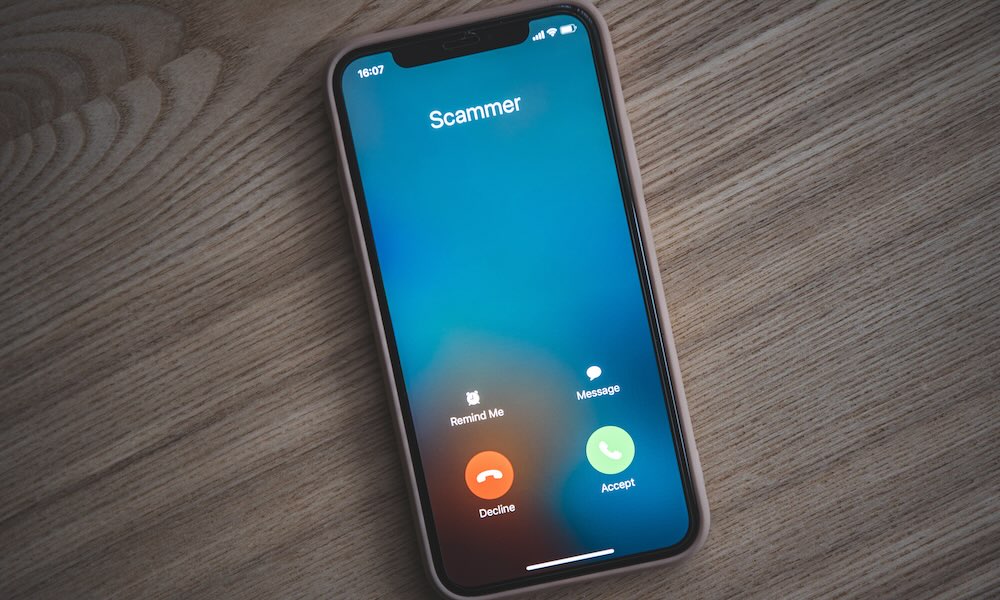
Call Screening is the standout change. When someone who isn’t in your contacts calls, your iPhone can answer on your behalf, ask the caller to identify themselves, and show you a live transcript. You can decide whether it’s worth picking up, which is extremely helpful for dealing with spam calls, scams, or other unknown numbers.
Hold Assist might be even better. If you’ve ever sat on hold with customer service listening to the same boring song for almost an hour, you know how miserable that is. In iOS 26, your iPhone can wait on hold for you. When a real person finally answers, your phone notifies you so you can jump back into the call. You don’t have to stay glued to your screen or listen for your name while cooking or working.
All of these changes are life and time-savers. And if you've ever dealt with these types of calls, installing iOS 26 will be a huge win.
Messages Is Better Now
Messages gets one of its biggest upgrades in years thanks to tools that make conversations more expressive and more organized, especially with group chats. Apple added built-in polls, which are incredibly helpful for group chats that always struggle to decide on a plan. Instead of using emojis or third-party apps to coordinate details, you can create a quick poll and let the group vote.
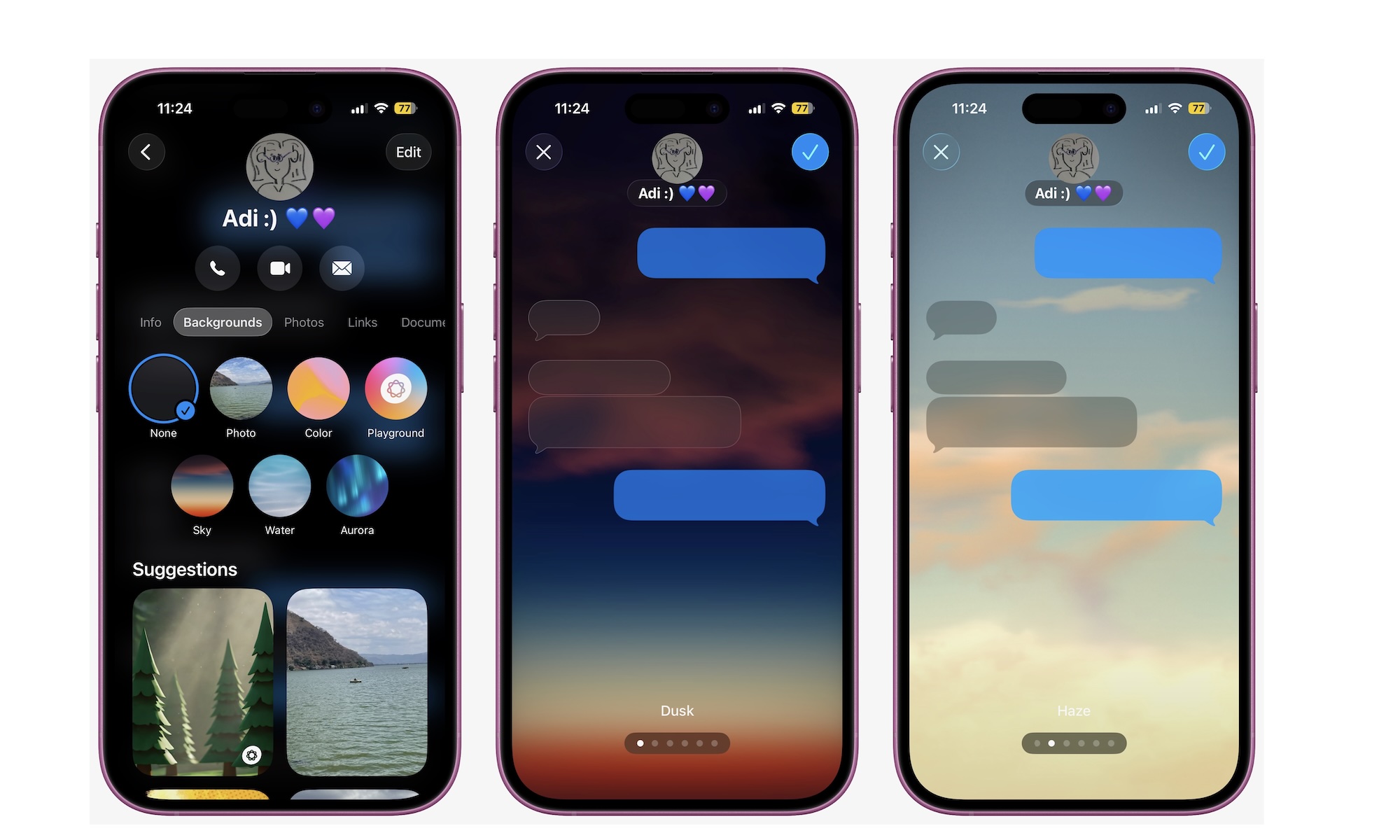
Messages also lets you apply custom backgrounds to individual conversations. It’s cosmetic, but it helps you distinguish chats at a glance and adds personality to your everyday messages.
One of the most overdue improvements is the ability to select just part of a message. You no longer need to copy an entire chat bubble when someone sends you a word or sentence you need to copy; you can grab the exact thing you want. It’s a tiny quality-of-life change that makes a big difference for students, professionals, and anyone who quotes text frequently.
Last but not least, Messages also gets a new filtering capability. Spam messages and texts from people you don't have in your contacts will be hidden in a separate section, so you can focus on your most important conversations without distractions.
Adaptive Power Helps Your Battery Last Longer
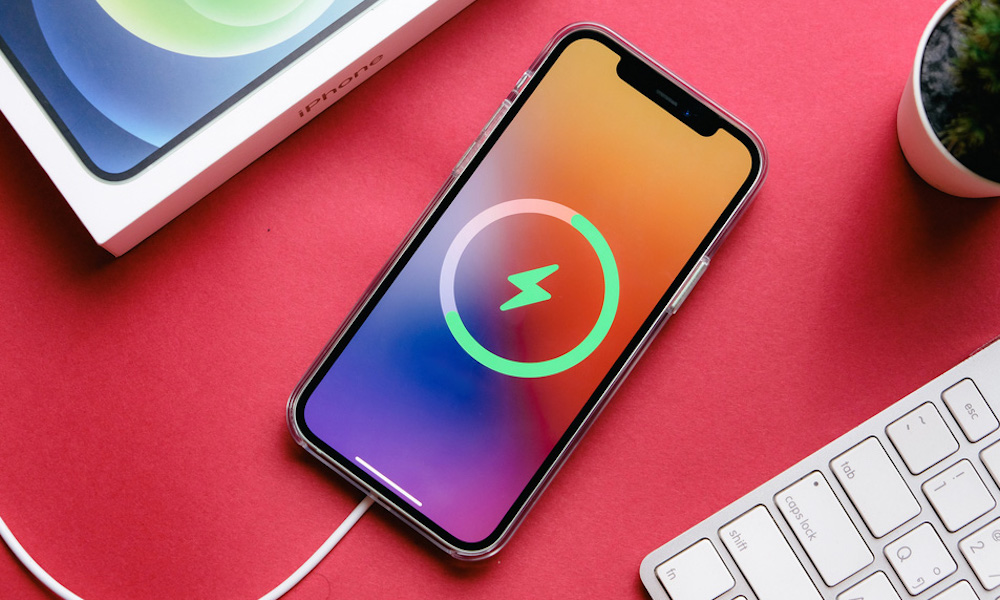
Battery life complaints never go away, but this year, Apple has given users tools that actually help in practical ways. iOS 26 introduces Adaptive Power Mode, a smarter system that quietly reduces background processes, slightly dims the display, and adjusts performance based on when it predicts you'll consume more battery than usual. This isn’t the same as Low Power Mode; it’s far less aggressive and works automatically in the background.
You’ll also see more accurate charging information. The Lock Screen finally shows the estimated time until your iPhone finishes charging, which makes it easier to plan ahead when you’re in a rush.
If your iPhone already struggles to get through a full day or you travel often, these improvements alone are a strong reason to install iOS 26.
Apple Music Gets Better, and a New Games App Is Available
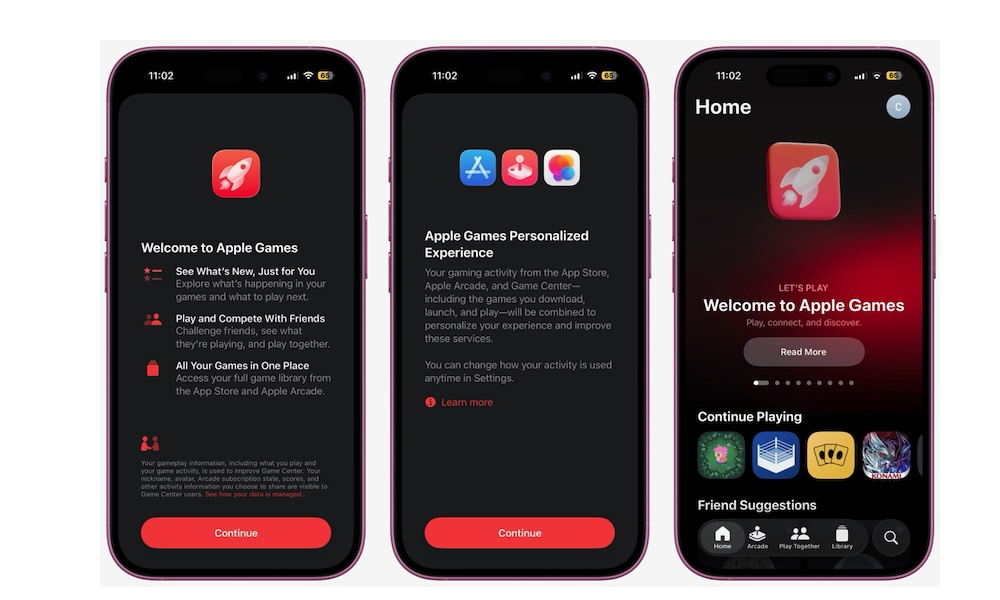
Apple also put effort into entertainment features this year. The new Apple Games app is a fresh take on the old Game Center experience. Instead of burying achievements, friends, and progress deep inside settings, the Games app puts everything in one place. Whether you play Apple Arcade titles or download games from the App Store, you now have a single hub to track your library of installed games or titles that you played before but like to revisit.
Apple Music adds Lyrics Translation and Pronunciation guides, which help language learners and anyone who likes karaoke-style listening.
While these aren’t critical system upgrades, they make your iPhone more enjoyable and more capable, especially if you use it for entertainment.
Stronger Privacy and Security Features Out of the Box
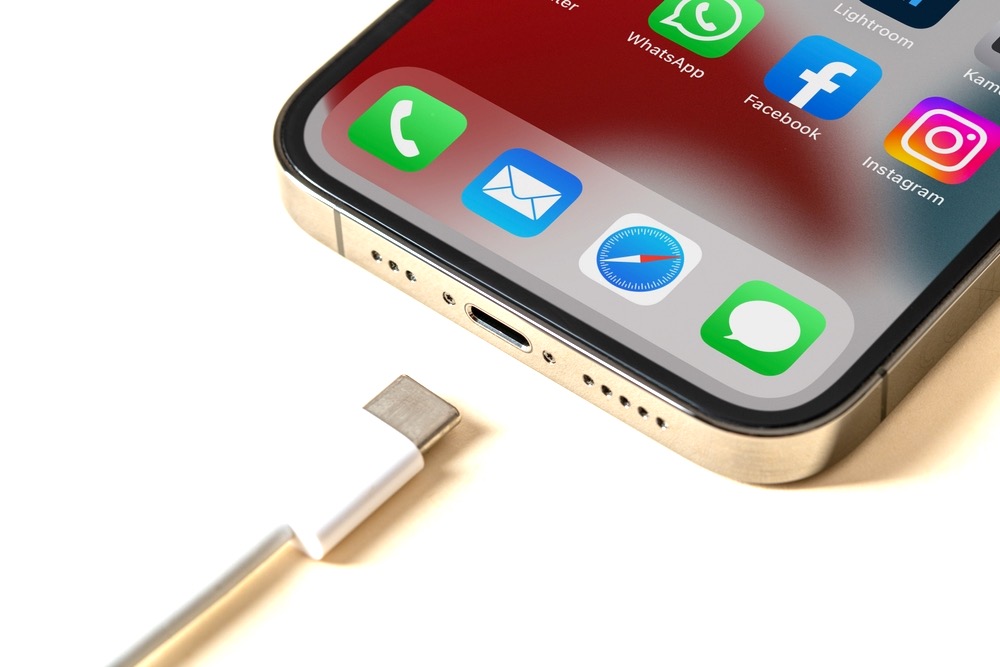
Every major version of iOS tightens privacy and security, but iOS 26 has a few additions worth calling out. The first is Wired Accessory permissions. If someone plugs something into your iPhone's port while the phone is locked, like at a public charging station, you get to decide whether your iPhone allows its connection or not. This is a surprisingly helpful safeguard for travelers and anyone using public power sources.
Also, the Passwords app gains history tracking. If you keep dozens or hundreds of login credentials, managing and migrating them becomes far easier without exposing sensitive information.
These features aren’t flashy, but they’re meaningful additions for anyone who cares about digital safety, especially in a world where scams are getting smarter.
Should You Update to iOS 26?
If you haven't tried iOS 26 because of the online hate it got before its release, it's time to give it a shot. Sure, Liquid Glass isn't for everyone, but you can still tone it down after you update your iPhone.
Overall, most people should update. You get a cleaner, more modern interface, smarter calling features that save time, improved Messages tools, better battery management, and stronger privacy protections. It’s one of the most impactful iOS updates in recent years.
You might want to wait if you’re extremely sensitive to UI changes like the new Liquid Glass look or if you rely on certain niche apps that haven’t been updated yet. But for the vast majority of iPhone users, iOS 26 is absolutely worth installing right now.