
8 Clever iPhone Apps to Help You Beat Doomscrolling
 Priscilla Du Preez
Doomscrolling is something we all love and hate to do. It’s super easy because it gives your brain something quick to do whenever you’re bored, tired, stressed, or waiting around. You open one app for a minute, check a few posts, refresh the feed, and suddenly you’ve lost 20 minutes without really enjoying any of it.
The problem is that doomscrolling rarely leaves you feeling better afterward. You might feel more distracted, more anxious, or just annoyed that you wasted time you could’ve spent doing something more useful.
The good news is that your iPhone can still be entertaining without pulling you into endless feeds. That doesn’t mean you always have to do something productive with your free time, but it still helps to replace passive scrolling with apps that help you read, learn, relax, move, create, organize, or build something small over time. Read on for 8 apps to help you break the endless scroll cycle.
Libby
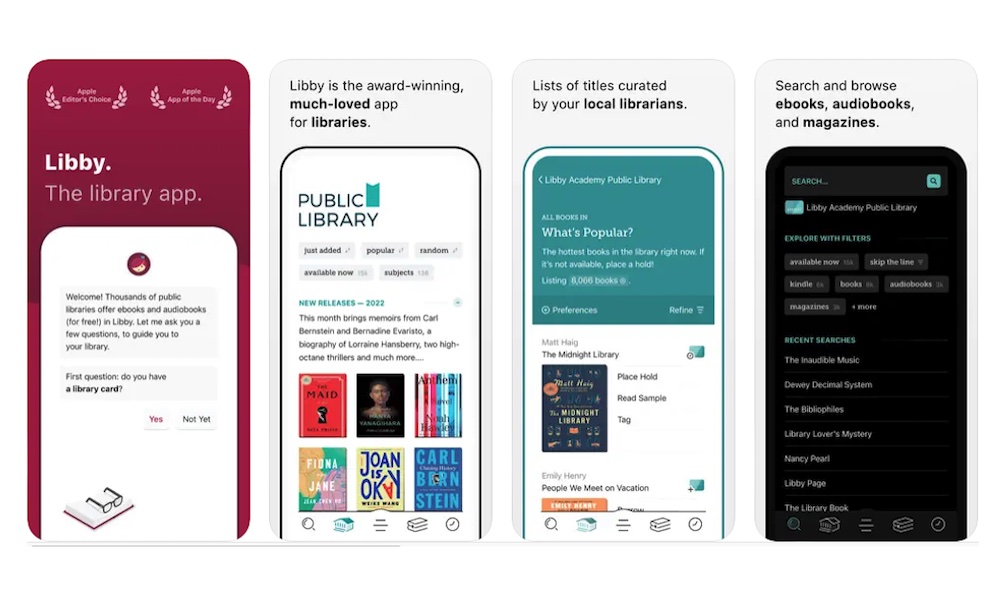
Libby is one of the best apps to make your spare time feel more productive and rewarding. With it, you can borrow ebooks, audiobooks, and magazines from your local library with nothing more than your library card, letting you read or listen without spending a cent.
This is a great replacement for your social media feeds because it still gives you something easy to open and consume when you’re bored. Instead of refreshing a feed, you can read a few pages of a novel, listen to an audiobook, or browse magazines from your library. It’s slower than scrolling, but in the best way possible. Plus, you might even learn something new, or discover novels and worlds you would never find on Instagram.
Libby also works well for people who don’t always have time to sit down with a physical book. You can read while waiting in line, listen to a book during a walk, or download some good titles before a big trip. Since it supports offline reading and listening, it’s also useful when you don’t want to rely on cellular data.
On the other hand, you need to keep in mind that this still works like a library — which means you’ll have to “return” your books after your loan period expires. Likewise, if a title you’re interested in is already borrowed, you’ll have to wait to get it.
Still, if doomscrolling has replaced reading in your life, Libby is one of the easiest ways to bring that back for free.
Instapaper
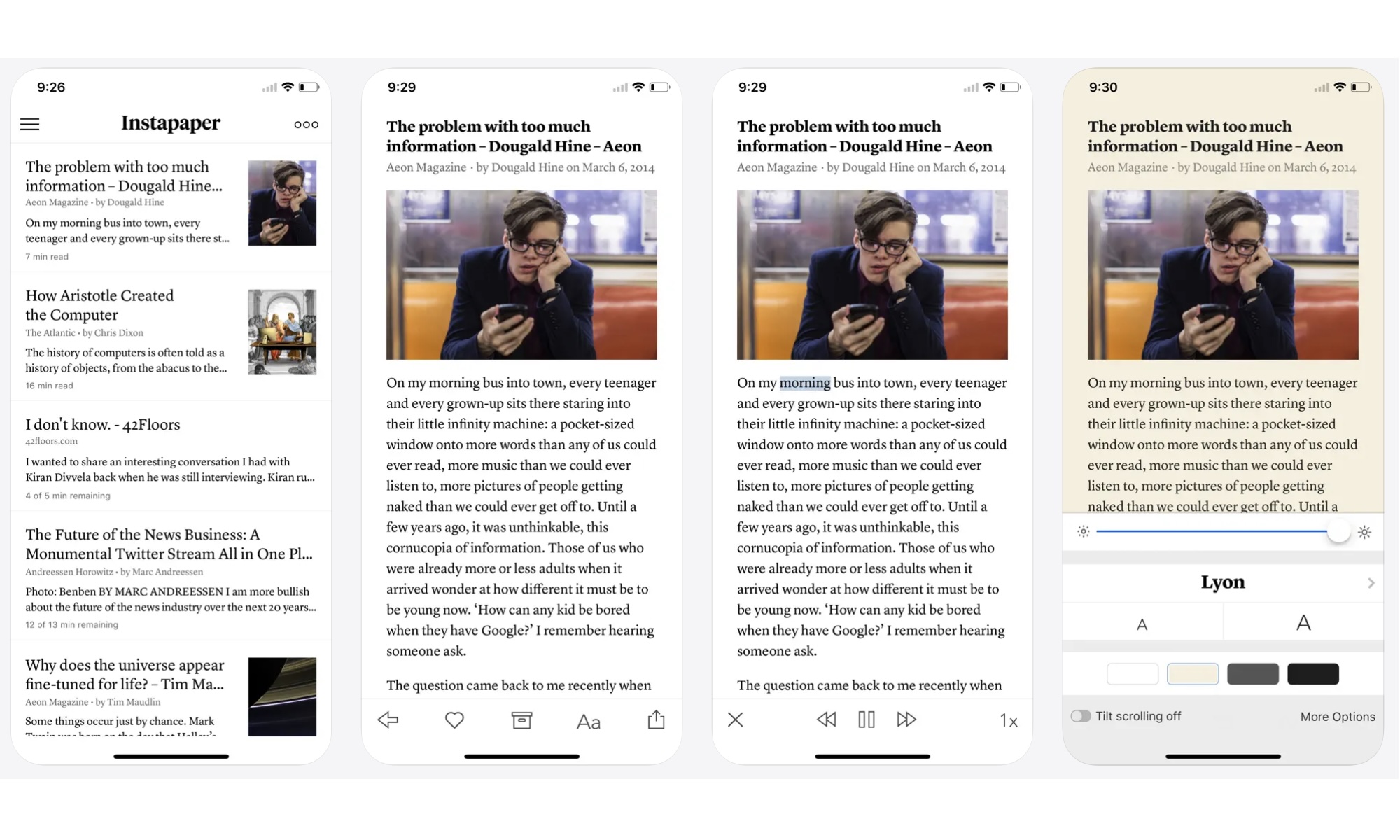
Instapaper is a read-it-later app that lets you save articles, guides, and webpages so you can read them when you actually have time. Now that Pocket has shut down, Instapaper remains one of the best alternatives for people looking for a clean place to save long-form reading that replaces social media apps.
This app gives you your own reading queue, which you can organize however you want. Instead of opening social media and letting an algorithm decide what you see, you can save things you genuinely want to read. That could be cool guides, personal essays, recipes, or articles related to your work or hobbies.
Instapaper also makes reading more comfortable by removing a lot of clutter. You get a cleaner reading view, text customization, folders, highlights, and even the ability to read offline, all of which make it much easier to focus on the article itself.
If you're often finding interesting things online that you never get around to reading, Instapaper gives you a better place to put them than a forgotten Safari tab.
Duolingo
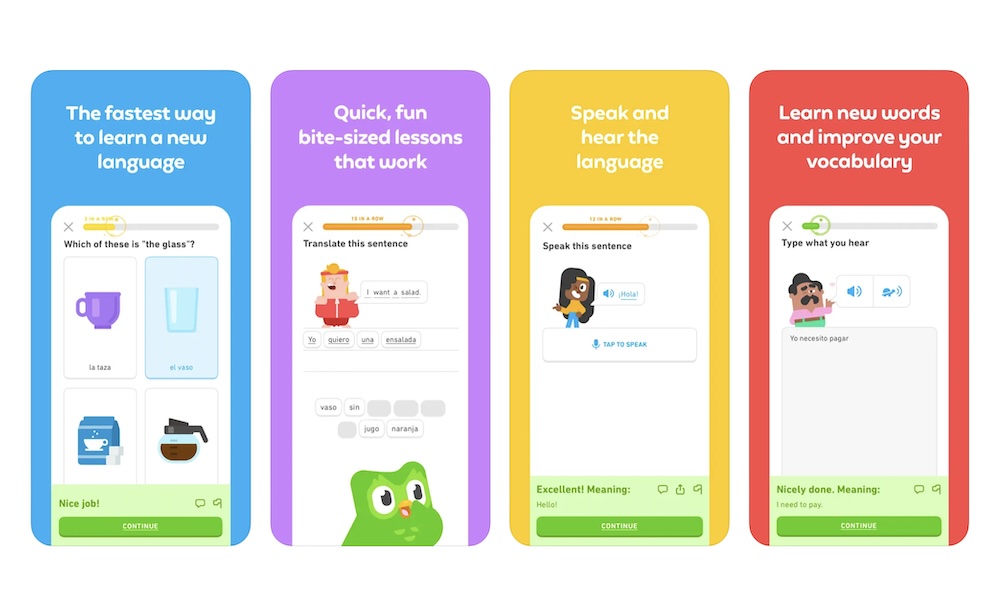
Duolingo is one of the most popular language-learning apps in the market, and for a good reason. This app gives you short lessons, streaks, goals, and quick practice sessions. All of these features let you continue learning a new language without feeling overwhelmed by all the things you need to cover. This makes it one of the easiest apps to use when you want something that feels as quick as social media but actually teaches you something.
The lessons are short enough to fit into the same moments when you’d normally doomscroll. Waiting for coffee? Do one lesson. Sitting in a waiting room? Practice vocabulary. Taking a quick break? Try to review and improve your weak points instead of refreshing Instagram.
And if you’re someone who gets distracted easily, Duolingo makes learning a new language similar to a game. There are leaderboards, so you can try to beat everyone else while also learning something new. Or, you can build progress a few minutes at a time, without worrying about other people or feeling intimidated by the big courses you can find online.
Khan Academy
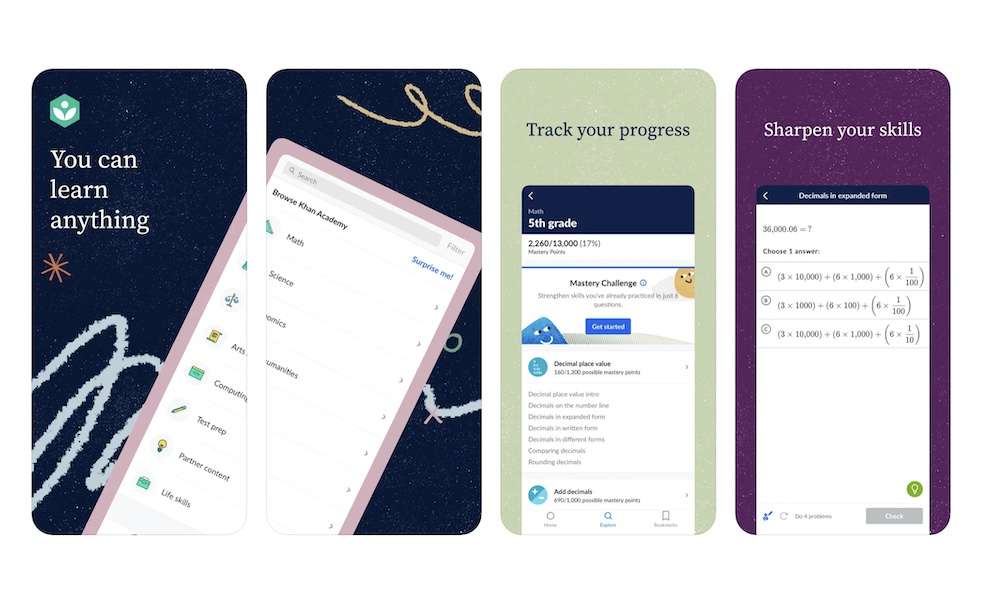
Khan Academy stands out among educational apps for one simple reason: it’s free. You can learn about math, science, history, economics, grammar, life skills, and more. You can become smarter and more productive without paying a cent, which is perfect for those of us looking for something more than entertainment.
You can brush up on math, learn about world history, understand basic finance, or explore topics you never studied properly in school. Khan Academy is also great because all lessons are organized into courses, and many include practice exercises and progress tracking. That gives your learning more structure than watching random YouTube videos.
If you usually doomscroll because you’re bored, Khan Academy gives your curiosity somewhere better to go. You can open the app for ten minutes and leave knowing something you didn’t know before.
Nibble
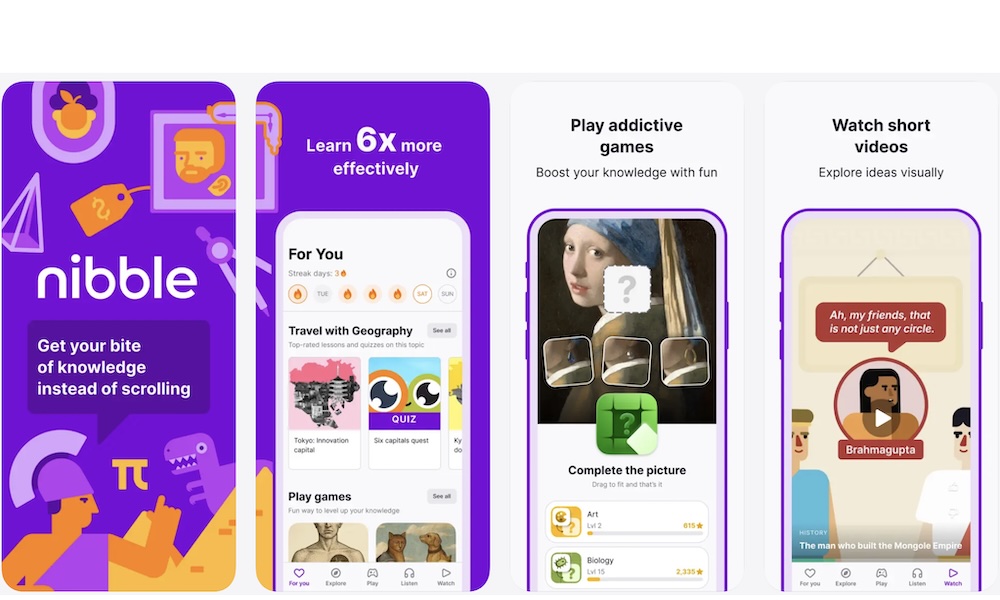
Nibble is a microlearning app built around short lessons in topics like AI, finance, history, art, personal development, and other subjects. The idea is simple: instead of scrolling through random content, you learn something small in a few minutes.
The lessons are short, interesting, and easy to finish. There’s no pressure for you to learn more than you want. You don’t need to commit to a full course every time you open the app, but you can pick it up whenever you feel like learning. Nibble also uses formats like quizzes, short explanations, interactive lessons, and repetition to help information stick. That makes it feel more active than just reading a random article.
If you like learning about many different topics, Nibble can cure boredom and help your curiosity. It’s a good app to open when you want something quick but don’t want to waste time in a feed.
Headspace
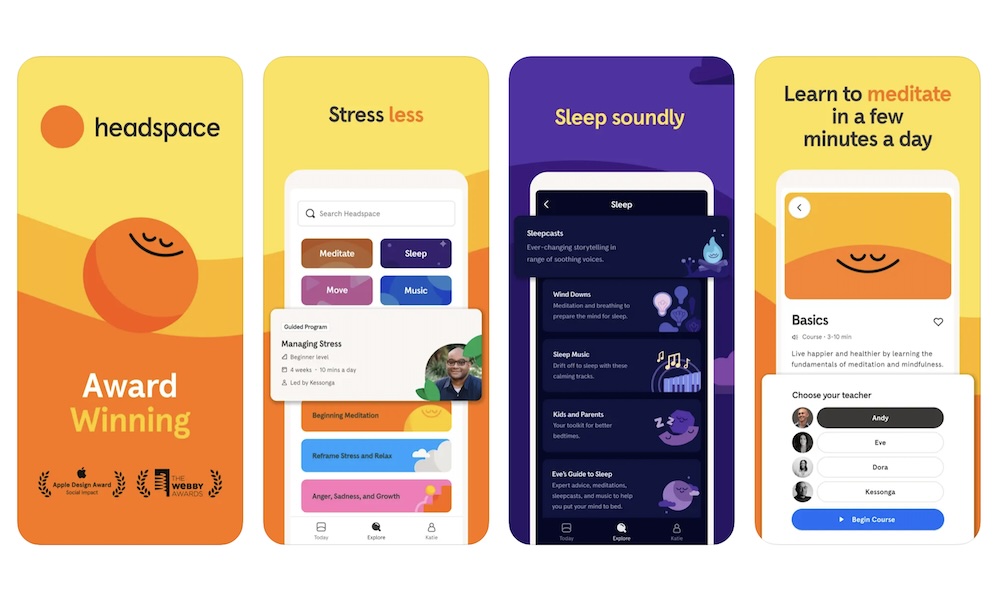
Headspace is a meditation, sleep, and mindfulness app that’s especially useful if you doomscroll when you’re stressed or don’t want to deal with reality for a few minutes. Instead of feeding your anxiety with more news, arguments, and endless updates, Headspace gives you something calmer to do that can actually help you feel better.
The app includes guided meditations, breathing exercises, sleep sounds, stress tools, and short sessions for beginners. You don’t need to be experienced with meditation to use it. Many sessions are only a few minutes long, but you’ll also find longer content in case you feel like you want more.
We all know the negative effects of doomscrolling, so Headspace gives you a healthier way to pause without getting pulled into more mental noise. So if you tend to scroll your feeds at night or during stressful moments, Headspace is one of the best alternatives to try.
Seven
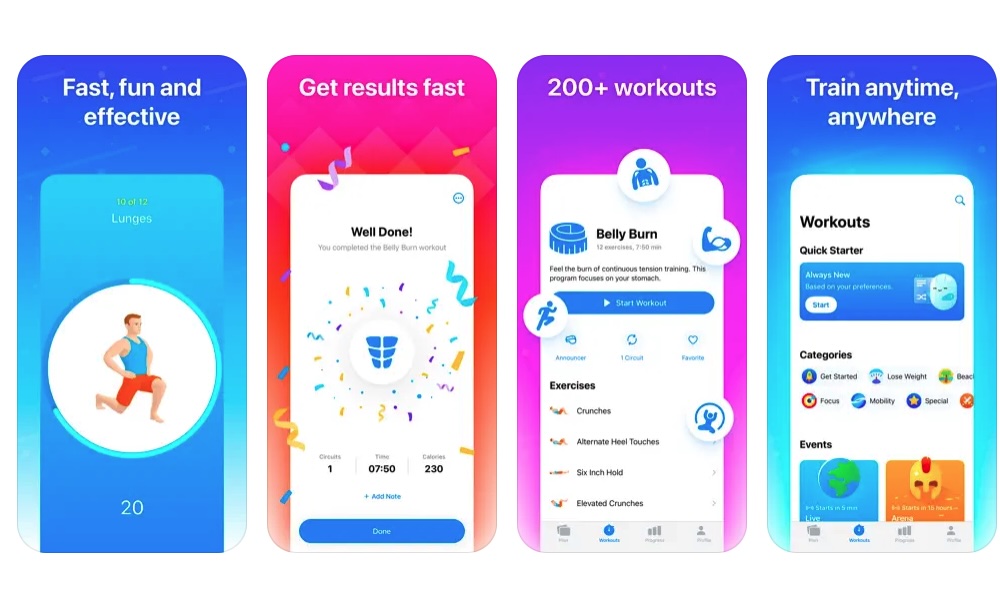
What Headspace does for your mind, Seven does for your body. This is a workout app built around quick seven-minute workouts. It’s perfect when you only have a few minutes and want to do something more helpful than scrolling TikTok.
The workouts don’t require equipment, which makes them easy to start at home, in a hotel room, or anywhere you have a little space. You can choose beginner-friendly routines, follow guided exercises, and build consistency over time. You’ll feel less bored and improve your health at the same time.
The best part about these short workouts is they make it way harder to make excuses. You don’t need to go to the gym or commit to a long workout. You can open the app, move for a few minutes, and feel better afterward.
ChatGPT
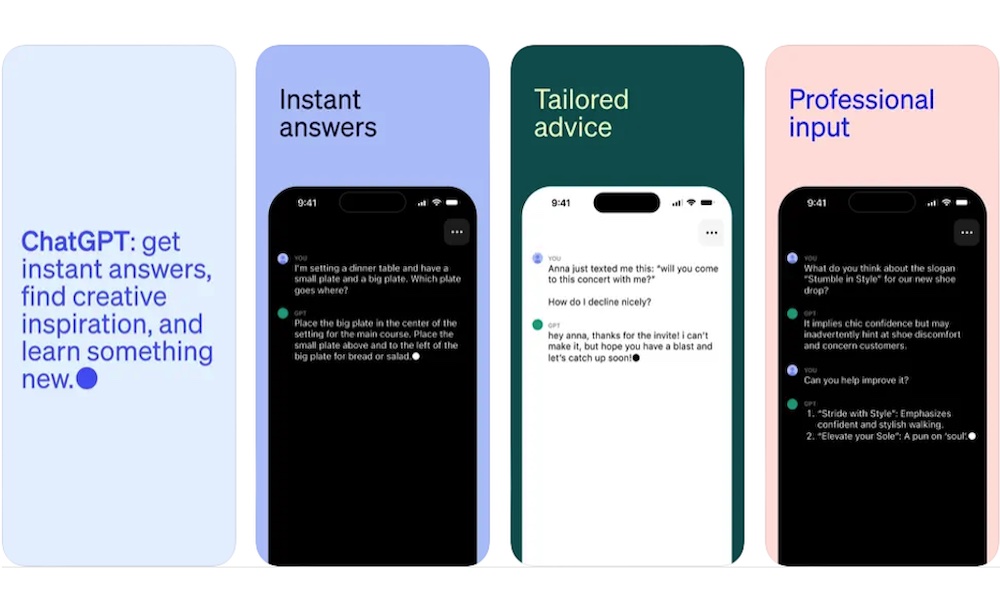
ChatGPT might sound like a weird app to include on this list, but it’s actually a strong alternative to doomscrolling because it turns your iPhone into a tool for active curiosity. Instead of scrolling through random posts, you can ask questions, brainstorm ideas, practice a skill, summarize information, or talk through something you’re trying to understand.
It’s really useful when you don’t know what you want to do, but you know you don’t want to waste time. You can ask it to teach you something, help you practice a language, create a workout plan, explain a confusing topic, generate article ideas, or help organize your thoughts.
The app also supports voice conversations and can analyze any image or screenshot you share, depending on your account. That makes it easy to use when you want to talk through a problem or show something from your camera or screenshots.
If you use ChatGPT intentionally, it can replace passive scrolling with something much more useful. You can ask anything, and you’ll get a good enough answer to make you want to ask more.
Entertainment Without the Endless Scroll
Replacing doomscrolling doesn’t mean turning every free moment into work; sometimes you just need something calmer, more interesting, or more useful to open when your brain wants a break.
The apps on this list will give you something to kill the time with, while also making you feel like you’re actually doing something better than just checking new dance trends online.
All of these apps are free to download, making it incredibly easy to swap out your social feeds and see which ones fit seamlessly into your daily routine. Once you stop doomscrolling for good, you might even notice some changes and benefits to your overall health.