
Better Home Screen Customization That Doesn’t Randomly Ruin Your Layout
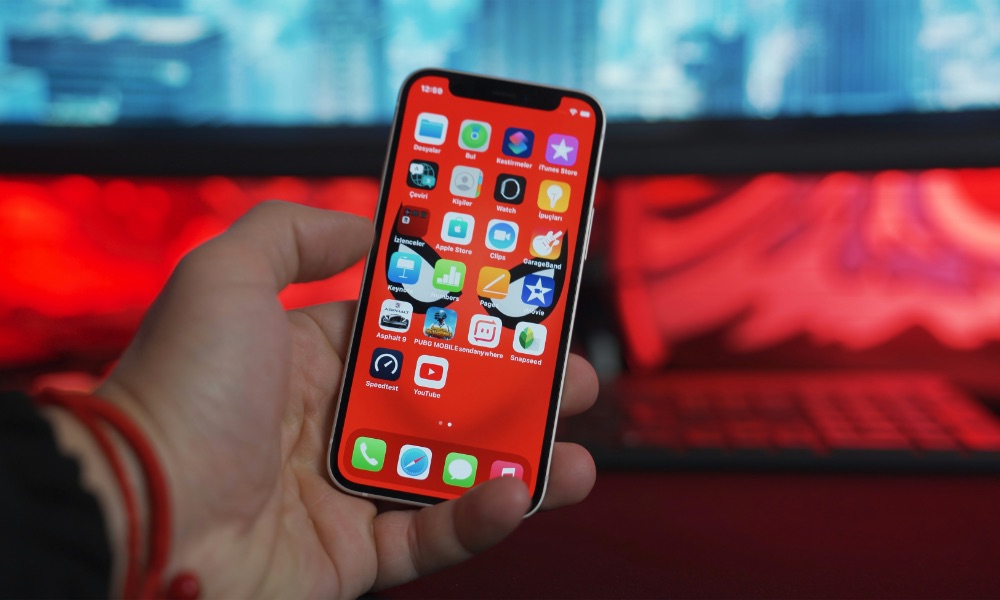
Apple has improved the Home Screen enormously in recent software updates. For instance, you can finally leave empty spaces between app icons and widgets, or you can delete everything on your Home Screen and have a clean, minimalist layout.
Unfortunately, actually arranging everything can still be incredibly frustrating. Customizing your Home Screen still has a lot of challenges, like when you try to add an app to a specific folder, but iOS keeps moving that folder around because it thinks you just want to change the layout.
Or how you can spend a long time getting your widgets and icons exactly where you want them. Then you move one app or delete a widget you don’t really need, and suddenly all your icons start jumping to different rows. And if you don’t know exactly where everything was, you’ll have to start from scratch.
Android doesn’t really have that problem, and it even offers many other customization features that really make your iPhone feel more personal. There are many things Apple could add to the Home Screen, and even the Lock Screen, so let’s hope the company is working on it as we speak, so we’ll see it in iOS 28.