
Using Weak Or Reused Passwords (And No Password Manager)
If you reuse passwords, you’re not just taking a small risk; you’re multiplying the risk across multiple platforms. One leak turns into several compromised accounts, and then you’re stuck changing passwords everywhere while hoping nothing important gets hit.
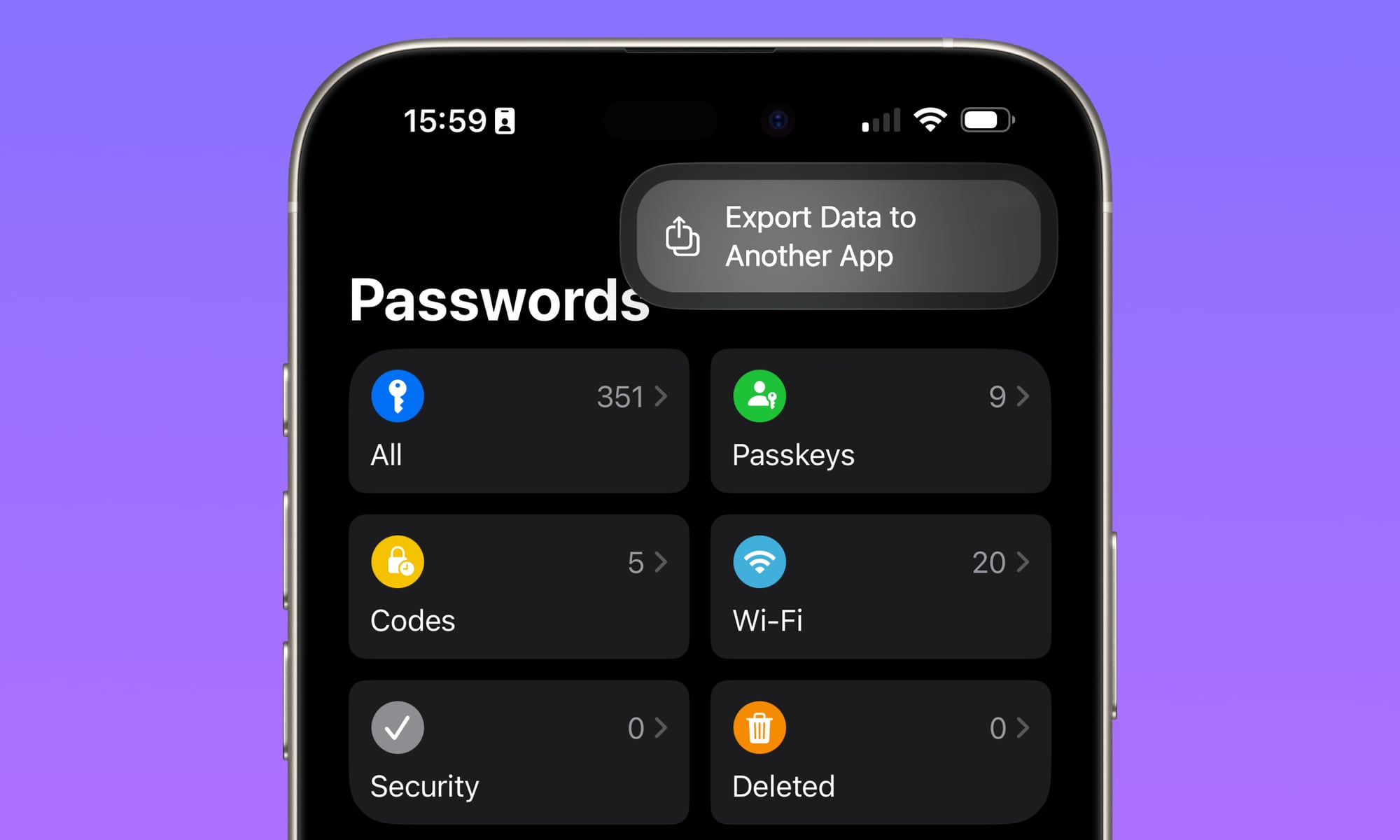
The easiest way to fix this is to stop relying on memory. Your iPhone already has a password manager called Apple Passwords that lets you store all of your passwords in one place.
This app also lets you generate strong passwords, store them, and autofill them automatically. Once it’s set up, secure sign-ins become the quicker option, which is exactly how it should be.
If you use passkeys when available, even better. They’re designed to be more resistant to phishing scams than traditional passwords. While you’re at it, also be sure to turn on Stolen Device Protection, as this will ensure that only Face ID or Touch ID can be used open Apple Passwords.
Quick Win: Open the Passwords app and tap Security. Your iPhone will give you a “priority list” of passwords that have been leaked in data breaches or are too easy to guess. Fix the top one today.