
Amazon Kindle
Kindle is one of the best offline reading apps because books don’t require much battery or storage compared to videos and games. Once you download a book to your iPhone, you can read it anywhere, whether you’re on a plane, camping, waiting during a blackout, or stuck somewhere without service.
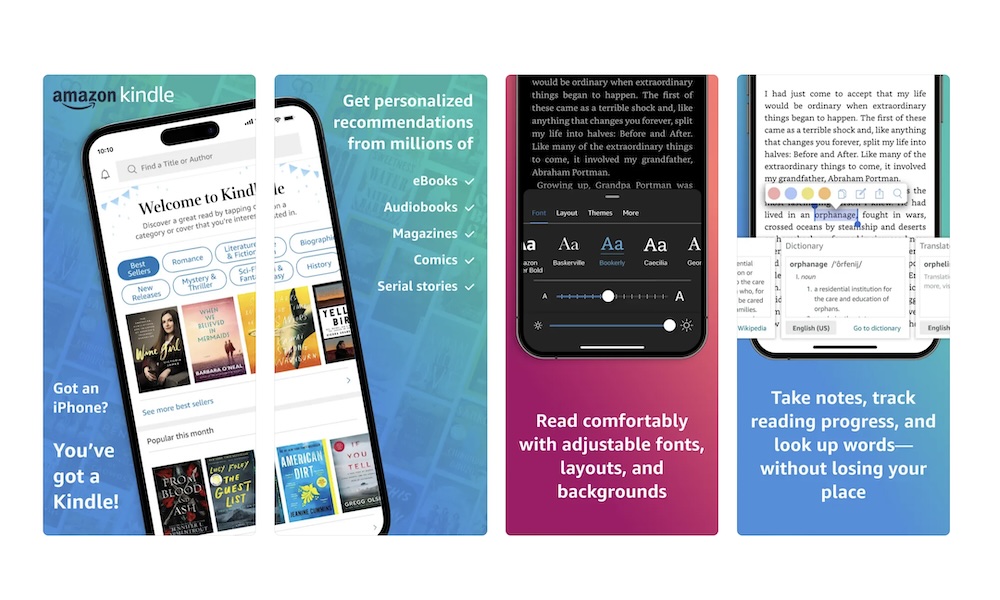
The Kindle app also gives you a comfortable reading experience. You can adjust the font size, line spacing, background color, brightness, and theme. If your eyes get tired, increasing the text size can make reading on your iPhone much more comfortable.
Another advantage is Amazon’s huge ebook library. If you already buy Kindle books, the iPhone app lets you access your library without a separate Kindle device. Your reading progress will sync later once your internet connection is back.
Before going offline, open the Kindle app and tap each book you want to download. Don’t assume every book in your library is stored locally just because it appears in the app.