
Google Maps
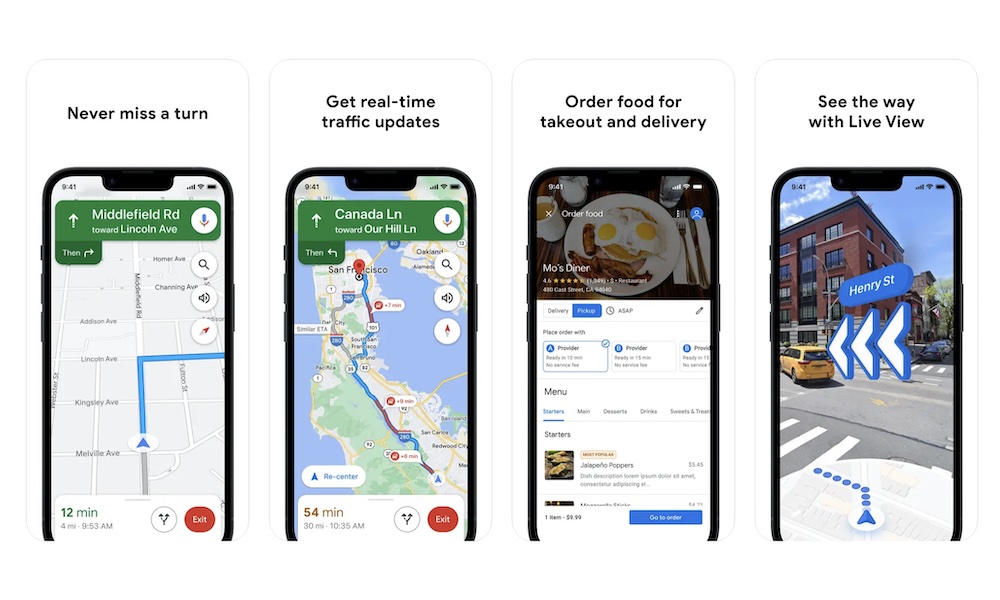
Google Maps is an excellent offline navigation app, and many people still prefer it over alternatives like Apple Maps because of its business listings, reviews, and location data. If you’re traveling somewhere unfamiliar, downloading a specific area in Google Maps before leaving can save you a lot of stress later.
Offline, Google Maps can still help with driving directions, saved places, businesses, landmarks, and general navigation within the area you downloaded. It’s especially useful in regions where Google Maps has better coverage than Apple Maps, or when you want access to restaurant names, ratings, and business details while offline.
The main limitation is that offline maps won’t give you everything. You won’t get live traffic updates or transit information in the same way you would online. Still, for basic driving and basic local orientation, it’s one of the best tools you can have.
To download a map, open Google Maps, tap your profile picture, choose Offline Maps, and select the area you want to save. It’s a good idea to update offline maps before a trip since downloaded areas can expire over time.