
8 Apps to Save Your iPhone From No-Service Boredom

Losing internet access is one of those things you don’t think about until it actually happens. Maybe your Wi-Fi goes down during a storm, your cellular signal disappears on a road trip, or you’re stuck on a long flight with nothing downloaded. Whatever the reason, your iPhone can still be extremely useful without a connection, but only if you’ve prepared the right apps ahead of time.
A lot of apps can technically work offline, but they won’t magically work without internet unless you download the right content first. That could mean saving maps, playlists, movies, books, articles, PDFs, notes, or emergency information before you actually need them.
The good news is that you don’t need to fill your iPhone with dozens of apps. A few good offline tools can cover everything you need from entertainment to emergencies. Read on for 8 of the best offline apps to keep ready for the next time your internet disappears.
Google Maps
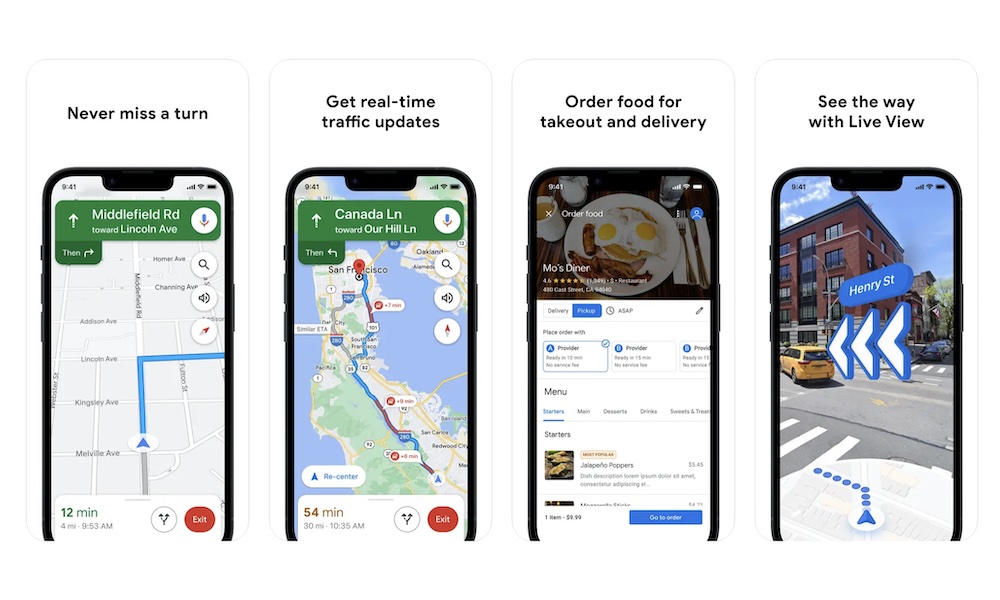
Google Maps is an excellent offline navigation app, and many people still prefer it over alternatives like Apple Maps because of its business listings, reviews, and location data. If you’re traveling somewhere unfamiliar, downloading a specific area in Google Maps before leaving can save you a lot of stress later.
Offline, Google Maps can still help with driving directions, saved places, businesses, landmarks, and general navigation within the area you downloaded. It’s especially useful in regions where Google Maps has better coverage than Apple Maps, or when you want access to restaurant names, ratings, and business details while offline.
The main limitation is that offline maps won’t give you everything. You won’t get live traffic updates or transit information in the same way you would online. Still, for basic driving and basic local orientation, it’s one of the best tools you can have.
To download a map, open Google Maps, tap your profile picture, choose Offline Maps, and select the area you want to save. It’s a good idea to update offline maps before a trip since downloaded areas can expire over time.
Spotify: Music & Podcasts
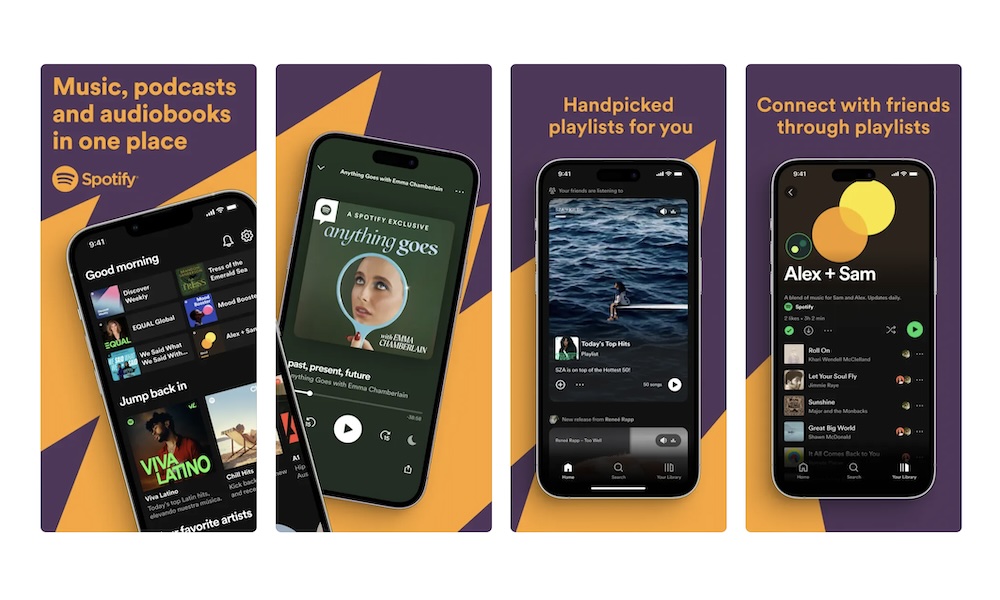
Spotify is one of the best offline entertainment apps if you have a Premium subscription. It lets you download albums, playlists, and other audio content directly to your iPhone, so you can keep listening even when your connection drops.
This is perfect for flights, commutes, power outages, road trips, and areas with weak reception. Music also uses less battery than video, which makes it a better choice when you need your iPhone to last longer. A few downloaded playlists can make a long wait or outage much easier to handle.
Spotify also supports downloaded podcasts, which can be even more useful during offline time. You can save interviews, news shows, language lessons, comedy podcasts, or educational episodes before traveling.
Just remember that Spotify requires you to go online occasionally to keep downloads active. Before a long trip, open the app while connected and make sure everything you want is actually downloaded.
Netflix
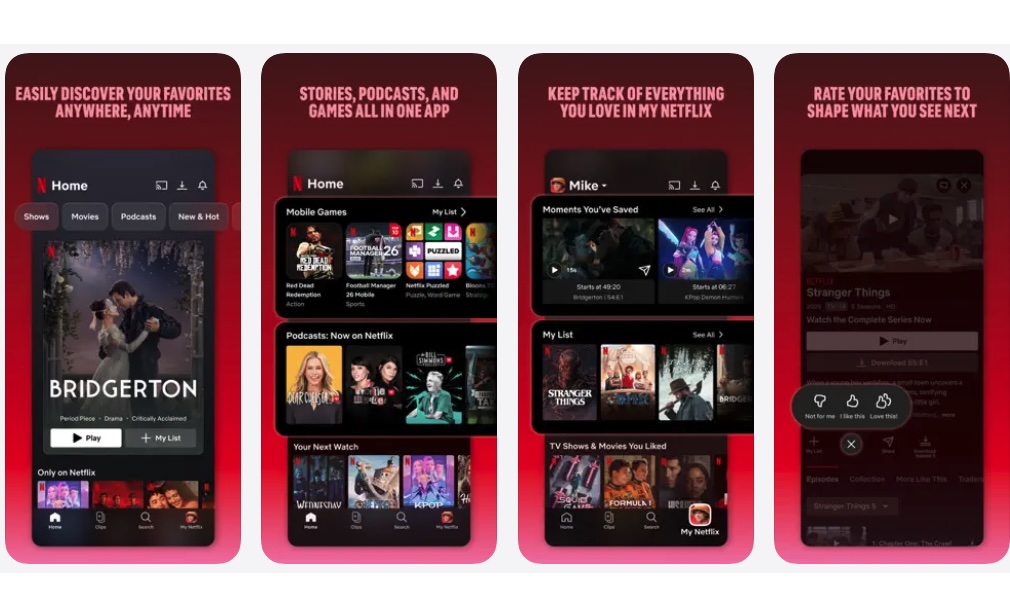
Netflix is a great app to prepare for before flights, staying at a hotel, long road trips, or internet outages. It lets you download many movies and TV episodes directly to your iPhone or iPad, so you can watch without streaming.
Offline Netflix downloads are especially useful when the internet speed is unreliable. Instead of dealing with buffering or weak hotel Wi-Fi, you can download a few episodes or movies ahead of time and watch smoothly later. You can also adjust video quality to save storage if your iPhone is running low on space.
Netflix now also includes a Downloads for You feature that can automatically download new shows and movies it thinks you might like, plus Download Next Episode, which automatically deletes a finished episode and downloads the next one the next time you connect to Wi-Fi. That’s helpful if you’re watching a series and don’t want to manage every episode manually.
One thing to remember is that downloads don’t last forever. Some titles expire after a certain period, and not every movie or show is available for download. Moreover, once you download a movie or show, Netflix might not let you download it again for some time. Always check your Downloads section before you leave home.
YouTube (Premium)
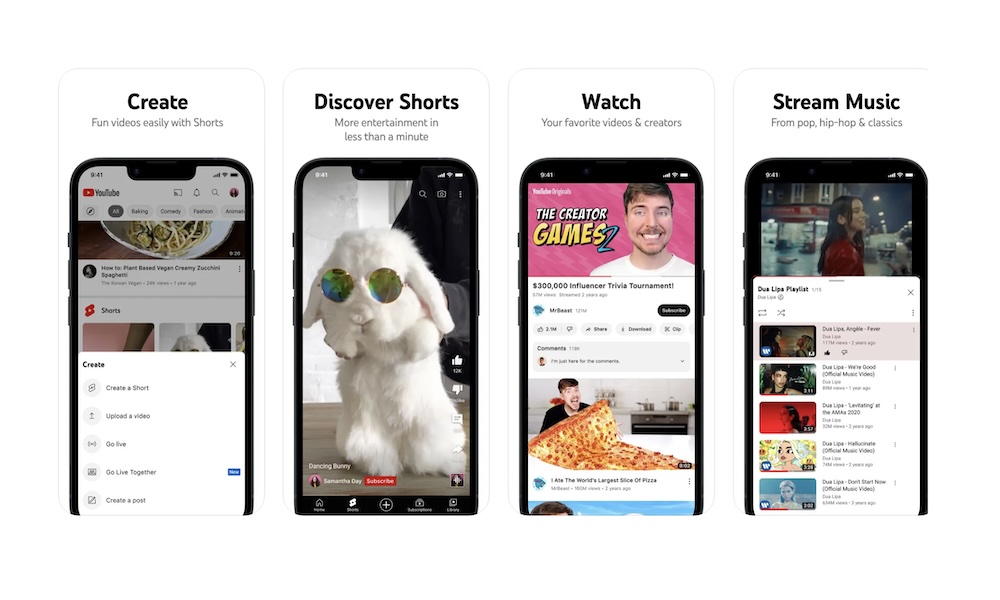
YouTube Premium is one of the most useful offline apps if you regularly watch tutorials, reviews, recipes, travel videos, or anything on YouTube. With Premium, you can download videos in the YouTube app and watch them later without an internet connection.
This is great for more than just entertainment. Before a trip, you can download travel guides, language videos, workout routines, cooking tutorials, repair guides, or educational content. If your internet goes out, having practical videos already saved can be surprisingly helpful.
YouTube Premium also supports background playback, which means you can listen to downloaded videos like audio while your screen is off. That’s useful for podcasts, lectures, interviews, and long-form videos. Not to mention that you won’t have to sit through ads when you’re back online, which is always a plus.
Smart Downloads can also save recommended videos automatically, though you’ll want to control this if your iPhone storage is limited.
Amazon Kindle
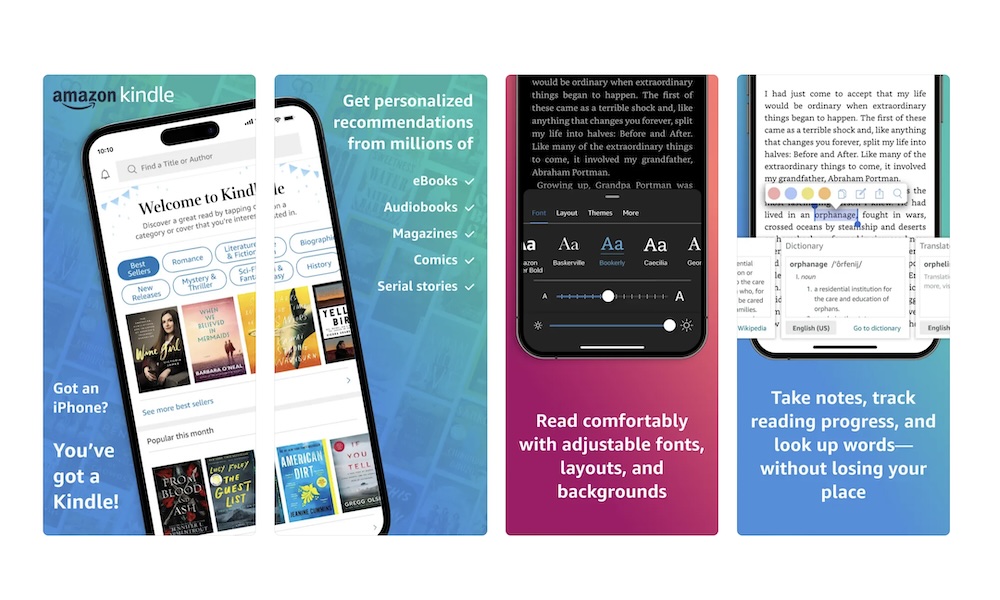
Kindle is one of the best offline reading apps because books don’t require much battery or storage compared to videos and games. Once you download a book to your iPhone, you can read it anywhere, whether you’re on a plane, camping, waiting during a blackout, or stuck somewhere without service.
The Kindle app also gives you a comfortable reading experience. You can adjust the font size, line spacing, background color, brightness, and theme. If your eyes get tired, increasing the text size can make reading on your iPhone much more comfortable.
Another advantage is Amazon’s huge ebook library. If you already buy Kindle books, the iPhone app lets you access your library without a separate Kindle device. Your reading progress will sync later once your internet connection is back.
Before going offline, open the Kindle app and tap each book you want to download. Don’t assume every book in your library is stored locally just because it appears in the app.
Duolingo: Language Lessons
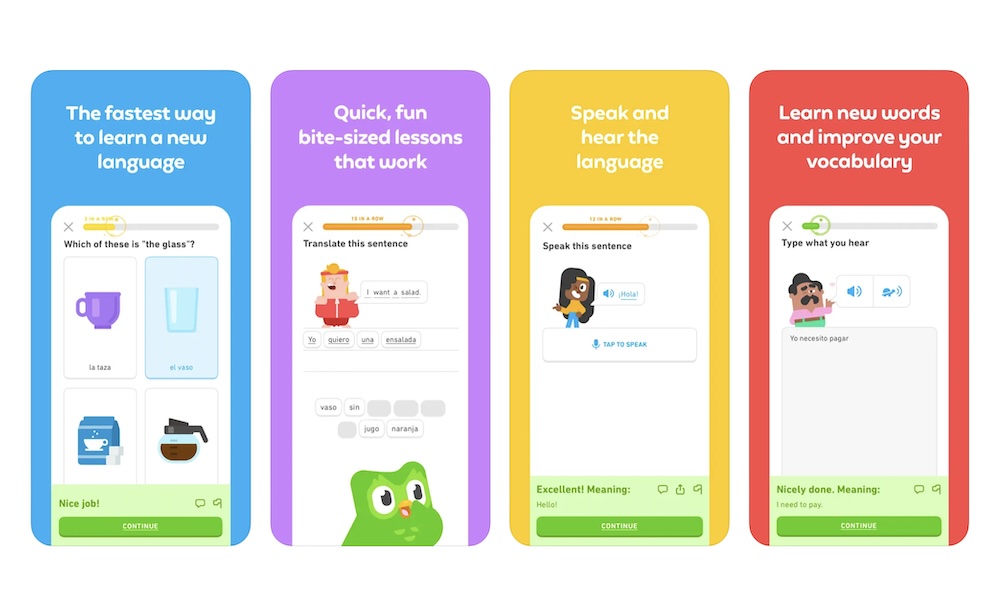
Duolingo is a productive way to pass the time when you don’t have an internet connection, especially before or during a trip. The app is known for short, game-like lessons in many languages, including Spanish, French, Japanese, Korean, Italian, German, and more.
Offline support has changed over time and can depend on your plan, course, and app version, so it’s worth checking before you rely on it for a long flight. Some paid users may have access to offline lessons, but you shouldn’t assume your entire course will be available without internet. At best, some of your upcoming lessons will be available, which is more than enough to keep you occupied during a morning commute or a waiting room delay.
Even with that “downside,” Duolingo is worth keeping on your iPhone if you’re learning a language. A few short lessons can make downtime feel more useful than endlessly refreshing apps that won’t load.
Before going offline, open Duolingo while connected and check whether your next lessons are available.
Baba Is You
Entertainment goes beyond video and music streaming; you can also stock your iPhone with incredible games that don't need a cellular signal. Not everything works without an internet connection nowadays, but that’s when Baba Is You comes in.
Baba Is You is one of the smartest puzzle games you can play on your iPhone, and it’s perfect for offline gaming. Instead of simply solving puzzles normally, the game lets you change the rules of the level itself by moving words around.
For example, a stage might start with the rule “Wall Is Stop,” which prevents you from walking through walls. But if you move the word “Stop” out of the sentence, the walls stop blocking you entirely. You can also create completely new rules like “Flag Is Win” or “Rock Is You,” which change how the entire puzzle works.
That mechanic is what makes Baba Is You feel so different from almost every other puzzle game. You’re not just solving the puzzle with a specific set of rules; you’re rewriting the rules themselves. Some solutions feel obvious once you see them, while others completely break the way you thought the level was supposed to work.
The game also works extremely well offline since everything is stored locally. There are no ads, timers, online requirements, or live-service systems getting in the way. You can play during flights, outages, road trips, or anywhere else without internet access.
One important thing to know is that Baba Is You gets very difficult basically from the get-go. Some puzzles can leave you staring at the screen for a long time before the solution finally clicks. But if you enjoy puzzle games that reward creativity and experimentation, it’s one of the most unique offline games available on the App Store.
Survival App Offline Guidebook
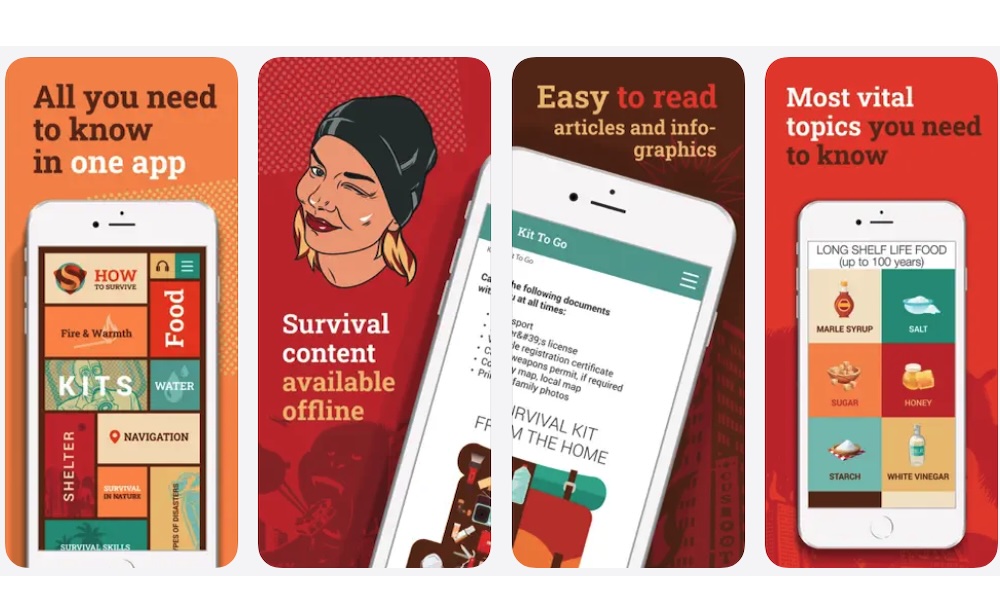
A survival guide app may not be as fun as Netflix or Spotify, but it can be much more useful during a real emergency. Survival App Offline Guidebook is designed to keep important emergency and useful information available without internet.
Apps like this can include guidance on conflicts, shelter, navigation, water, weather, safety, and general emergency preparation. You may never need most of it, but if cell networks fail or power is out for a long time, having an offline reference can be reassuring.
Of course, this app won’t replace emergency supplies, medical help, or local alerts, but it can give you something to reference when the internet isn’t available.
If you live somewhere with storms, earthquakes, hurricanes, or frequent outages, keeping an offline survival guide on your iPhone is a smart move. It takes up little space and gives your device a more practical role during emergencies.
Your iPhone Is Only Useful Offline if You Prepare First
Your iPhone can still do a lot when the internet goes out, but most offline features need to be prepared ahead of time. You’ll need to have everything from maps to playlists fully downloaded ahead of time to keep your essentials handy when the network drops.
A few minutes of preparation can make a huge difference later. The next time your Wi-Fi stops working, your flight has no internet, or your signal disappears on the road, your iPhone won’t feel useless. It’ll still have directions, books, music, and emergency information ready when you need them.