
Google Calendar
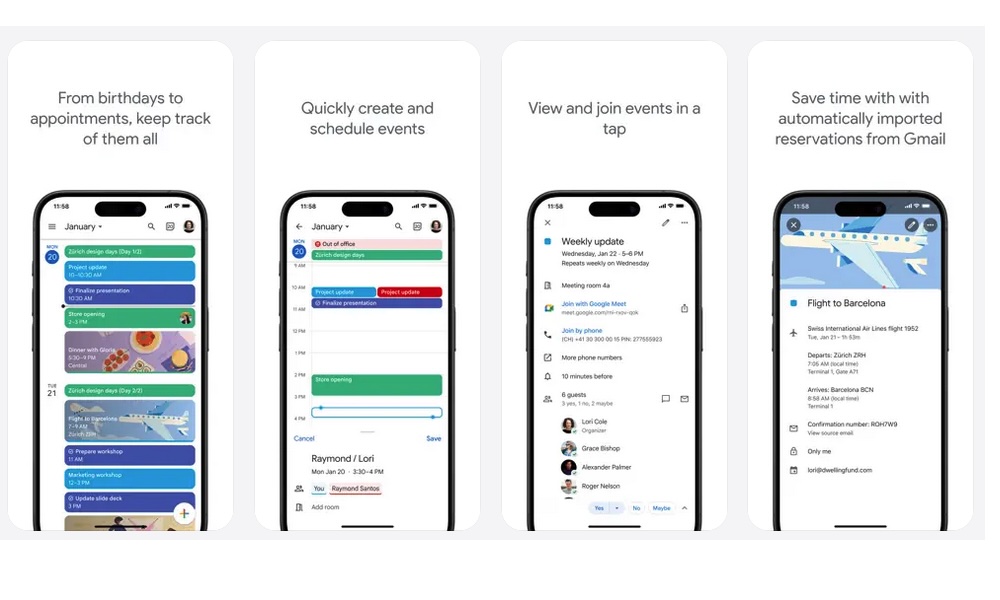
Google Calendar remains one of the easiest calendar apps to recommend if you care about staying in sync across multiple platforms. On iPhone, it works well as a planning app on its own, but its bigger strength is how well it follows you between devices. If you use your phone on the go, then switch to a laptop or browser later, Google Calendar will stay up to date with whatever you throw at it.
It also helps that Google Calendar does a good job of automatically adding events from Gmail, and offers widgets, tasks, and multiple calendar views. That way, if you get an invitation for a remote meeting in your inbox, Gmail will ask if you want to automatically add it to your calendar. You can accept with a single click, and the complete event will be added to your calendar without any hassle.
For people who already use Gmail heavily or coordinate across work and personal accounts, it can feel a little more connected and practical than using a separate calendar app.