
5 Free iPhone Apps That Actually Protect Your Privacy and Personal Data
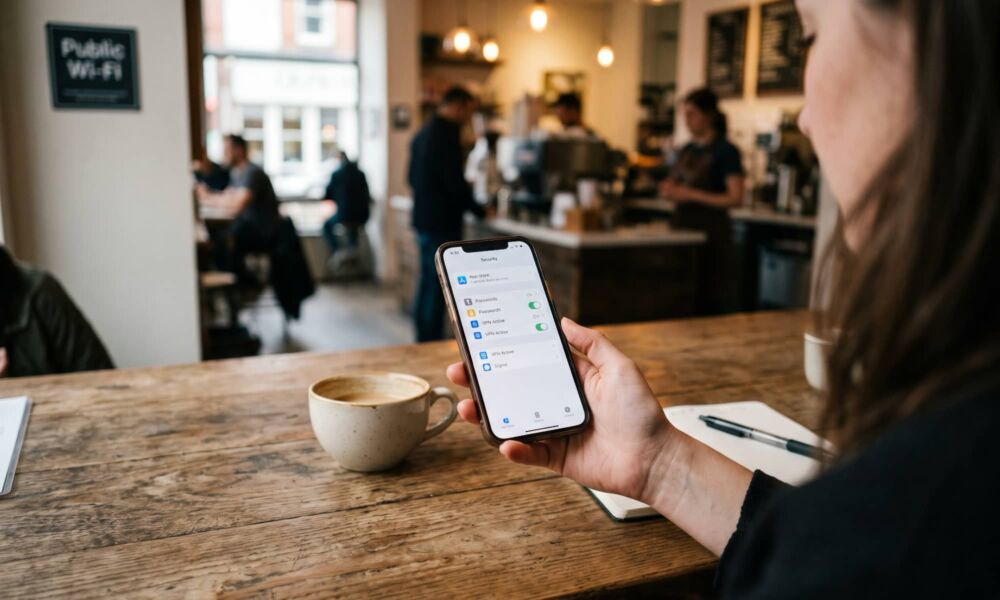
Security should be one of our top priorities these days. Not only are scammers out to get us online, but even big companies want as much of our data as they can. Sure, your iPhone already comes with several security features meant to protect you. But there are still many ways you can be a target.
From phishing scams to stolen passwords, plenty of things can put your personal information at risk. And with so much of our lives happening online, keeping our accounts secure has become more important than ever.
With that said, there are ways to stay safe. While none of us can be completely protected, there are apps that can help you keep your data safe. From private conversations to hard-to-crack passwords, read on for 5 apps to help you get started.
Apple Passwords
One of the easiest ways to protect your online accounts is to stop reusing the same password everywhere. Unfortunately, remembering a different password for every website can become next to impossible, especially if you have dozens of accounts.
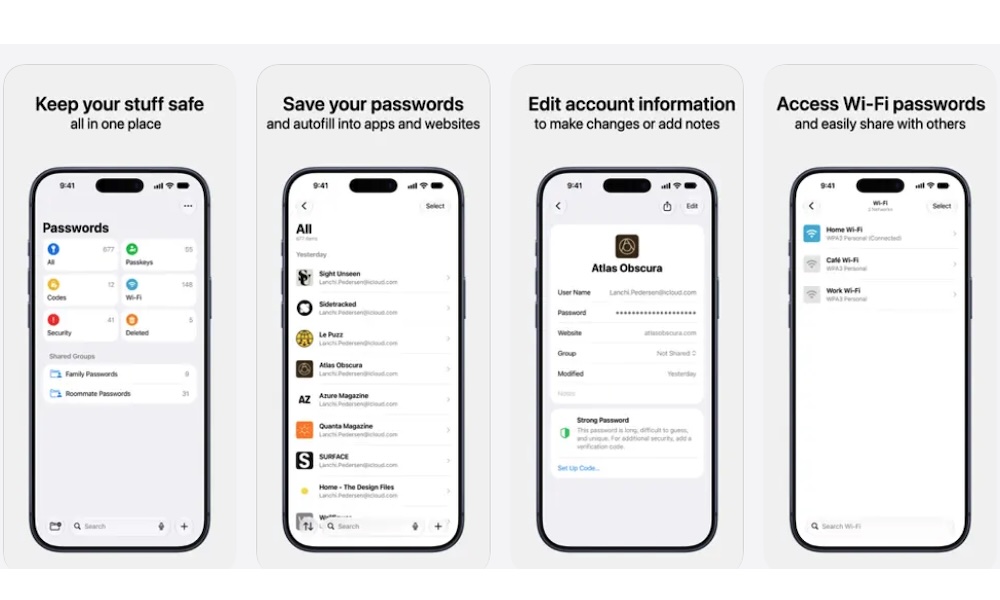
That’s where Apple’s Passwords app comes in. It’s a built-in password manager that lets you securely store your login credentials and access them whenever you need them.
Instead of creating passwords yourself, you can let your iPhone generate strong ones for supported websites and apps. These passwords are saved automatically, so you won’t have to memorize them every time you want to sign in.
Another useful feature is the app’s Security section. It can identify passwords that have appeared in known data leaks, as well as credentials that are weak or reused across multiple accounts.
So if you see a weak password, you can go and change it yourself. Or, if the platform supports it and you're using an Apple Intelligence-capable iPhone, you'll soon be able to ask the Passwords app to do it for you. While it's not available just yet, iOS 27 is slated to offer a feature where Passwords can literally go into your account and change the password to something no one will know (not even you — although you can always check the password in the app later).
Firefox Focus
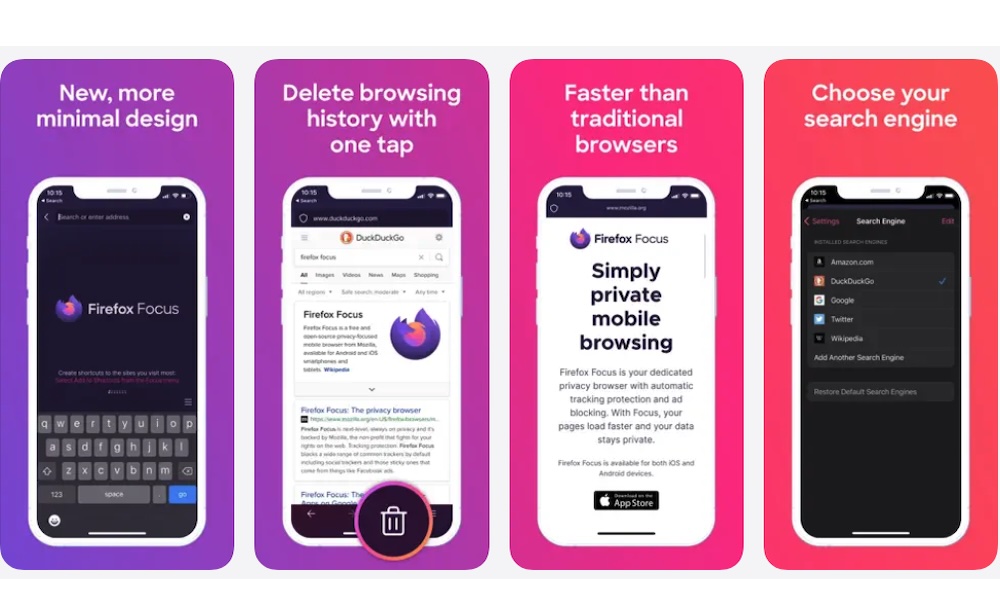
If you want a browser designed specifically for quick and private browsing, Firefox Focus is one of the best you can download.
Unlike traditional browsers that emphasize managing numerous tabs and keeping a detailed browsing history, Firefox Focus is designed to make temporary browsing sessions easier to manage.
That means that this app won’t become your main browser. You can keep Safari as your main app and use Firefox Focus when you don’t want a website mixed with your regular browsing activity.
The browser also blocks advertising and analytics trackers, helping reduce the amount of information some third parties collect while you browse. It also includes a pretty easy way to erase your browsing history and related local information with a single tap.
Of course, the app isn’t perfect, and it doesn’t protect from every type of online tracking out there. Still, its simple interface makes it a useful companion to your regular browser, especially when you want to open unfamiliar websites without keeping a long local browsing history.
Proton VPN
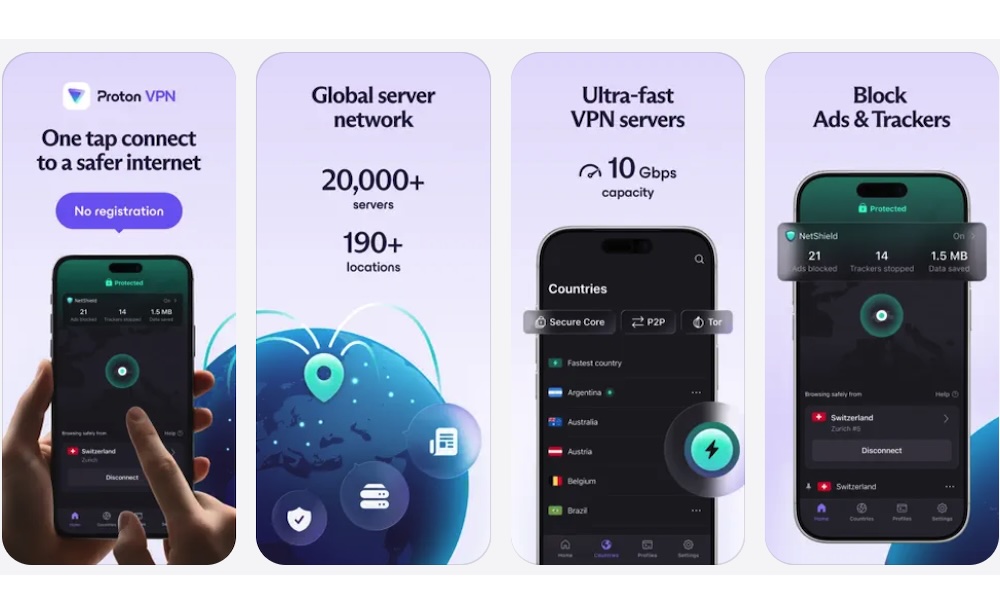
If you regularly connect your iPhone or Mac to public Wi-Fi networks, you need to consider using a VPN. A virtual private network encrypts the connection between your device and the VPN provider’s server. This can help prevent the network operator or a cybercriminal from seeing certain details about your internet activity.
There are many options in the App Store, but Proton VPN is one of the more appealing options because it offers a free plan without a monthly data allowance.
For example, imagine you’re working from a coffee shop and need to connect to its public Wi-Fi network. Using Proton VPN can add another layer of protection to the traffic traveling through that network.
A VPN can also hide your public IP address from the websites you visit, although those websites may still recognize you through your account or other tracking methods. But another layer of anonymity has never hurt nobody.
Of course, that doesn’t mean you won’t be a target for cyberattacks anymore. Using Proton VPN (or any VPN, for that matter) won’t automatically protect you from phishing scams or malicious downloads. It also won’t make you completely anonymous, especially if you’re signed in to websites that already know who you are.
Still, if you want additional privacy when browsing online, Proton VPN’s free plan is worth trying.
Signal
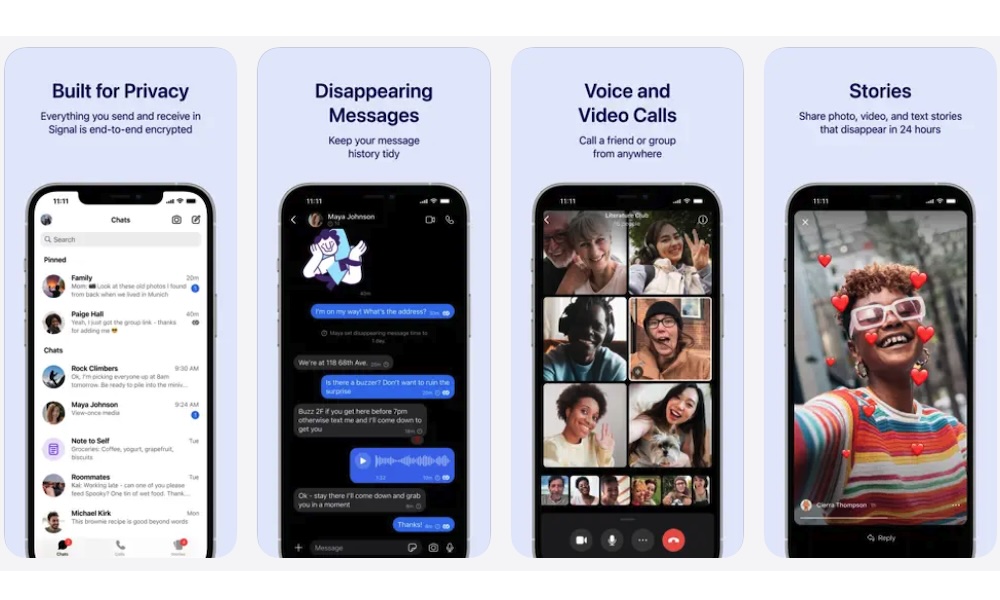
Most of us use messaging apps every day, but not every communication service offers the same level of privacy.
For instance, WhatsApp is great, but it’s not the most private app out there — especially given how parent company Meta handles user metadata. A strong alternative is Signal, a free messaging app designed to protect your conversations with end-to-end encryption.
This means that messages and calls are encrypted so that only you and the intended recipients can access the conversation.
For example, if you’re discussing sensitive information with someone, Signal provides a much more private alternative to traditional SMS messaging.
Signal also offers phone number privacy controls. Depending on your settings, you can use a username to connect with people without immediately revealing your number.
Of course, the downside is that both you and the other person need to use Signal to benefit from its encrypted messaging features. Most people prefer iMessage or WhatsApp, so it might be harder to tell them to use yet another messaging app. That said, if you want to keep your conversations private, or you’re a public figure who might be a target, Signal is a great, private choice.
DuckDuckGo
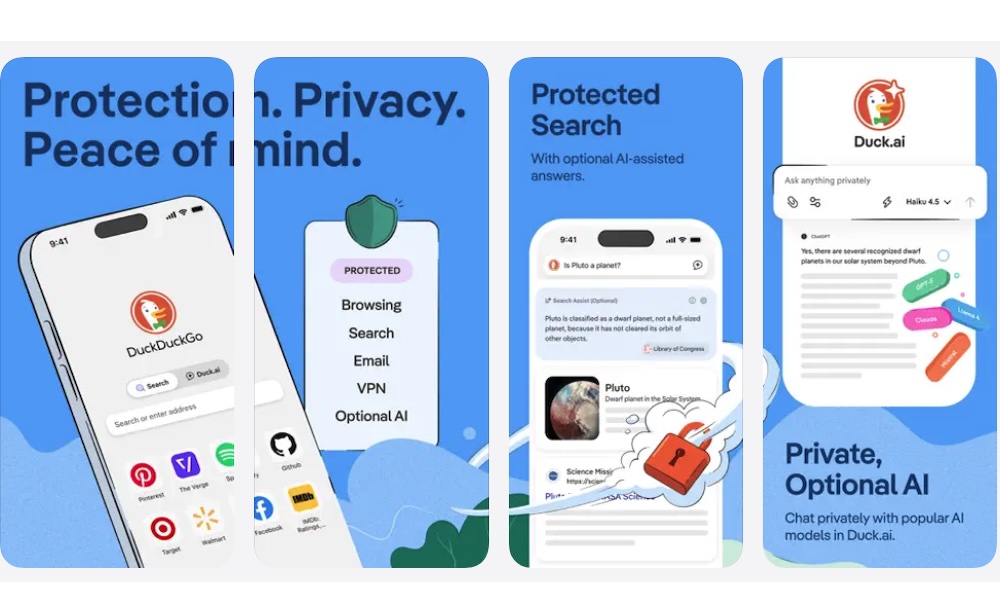
Whenever you visit a website, there’s a chance that advertising companies and other third parties are collecting information about your browsing activity. And chances are pretty high these days.
What’s more, some websites also use trackers to follow your activity across different pages, which can help create really detailed advertising profiles. It sounds pretty creepy, but that’s where DuckDuckGo can help. This free web browser is designed to reduce some of that tracking and give you some of your privacy back.
The browser includes built-in privacy protections that block many supported third-party trackers. This means you don’t need to install additional extensions for basic tracking protection.
Another useful feature is the Fire Button, which lets you wipe your tabs and browsing data in a single tap. So, if you want an everyday privacy-focused browser that doesn’t require much extra work on your end, DuckDuckGo is a great option.
Protect Your Information on Your iPhone
As you can see, there are plenty of ways to keep your data safe. While there are a ton of apps out there that can help with that, these apps are perfect to get started.
And the best part is that you don’t need to pay for another subscription to get started. You can download and try these apps for free. And if you find services like Proton VPN or DuckDuckGo valuable, you can always explore their optional paid plans later for even more privacy features.
Of course, these apps alone won’t be enough; you also need to do your part and stay as safe as possible online. That means avoiding shady websites, not sharing your credentials with anyone, and being cautious the next time you receive a weird email.