
8 Safari Extensions That Will Change How You Use Your iPhone
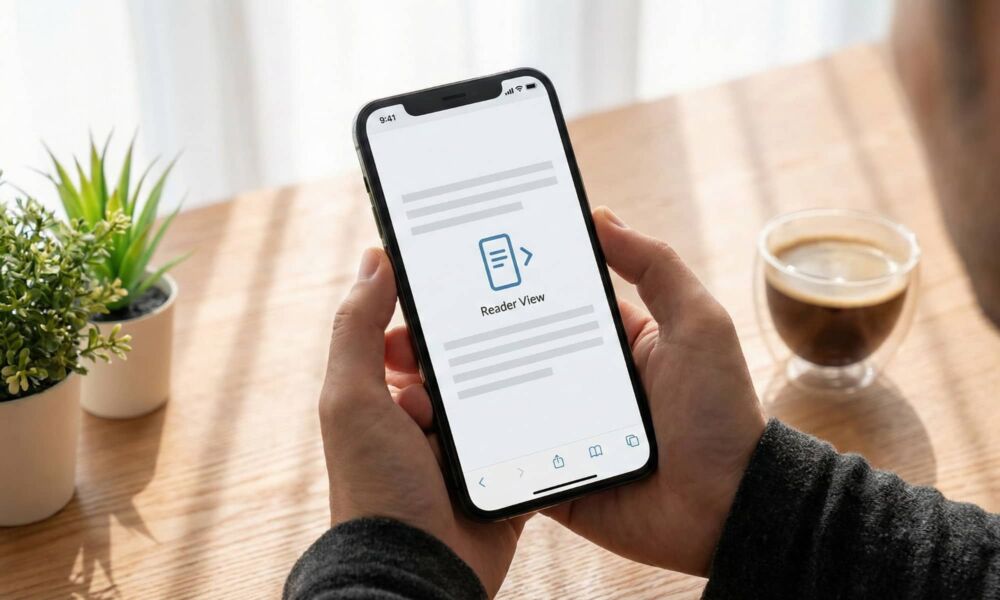
Safari on iPhone is better than most people think. It’s fast, battery-friendly, and deeply integrated with iOS. The problem is that a lot of people never customize it, so they end up settling for a web cluttered with ads, tracking, cookie popups, and other little annoyances that really don't need to be there.
The good news is there's not much you need to change to fix that. Extensions are available for Safari on the iPhone, and they're easy to get as they're simply apps you install from the App Store and then turn on in Settings. Once enabled, they can clean up the web, improve privacy, and add a few power features that make Safari feel way more capable.
Before we jump in, here’s the quick refresher you’ll use for almost every option in this list. To get an extension working on your iPhone, you first need to install the extension app from the App Store, then go to Settings > Apps > Safari > Extensions and enable it. Remember to double-check the permissions it asks of you before you turn it on. With that in mind, here are 8 of the best Safari extensions out there for iPhone users.
1Blocker: Add Blocker
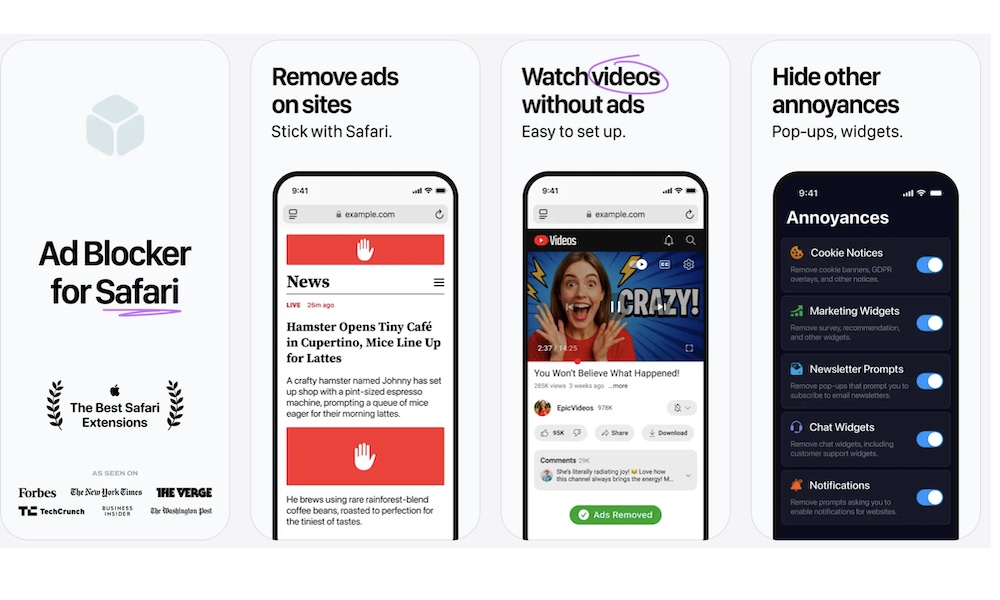
If you want the biggest upgrade for your everyday use in Safari, 1Blocker is the extension to get. It's built around Safari’s content-blocking system, which means it can strip out many ads and trackers without turning Safari into a sluggish mess. As soon as you turn it on, you’ll notice how much cleaner the web pages feel, and you’ll finally stop dealing with autoplay videos, popups, and pages that jitter around while ads load.
Another great thing about 1Blocker is that it doesn’t require you to be a tech-savvy person. You can keep things simple and let the extension take care of the rest, or you can fine-tune what gets blocked if you’re the type who wants more control. For most people, the best part is that it improves the web everywhere, not just on a few sites you remember to tweak.
AdGuard - Ad Block & Privacy
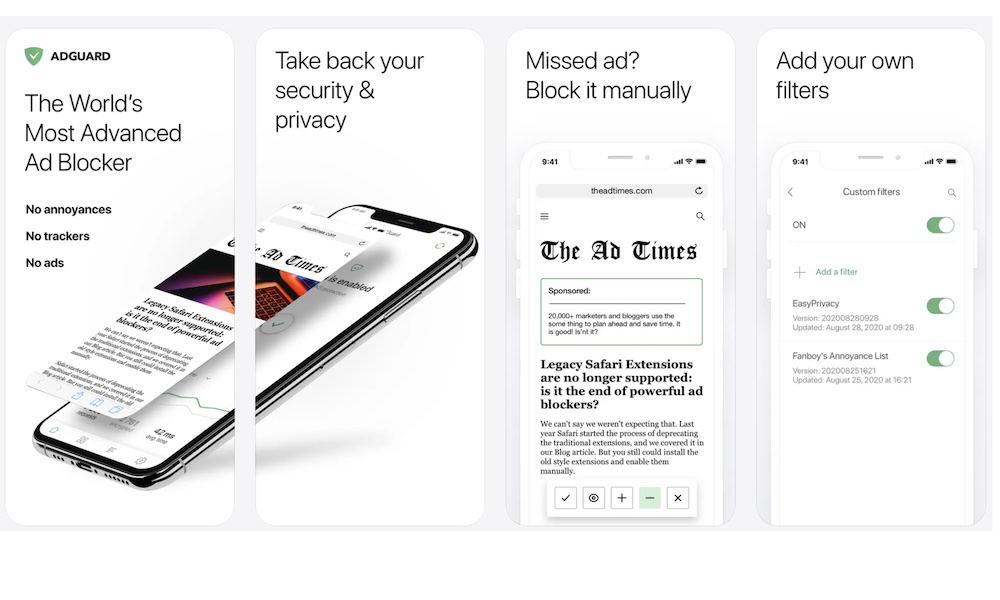
AdGuard is a great choice for those who want a serious ad blocker that's been going strong for many years. This one is popular because it focuses on privacy protection as much as it focuses on cleaning up the web from ads. So you’re not just hiding visual junk, you’re also cutting down on a lot of the behind-the-scenes tracking that makes browsing feel creepy.
One thing people like about AdGuard is that it can feel very transparent. You enable it, you see what it’s doing, and you can decide how much or how little you want to do to improve your experience.
If you’re someone who cares about the details, it’s the kind of app that makes it easy to control everything. You can add as many filters as you need, so you never see an unwanted ad. And even if the app doesn’t hide an ad when you’re browsing a web page, you can instantly block it yourself manually, which is not something every app lets you do.
1Password: Password Manager
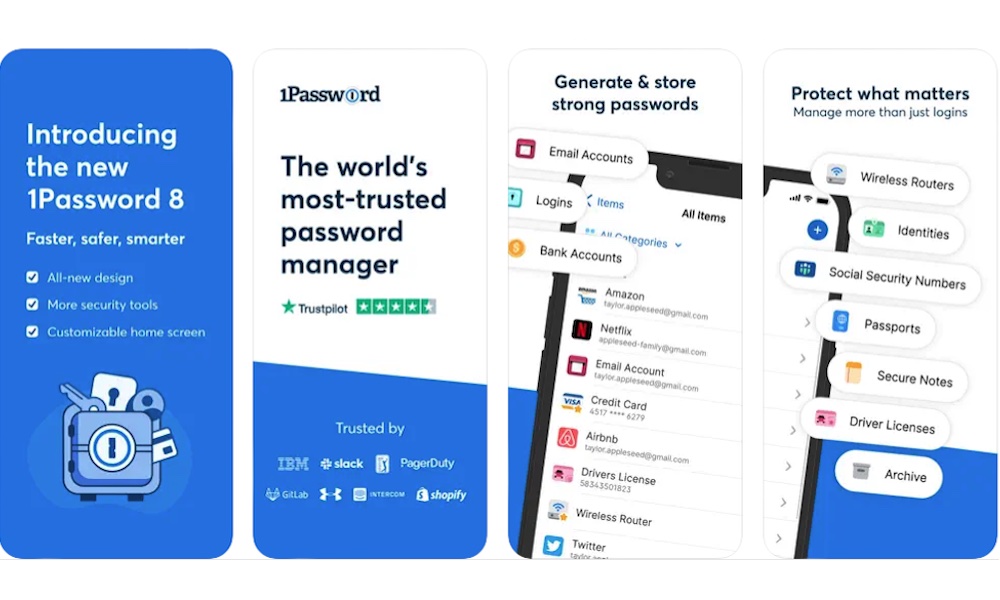
If you use 1Password, the Safari extension will make the app even better on your iPhone.
Sure, iOS has its own password AutoFill, and it’s quite good. But a dedicated Safari extension can make the browser experience feel more like a desktop experience. Plus, if you are already paying for 1Password, it’s best to make the most of your subscription.
1Password's native extension gives you fast password filling, easier password generation, and a more direct connection to your vault while you’re actually browsing.
The biggest benefit is safety. A password manager helps you use strong, unique passwords everywhere without reusing the same one across many different platforms. And it also helps you avoid fake login pages, because a good password manager like 1Password won’t offer to fill credentials if the domain doesn’t match.
If you’ve been relying on the same three passwords since 2018, there's never been a better time to level up your security, and while 1Password is a great pro-level option, Apple's built-in Passwords app is a great place to geat started with minimum fuss and zero expense.
Grammarly: AI Writing Keyboard
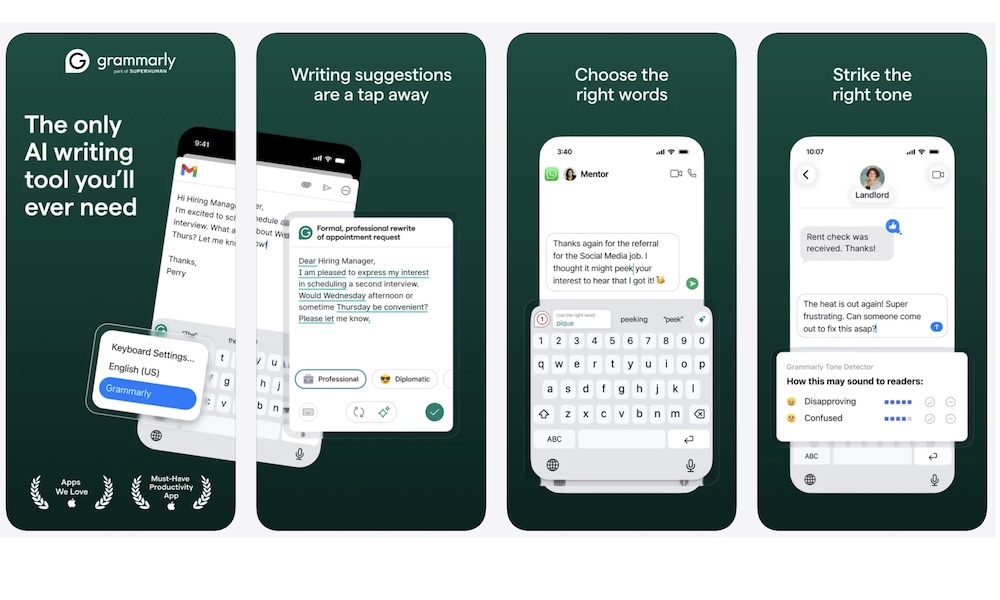
Typing on your iPhone is where typos become constant and annoying. You’re writing quick emails, filling out forms, sending messages through web apps, or applying for something important while standing in line somewhere. There’s bound to be a couple of mistakes. And let’s face it: Apple’s autocorrect doesn't really do the trick.
That’s where Grammarly comes in. By itself, the app features an iPhone keyboard that makes typing fast and accurate. But if you’re always writing comments or filling out forms on web pages, Grammarly’s Safari extension is a simple way to up your writing game without having to edit everything yourself.
The best part about Grammarly on iPhone is that it helps fix mistakes quickly and quietly. You can easily catch obvious grammar issues and fix clunky sentences. You still sound like you, but a bit cleaner and maybe even more professional.
If you already use Grammarly on other devices, this keeps your writing workflow consistent when you’re doing real work in Safari instead of a desktop browser.
Dark Reader for Safari
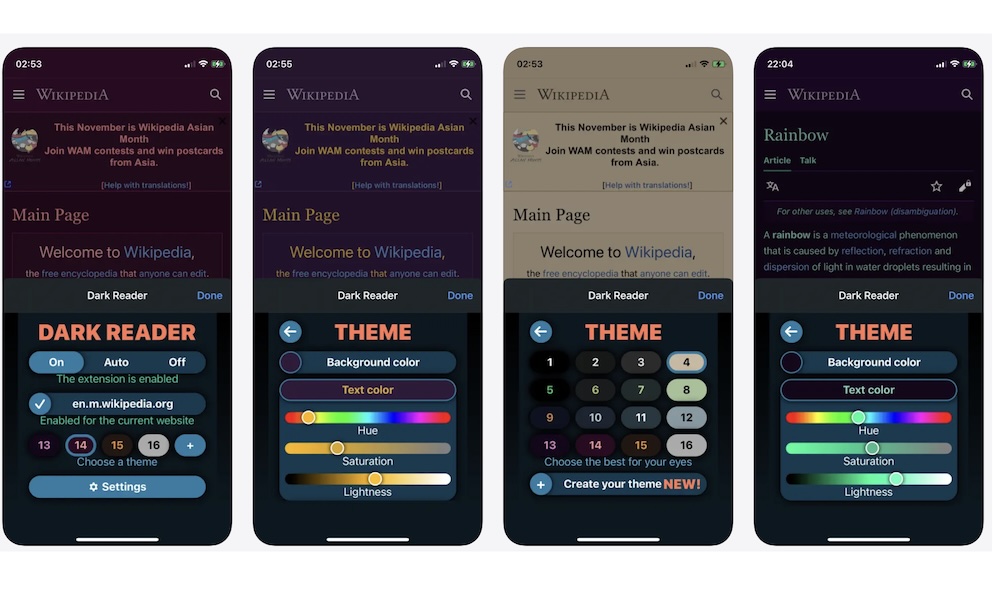
Some websites still think you’re browsing in a bright office at noon. Then you open the same page at night, and your iPhone becomes a tiny flashbang.
Dark Reader solves that by generating a dark theme for websites that don’t offer one, and it can follow your system dark mode, so you don’t have to manually change it every time.
The biggest advantage of this extension is how much it lets you control manually. If you’re picky, Dark Reader usually lets you adjust things like brightness, contrast, background color, and even saturation until a site looks just right.
If you constantly visit sites that don’t care for dark mode, this is a must-have extension for you and your eyes.
Super Agent For Safari
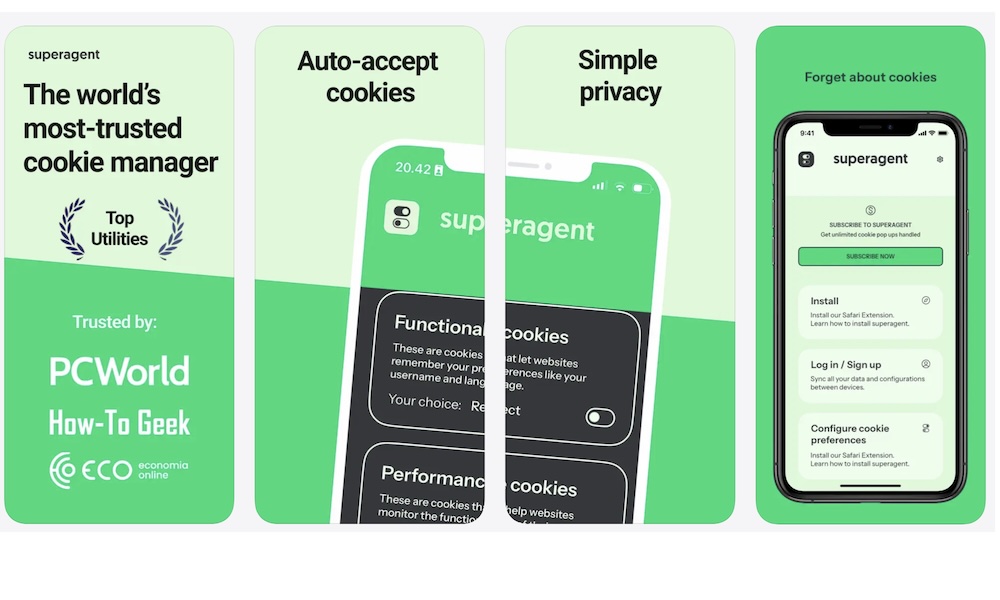
Cookie banners are the worst kind of modern internet feature. Sure, they might be necessary, but they’re still annoying because they’re everywhere, and they never feel like they respect your time.
What’s worse, some sites don’t just show cookie banners; they block content until you tap through them. That’s where Super Agent can be more helpful than a simple banner blocker, because it tries to answer those annoying consent prompts for you based on preferences you set.
Instead of making a new decision on every site, you set your rules once and let the extension handle the repetitive pop-ups. Granted, it’s not perfect, and it won’t work on every website, but when it does, it feels like Safari gained an autopilot for handling annoying tasks.
If you visit many sites with aggressive consent walls, it can be the difference between a smooth read and constantly tapping before you get to what you visited the site for.
SponsorBlock for Safari
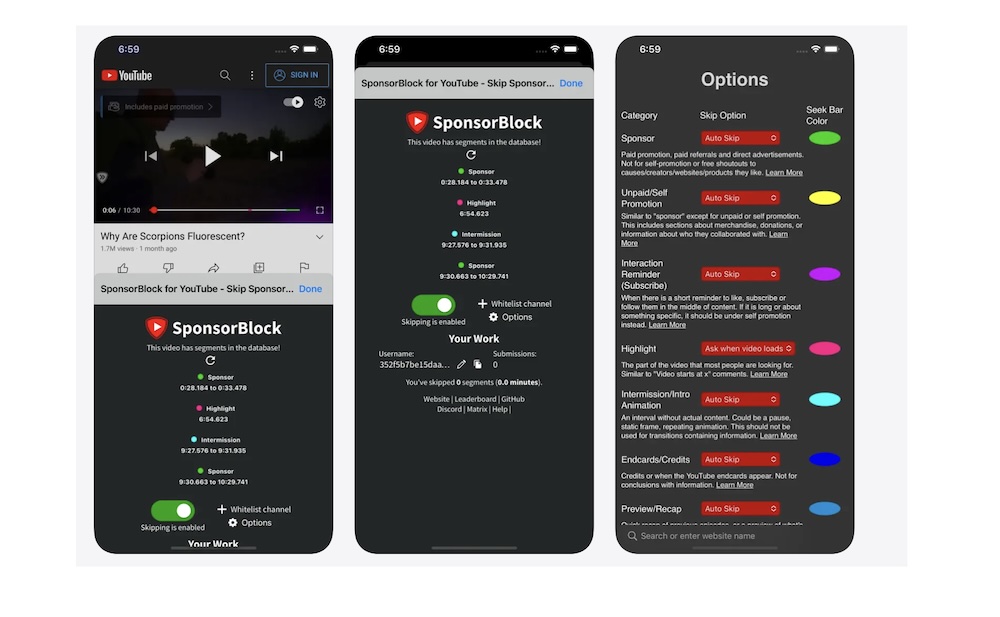
YouTube is great, but you know the part that wears you down: sponsor segments, long intros, like-and-subscribe routines, and other padding that turns a ten-minute video into a fifteen-minute commitment.
SponsorBlock for Safari is designed to skip those segments when you watch YouTube in Safari. Of course, you still have one downside: this is for YouTube in the browser, not inside the YouTube app. If you live in the app, this won’t change your life. But if you’re willing to watch your favorite videos in Safari, it can save a shocking amount of time.
It’s also nice to know that Safari extensions aren’t just about blocking ads. Some of them are about making the web feel less wasteful.
Instapaper
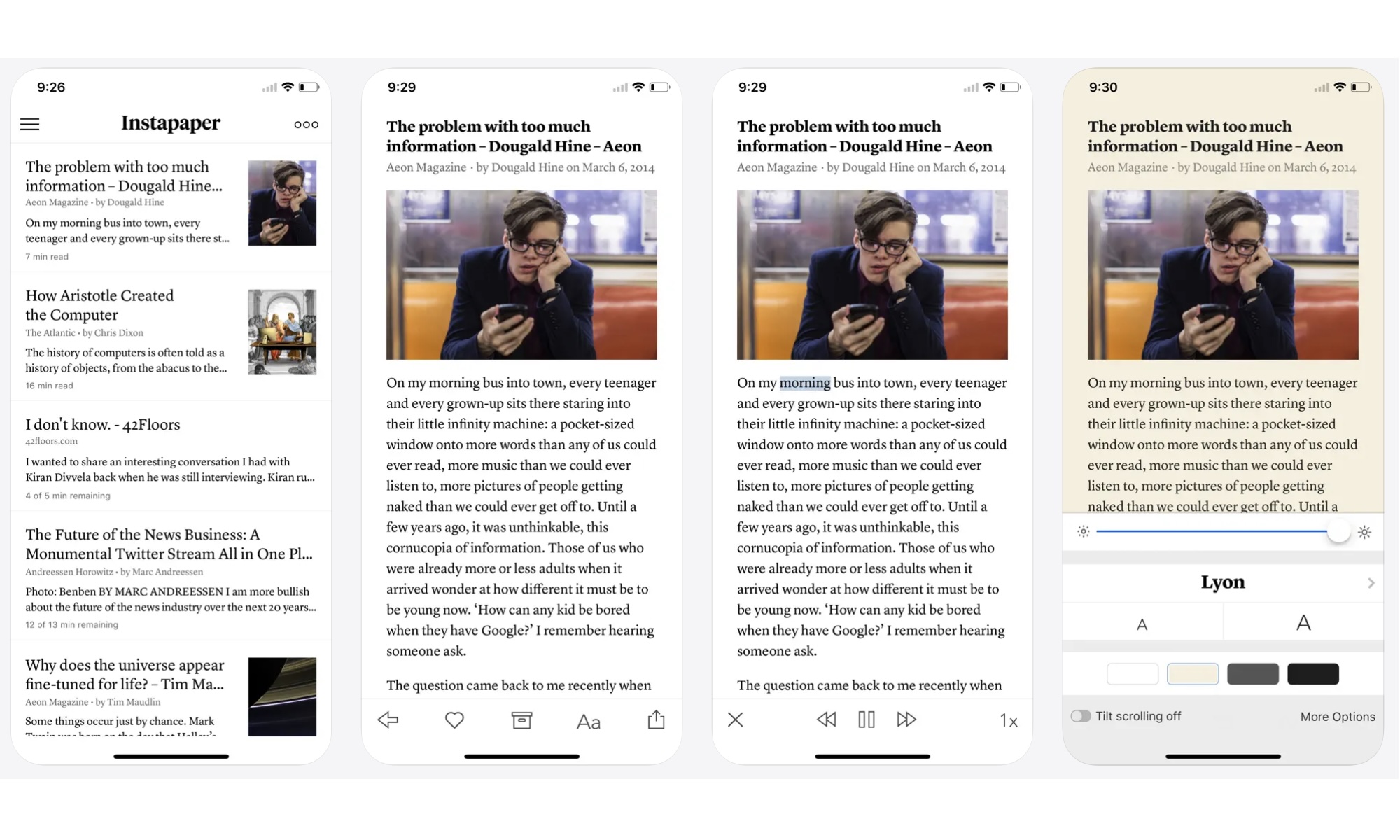
If you’ve ever opened an article and thought, I want to read this later when I have time, you already understand why read-later apps exist. Instapaper is one of the cleanest options because it turns cluttered web pages into a calm, readable view and lets you save articles for offline reading.
This one matters even more now that Pocket has been shut down, because a lot of people used it for years without thinking about it. Instapaper is an easy replacement to recommend in 2026 because it still nails the core experience, which is that you have an article you want to read, you save it, clean it up, and read it later.
Instapaper also works well for light research. This is because it lets you highlight a few lines, save notes, and you’ve got a mini archive of useful sources you can return to later without hunting through your history.
Upgrade Your Experience in Safari
Safari on iPhone doesn’t need a ton of add-ons to feel powerful. A few smart extensions can clean up ads and tracking, make reading more comfortable, improve writing in the browser, and fix those tiny web annoyances that add up over a week. The best part is that once you set everything up, you stop thinking about it, and Safari just feels better every time you open it.
Most of the apps on this list are free to use, so you can try them all out and keep your favorites, or start by playing around with one until you feel completely comfortable.