
Stop Babying Your iPhone: 10 Tech Myths That Just Won’t Die
Tech myths stick around because they feel true. Someone says it confidently, you try it once, something seems to improve, and your brain starts to think of it as a rule. The problem is that a lot of this so-called "common knowledge" is based on how older devices used to behave and half-truths that get repeated without context.
In 2026, iPhones, Macs, and modern apps are much better at managing power, memory, and background activity than they were a decade ago. iOS and macOS both have built-in tools that do the heavy lifting for you. When you follow outdated advice, you often end up wasting time, draining your battery, or making your device less secure.
So let’s clean house. Read on for 10 popular tech myths worth ditching — and what actually works now.
Myth: Closing Apps Makes Your iPhone Faster and Saves Battery
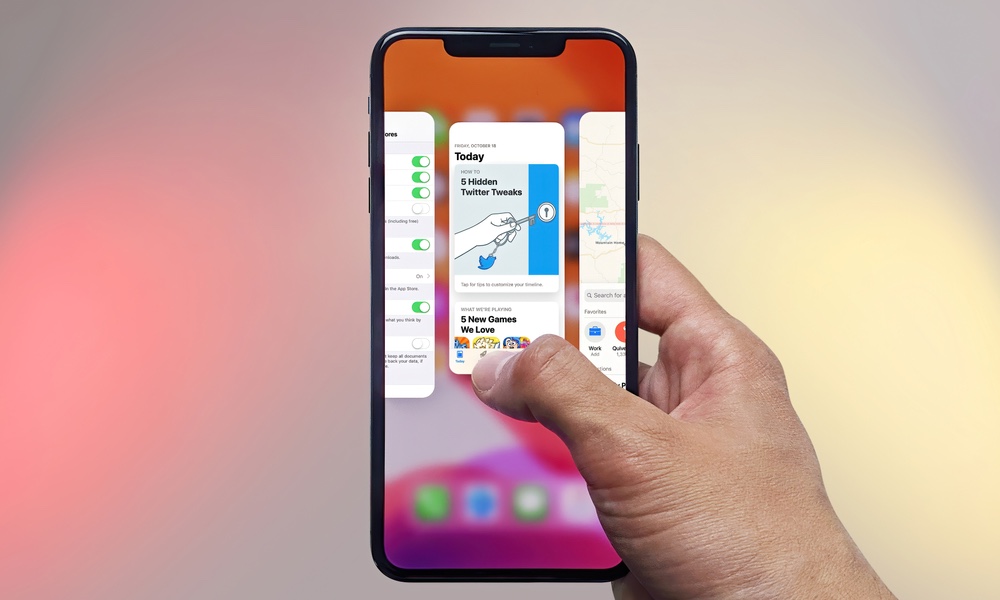
This is one of those myths that refuses to die, mostly because it feels like it should be true. You see a bunch of apps in your iPhone’s App Switcher, you swipe them away, and it feels like you just cleaned things up.
But the iPhone isn't a PC or Mac; the App Switcher is not a list of apps actively running at full power. In many cases, those apps are completely paused, as iOS is designed to suspend apps so they don’t consume power while you’re not using them while still allowing you to jump back to them instantly.
Force-quitting constantly can actually do the opposite of what you want. When you reopen an app you just killed, your iPhone has to load it from scratch, which takes more CPU and often uses more battery than simply resuming a paused app.
So instead of closing all your apps, focus on only force-closing the ones that need it: apps that are frozen or glitching.
Myth: Cleaner Apps Are the Best Way to Remove Junk Files on iPhone
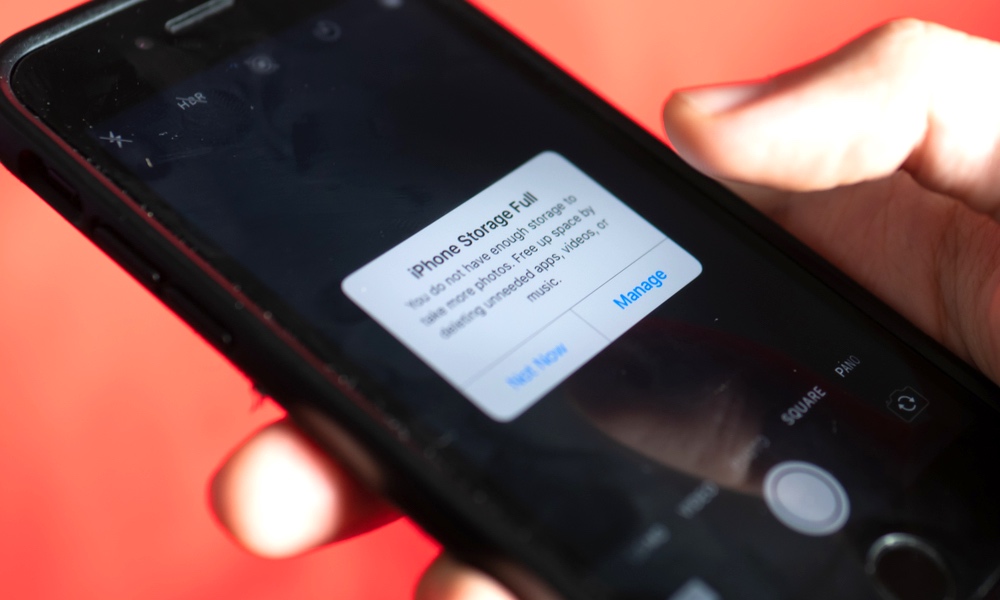
Cleaner apps love to promise dramatic results because it’s an easy sell, but the reality is that iOS is a pretty strict operating system, meaning these apps can’t even scan your iPhone the way “PC cleaner” tools do, much less actually fix much of anything.
Many “cleaner” apps end up doing one of two things: helping you manually delete photos and videos, or showing you storage info you can already see in your iPhone's Settings app. The worst ones do that while pushing subscriptions and ads and possibly even trying to sell you some solutions to problems you don't really have.
If your iPhone is low on storage, the fix isn’t tapping a magic button; it’s identifying what’s actually taking space and removing what you don’t need.
So instead of trusting third-party cleaner apps, go to Settings > General > iPhone Storage, and review the recommendations that pop up. Then, get rid of all the files, apps, and even pictures that you don’t need anymore. Sure, it’s a lot of work, but you’ll know for sure that you got rid of unnecessary files.
Myth: Charging Your iPhone Overnight Will Ruin Its Battery
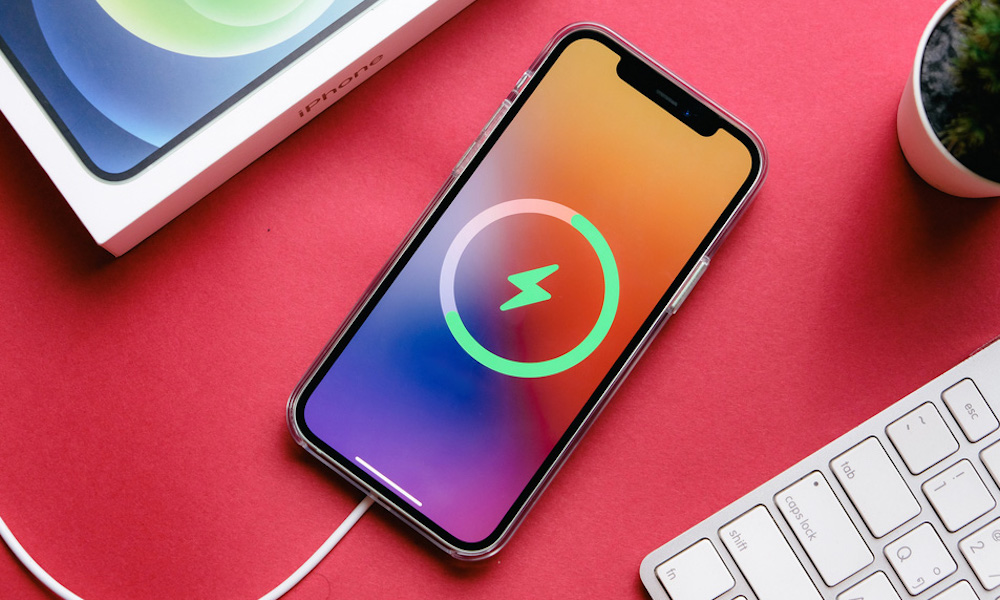
Overnight charging used to be a bigger concern back when battery management was less sophisticated — we're talking about the days of the nickel-cadmium batteries that no smartphone has ever used. While the lithium-ion batteries used in all modern electronics have their issues, overcharging isn't one of them.
The real problem is wear on the battery that will shorten its life, but today's iPhones are built to handle your daily charging habits, with features designed to reduce battery wear and tear when you plug in your iPhone for long periods of time.
The real enemies of your device’s battery health are heat caused by ambient temperatures or prolonged use while your iPhone is charging, not simply being connected to power while you sleep. Overnight charging is perfectly harmless as long as you’re using a decent charger.
However, there are some settings worth checking if you want to keep your battery as healthy as possible. Go to Settings > Battery > Charging, and ensure Optimized Battery Charging is enabled. With this setting on, your iPhone will learn your usage habits to avoid charging above 80% until you're ready to take it off the charger. If you have an iPhone 15 or newer, you can also use the Charge Limit setting to stop charging entirely at 80-95% to reduce the amount of time your iPhone stays at the more stressful 100% level.
Myth: You Should Let Your Phone Hit 0% Before Charging
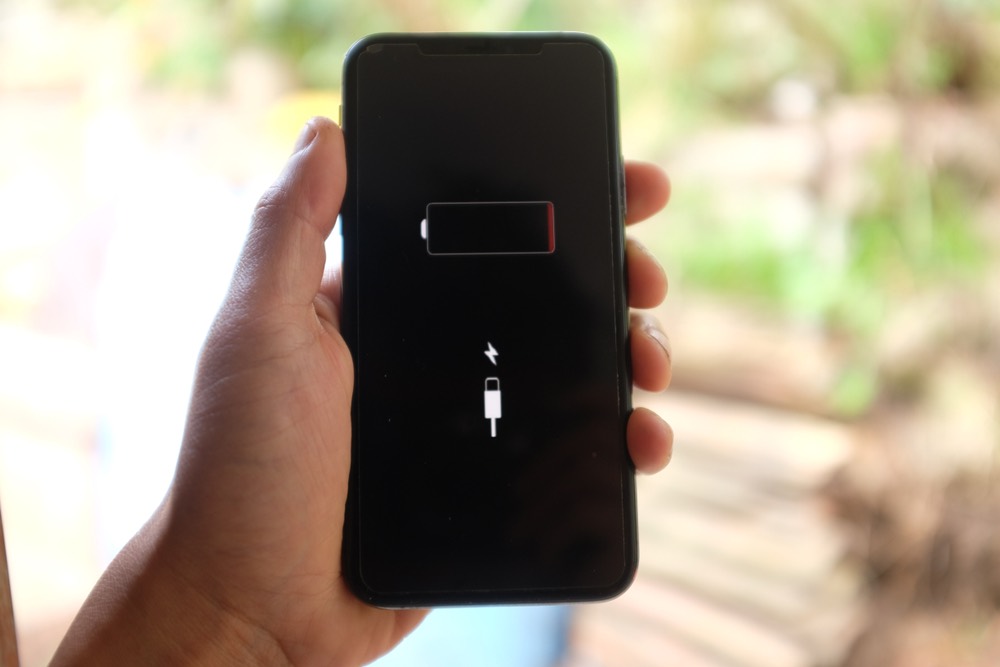
This is old advice from even older battery tech — the nickel-cadmium batteries we mentioned ealier. The lithium-ion batteries in modern phones do not benefit from deep discharges the way those older batteries did. In fact, frequently draining to 0% can get you the exact opposite result and add wear over time.
Your battery will be happier if you avoid extreme lows and highs constantly. That doesn’t mean you need to baby your phone or stress about the percentage every hour. It just means you shouldn’t treat 0% as a goal.
So stop constantly letting your iPhone reach 0% before charging if you can. Keeping it between the 20% and 80% marks is the best way to keep your battery healthy.
Overall, you simply don’t need to worry about your battery. As long as you don’t go out of your way to damage it, it’s best to simply enjoy your iPhone without stressing over battery health all the time.
Myth: More Megapixels Always Mean a Better Camera
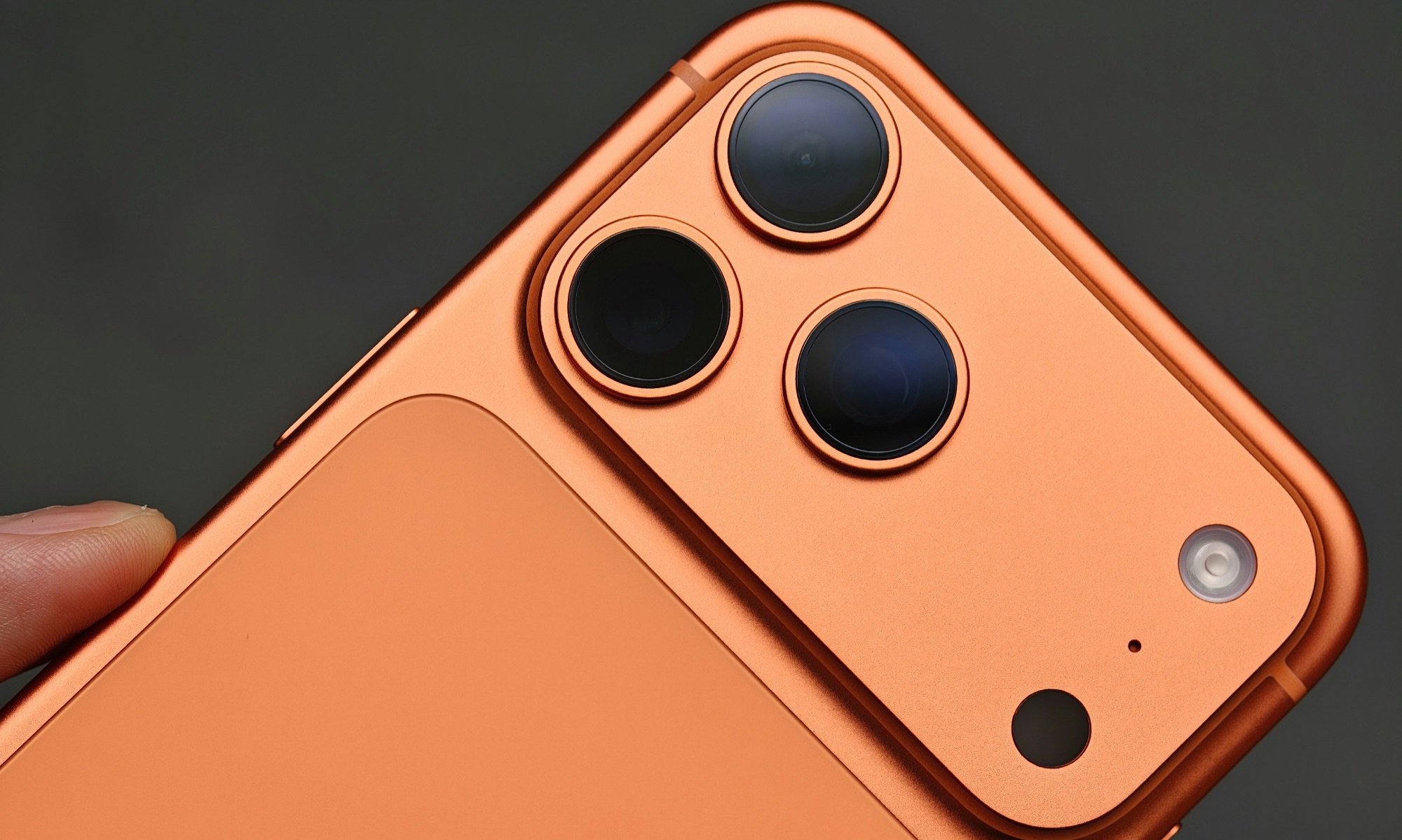
Megapixels are easy for companies to market, which is why people fixate on them. But image quality is about the whole camera system: sensor size, lens quality, stabilization, and computational photography. A camera with more megapixels can still produce worse photos if the sensor is small, the lens is mediocre, or processing isn’t great in low light.
What you actually notice day-to-day isn’t the megapixel number; it’s how well the camera handles motion, how clean night photos look, how natural skin tones appear, and how stable video feels when you’re walking.
Sure, megapixels can play a role when taking pictures, especially if you want to become a pro photographer or worry about the greatest details possible in your shots, but most of us should not buy a more expensive iPhone Pro (or a phone from another company) simply because it comes with more megapixels.
Instead, before choosing a phone, take a look at real camera comparisons on YouTube. The goal is to see how well the camera handles low light, moving subjects, and its overall zoom quality.
Also, when looking for a good phone camera, prioritize features you’ll use, like optical zoom, stabilization, and consistent video quality.
Myth: Private Browsing Makes You Anonymous Online
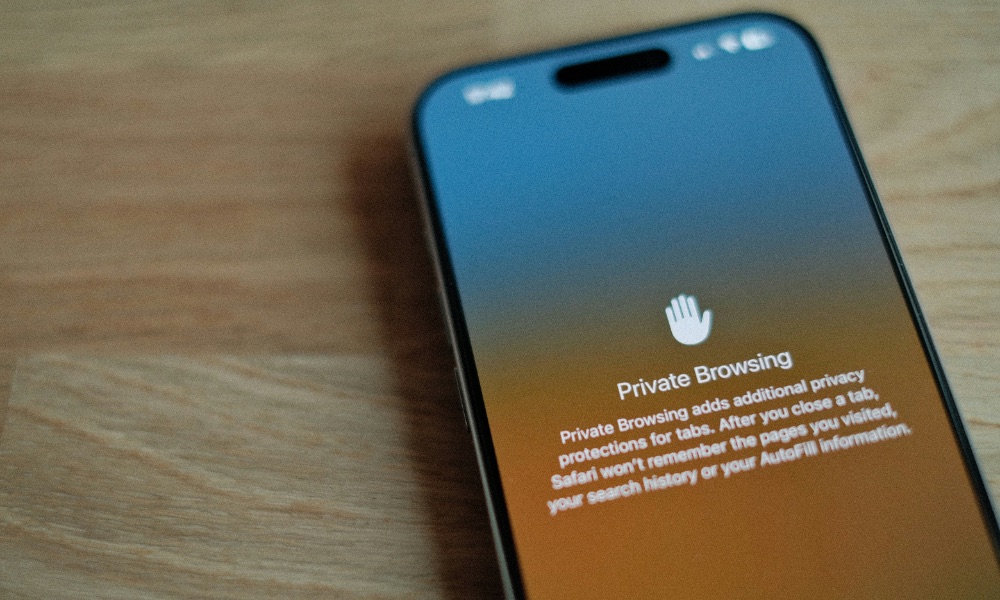
If you think you can just go into Private Browsing or Incognito Mode and search for anything you want without leaving a digital footprint, we’ve got bad news for you.
Private Browsing is useful, but not for the reason many people think. It mainly prevents your iPhone or other device from saving local history and some browsing data on your device, making your browsing stay private to anyone else who happens to look at it.
What it does not do is make you invisible to websites, your internet service provider (ISP), your workplace network, or tracking systems tied to accounts and device fingerprints.
If you’re signed into the same account, private browsing doesn’t magically erase that identity. And if a website tracks you through other methods — like your IP address — private mode isn’t a shield.
That doesn’t mean private browsing is bad. But you should use it for local privacy, like when you don’t want history saved on a shared device.
For stronger privacy, focus on blocking trackers from websites or apps, cautious login habits, and limiting what apps and sites can collect. You can also look to a good VPN, but as we explain the next section, that's not a catch-all solution either.
Myth: A VPN Makes You Completely Safe and Private
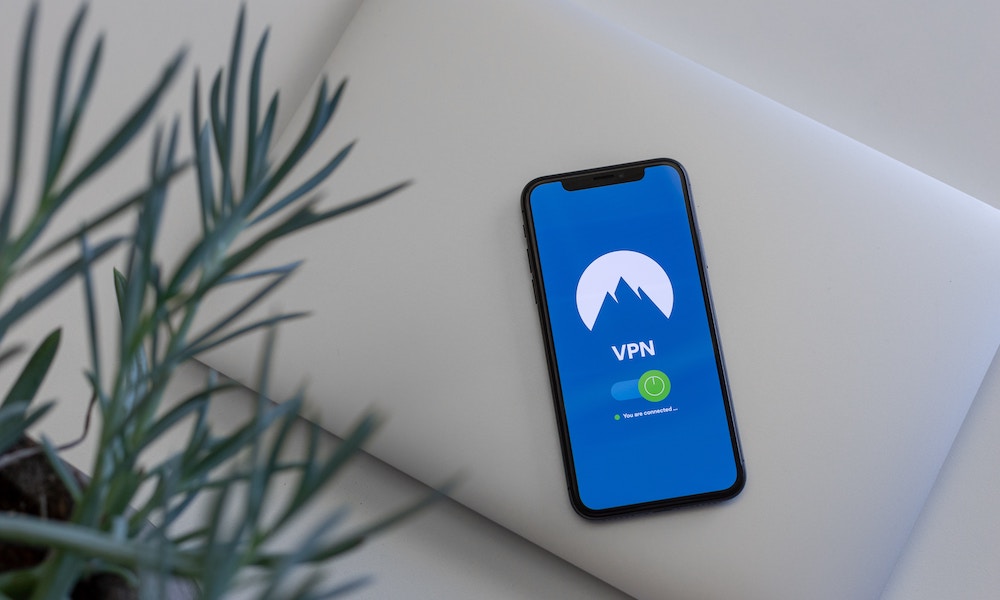
VPNs are useful, but they’re not a security force field. A VPN encrypts your connection between you and the VPN provider, which can help on public Wi-Fi networks, during travel, or even protecting your browsing habits from your ISP. But it doesn’t automatically stop phishing, malware, tracking inside apps, or shady data collection by services you willingly sign into. A VPN is not a firewall, no matter how much some VPN providers might try to suggest otherwise.
A VPN shifts trust: You're protecting your data from prying eyes on a hotspot, school, or ISP network, but you're still trusting the VPN provider. That’s why “free VPN” services should raise an eyebrow. If you’re not paying for the product, you have to wonder how they’re making money. Instead, use reputable VPN services when they matter, like on public Wi-Fi or in hotels.
VPNs are fantastic, but you shouldn’t completely trust your online security to them. You still need to secure your privacy and your accounts by using things like two-factor authentication, passwords that are hard to crack, and avoiding shady websites and links. It's also important to remember that all of your really important surfing traffic, like banking and online shopping, is encrypted using TLS/SSL anyway — the "HTTPS" and lock icon you see in your browser. A VPN doesn't add much extra security in these cases; it will help hide the sites you're visiting, but even without a VPN nobody can actually see what you're doing once you get there.
Myth: You Should Disable Bluetooth and Wi-Fi All the Time to Save Battery
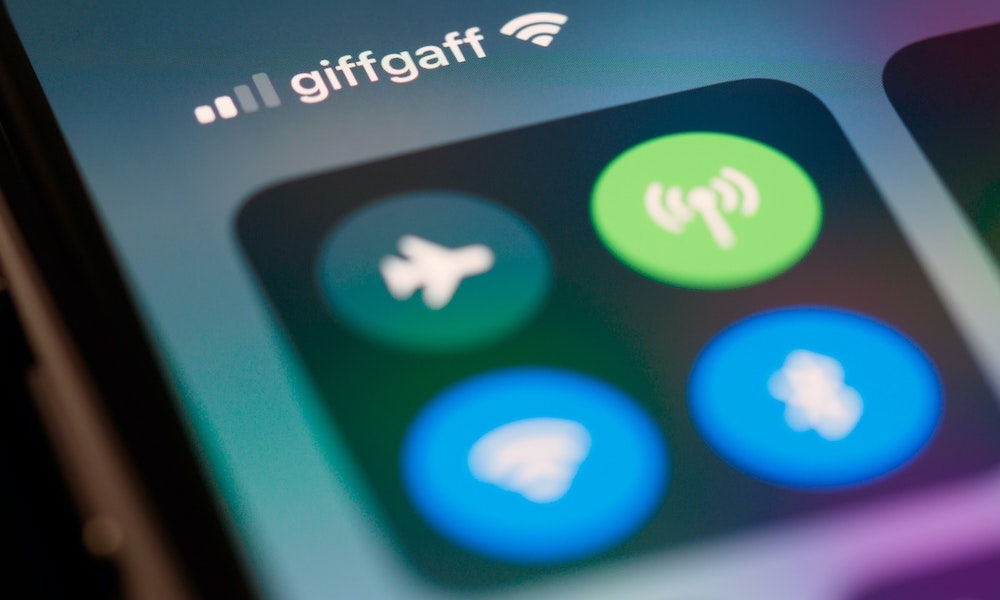
On modern devices, leaving Wi-Fi and Bluetooth on isn’t the battery disaster people imagine. iOS manages these connections efficiently. Constantly toggling them can also be more annoying than helpful, because you’ll break features you actually use, like AirDrop, Continuity, Apple Watch connections, and location features that rely on Wi-Fi and Bluetooth signals.
If you’re trying to save battery, you’ll get more impact from Low Power Mode or Adaptive Power than from living like you’re in a constant troubleshooting session.
You can still disable these connections if you want to be more secure when you’re traveling. But if you’re doing it to save battery life, the difference won’t be meaningful enough to make it worth it.
Myth: Macs Don’t Get Malware
Macs are generally safer than they used to be, and Apple has built in a lot of protections. But 'safer' is not the same as 'immune'. Malware, scams, and fake security warnings absolutely target Macs, partly because some people still assume nothing bad can happen.
The most common threat isn’t a dramatic virus. It’s a scam, a fake update prompt, a shady browser extension, or a pop-up that tries to convince you that your Mac is infected so you’ll hand over money or install something nasty.
To keep your Mac safe, you still need to use common sense before clicking shady links or opening up files attached to weird-looking emails. Also, avoid installing any random apps, especially from outside the App Store.
Last but not least, keep your Mac up to date with the latest macOS update, and secure your accounts with strong passwords and two-factor authentication.
Myth: You Need to Shut Down Your Computer Every Day
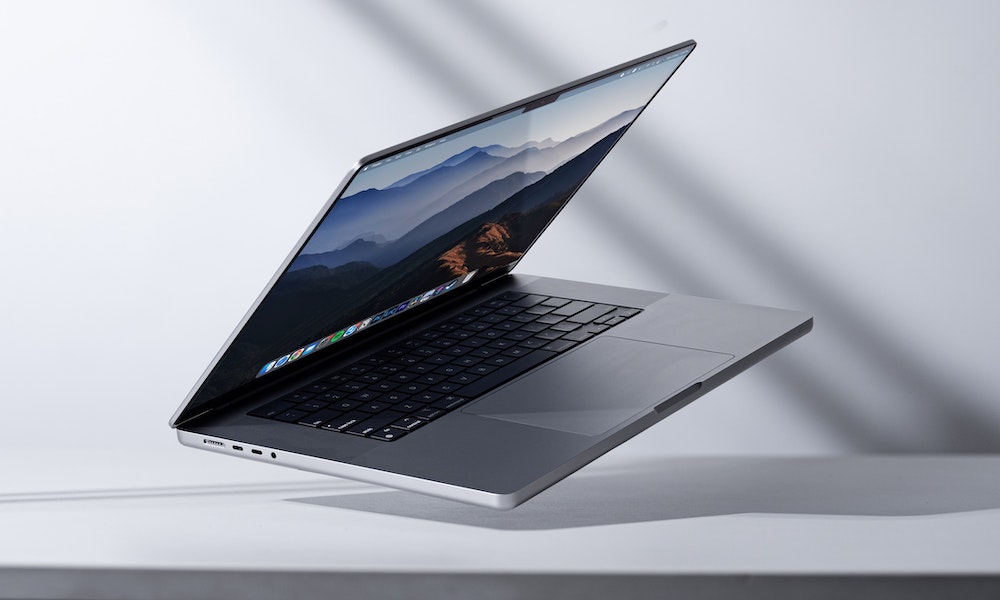
Modern Macs are designed for sleep, not to be constantly turned off. Sleep mode is efficient, safe, and convenient. Shutting down your Mac daily isn’t required for performance, and for many people, it’s just extra steps with little payoff.
That said, restarts still matter occasionally. If your Mac has been on for a long time, or after major updates, a restart can clear odd background behavior and refresh system processes.
So instead of turning off your Mac every night, restart it every week or every other week to refresh it, or if you notice it’s acting weird.
With all of that said, you should only shut down your Mac if you know you’re not going to use it for a while, like before your vacation starts or something similar.
Stop Falling for These Myths
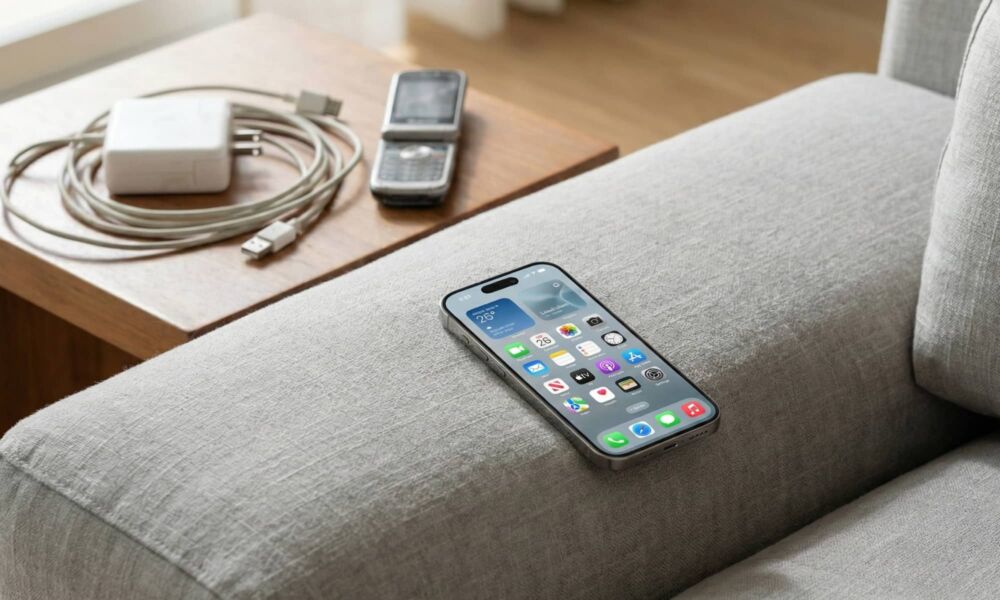
If there’s one takeaway, it’s that modern devices are smarter than people give them credit for. Don’t treat a 2026 iPhone like a 2006 flip phone. A lot of the tips people still recommend are leftovers from a different era of batteries, software, and performance limitations.
When you’re unsure, trust the built-in system tools first. Check Battery settings instead of downloading a battery app. Look at your iPhone Storage instead of a cleaner.
More often than not, you won’t need to worry about your phone or Mac at all. Apple has improved its devices so much that stressing over battery or storage all the time, will harm you more than it will help your iPhone.
That doesn’t mean you should change a few habits or learn some battery-saving tricks. But overall, worrying about your iPhone at all times isn’t the right answer, especially if you follow outdated tips.