
Letting Your Notifications Turn Into Chaos
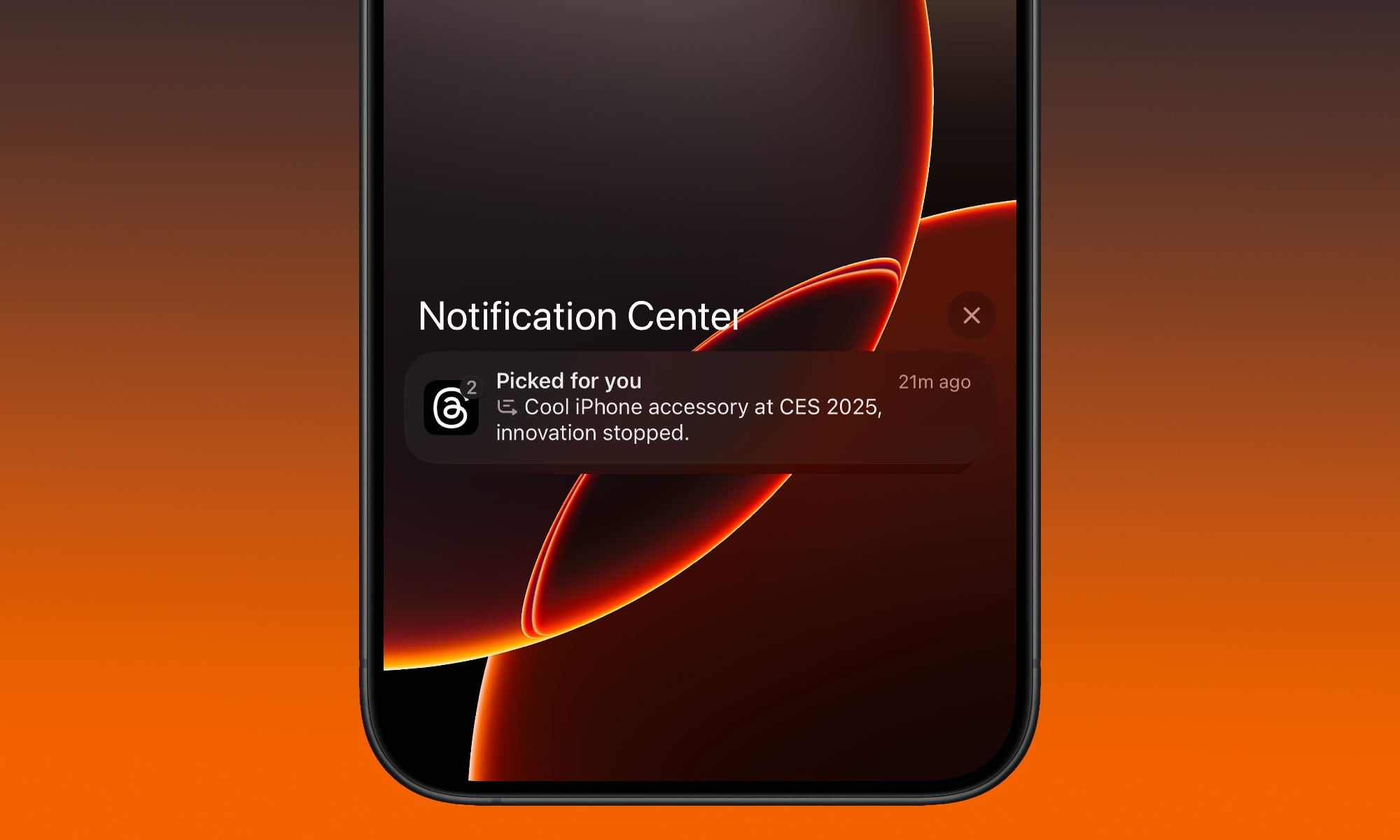
Notifications are supposed to help you stay informed of your most important updates. But if your iPhone is vibrating all day, it simply becomes a regular annoyance, and you stop trusting those alerts. As a result, you’ll miss the important stuff because everything feels equally urgent.
The fix isn’t to turn off all notifications and pretend you don’t live in the real world. What you need to do is choose what deserves your attention right now, and what can wait until you feel like checking it.
Luckily, Apple created a feature to help called Notification Summary. You can create a schedule, so your iPhone holds off less important notifications to present in a summary you can go through when you have some free time.
These notifications won’t alert you, but they will still be available in the notification center. You can choose which notifications go to the notification summary. You will still be pinged when time-sensitive notifications hit your iPhone, so you can rest assured that you won’t miss anything important.
To manage your notifications and create a scheduled summary, go to Settings > Notifications. From there, tap on those annoying apps and select Scheduled Summary. For the important apps, make sure you choose Immediate Delivery.
If you want more peace of mind, you can turn off notifications for those apps that are really just time-wasters, like Reddit, Instagram, and YouTube.
Quick Win: Move “loud” but non-urgent apps (Instagram, Retailers, News) to your Scheduled Summary. You’ll get one quiet digest at 6:00 PM instead of 50 pings throughout the day.