
Canva: AI Video & Photo Editor
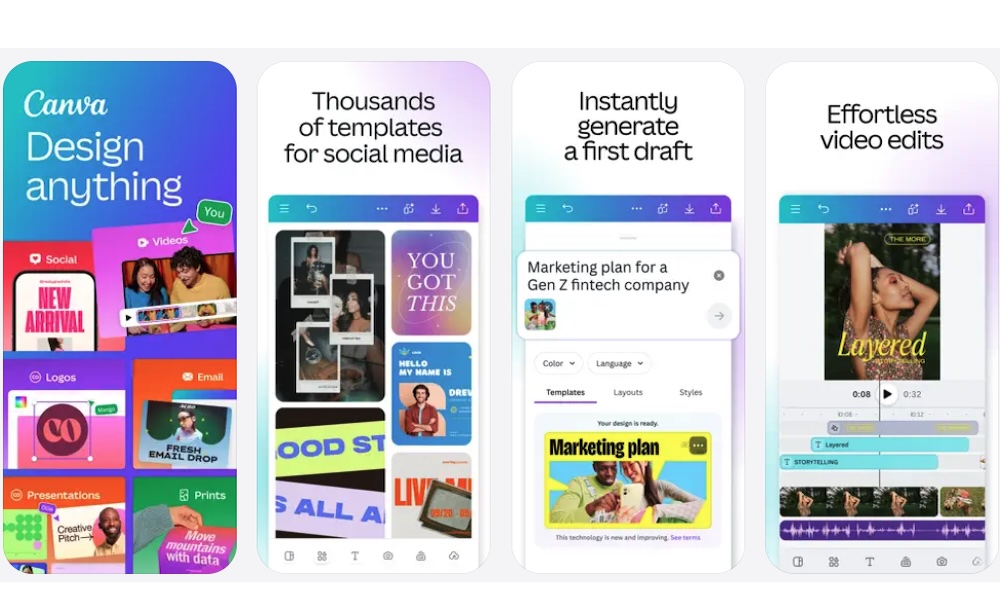
Canva is one of the easiest apps to recommend for digital scrapbooking because it works for almost any style. You can use it to make scrapbook pages, travel recaps, birthday collages, recipe books, holiday memories, printable albums, and social media posts.
What makes it really stand out is its huge template library. You don’t need to start with a blank page unless you want to. You can search for scrapbook templates, choose a design that fits your theme, and then replace the sample images with your own photos. From there, you can change the colors, move the text, add stickers, adjust fonts, and personalize the whole page from your iPhone.
Canva is also helpful if you want your scrapbook to look professional without spending hours designing every detail. It gives you access to graphics, frames, illustrations, photo filters, and text effects, so you can create pages that look more like a finished design project.
You can also export your pages, share them with others, or use Canva’s print options if you want a physical version. The downside is that if you want access to everything Canva has to offer, you’ll probably need to pay for its subscription. But if you love scrapbooks and making other things like cool cards or Instagram posts, it’ll probably be worth it.