
Google Docs
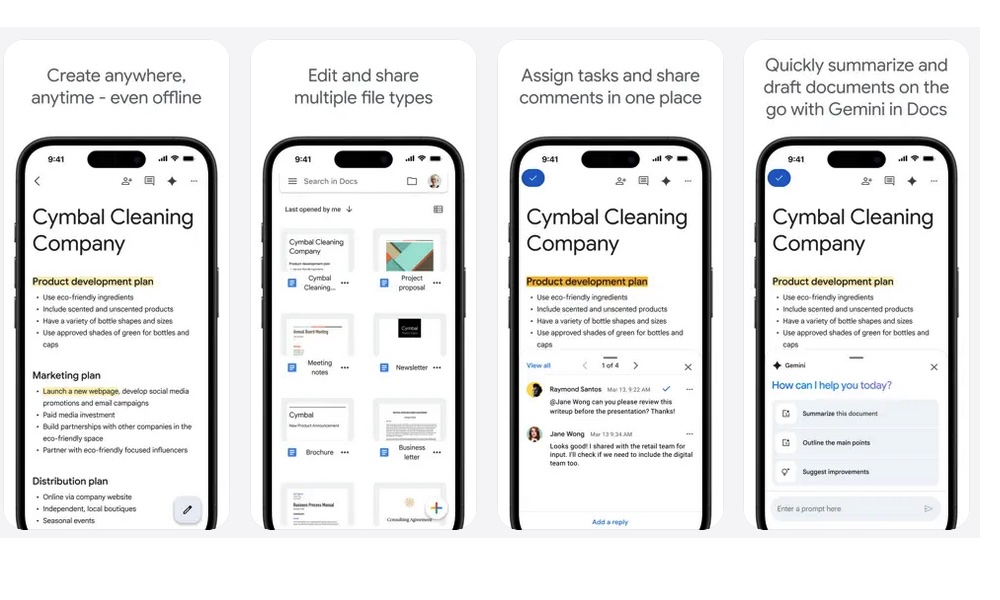
Speaking of Google’s productivity tools, Google Docs is still one of the easiest ways to write and collaborate across platforms. You don’t need a specific computer, operating system, or office suite. If you can open a browser, you can also open your document and get to work.
That makes it extremely convenient if you work from anywhere or work with many teammates. Any number of people can edit the same document at the same time, leave comments, and review older versions. This is much smoother than emailing files back and forth and trying to figure out which copy is the newest.
Plus, you can save your work in almost any format. You can download them as PDFs, Word documents, web pages, or even plain text. Even if your team doesn’t like Google Docs, you can still work on it and share the file however they want.
Google Docs also works well when you want to write something quickly. You can start working on your homework right from your iPhone, and then edit it once you’re back on your laptop. All changes save automatically, so you don’t have to think much about file management.
Granted, as good as Google Docs is, it’s still not perfect. So it may not replace Microsoft Word’s more advanced features, but for everyday writing and collaboration, Google Docs remains one of the best cross-platform tools available.