
8 Cross-Platform Apps That Bridge the Gap
 s_kaisu / Shutterstock
One of the most annoying parts of modern tech is realizing that your favorite app doesn’t follow you across devices. Some apps are exclusive to specific operating systems, which is a huge bummer for those of us who like having an iPhone, but also a Windows PC or an Android device.
That’s why cross-platform apps are the best option, as most people don’t live inside one device anymore. You might answer messages on your iPhone, write on a Mac, organize files from a Windows PC, and check something quickly from a browser. The best apps make that switching automatic for you.
These apps also keep your information in sync, and don’t punish you for using more than one ecosystem. The best part is that some apps even offer this feature without any extra charge at first, which is a great way to test them and see if they'll work for you.
Read on for 8 of the best cross-platform apps worth checking out if you work or live in different ecosystems.
Trello
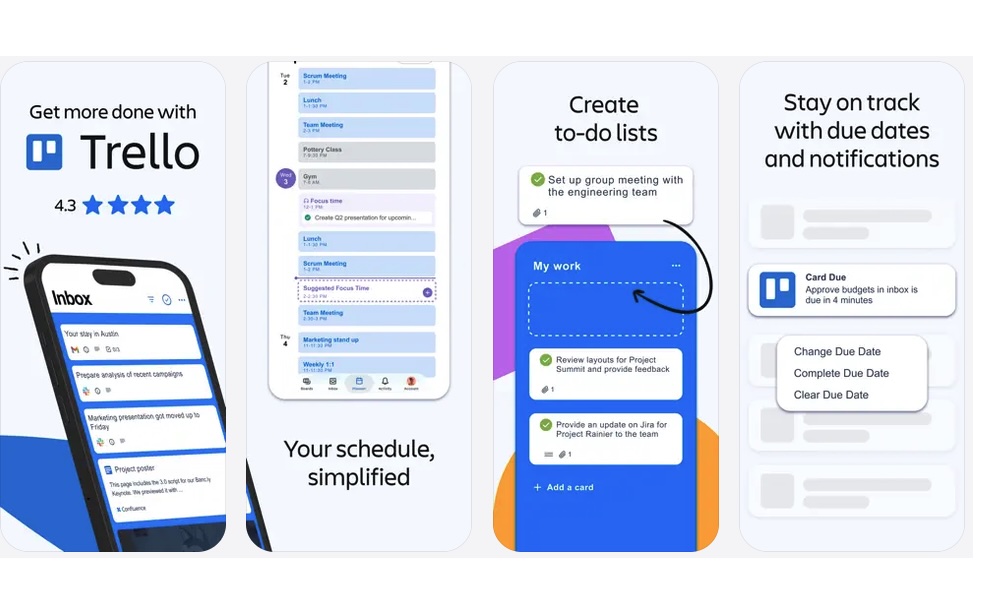
Trello is one of the easiest project management apps to use because it’s built around a visual board system. Instead of hiding everything inside complicated menus, it lets you move cards across columns as your big projects progress.
That simple structure is why Trello is still so popular to this day. You can create boards for everything from a group presentation to a work project or even a personal goal that you want to crush. Each card can hold notes, comments, attachments, checklists, due dates, and updates from your teammates.
There are even power-ups, which you can use to boost your board. Granted, you’ll need to pay for a subscription for unlimited access, but you can still use a couple for free.
Trello also works great across all major devices. It has mobile and desktop apps, and even a strong web version, so it’s easy to check your board wherever you are.
Google Drive
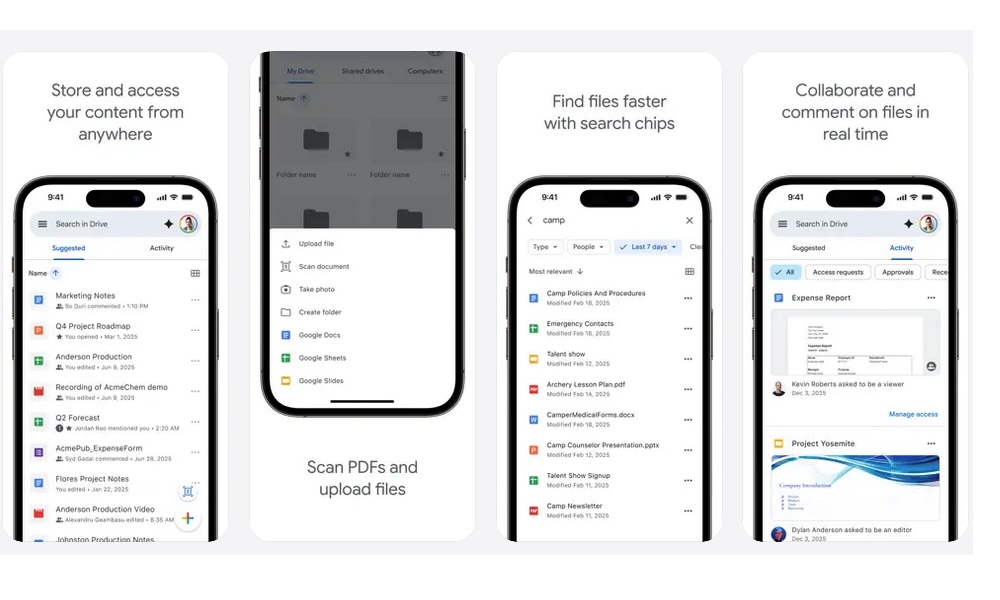
Google Drive is one of the most practical cross-platform apps because of how easy it is to use, especially if you have a Gmail account. Whether you’re saving documents, photos, PDFs, or shared folders, Drive makes them available from nearly any device with a browser.
And yes, this app works great even on Apple devices. Sure, iCloud is great inside Apple’s ecosystem, but Google Drive is often easier when you work with Android and Windows PC users. Plus, Google Drive offers 15 GB of storage for free, compared to iCloud's 5 GB, making it a perfect alternative if you’re looking for more storage without paying a dime.
Drive also makes sharing simple. You can send someone access to a file without attaching a giant document to an email. You can control whether someone can view, comment on, or edit, which makes collaboration much easier for everyone involved.
The best part is that Google Drive connects naturally with Google Docs, Sheets, and Slides. If you already use Google’s productivity tools, Drive becomes the central place where everything lives. It’s not flashy, but it’s one of the most reliable apps to have across every device you own.
Google Docs
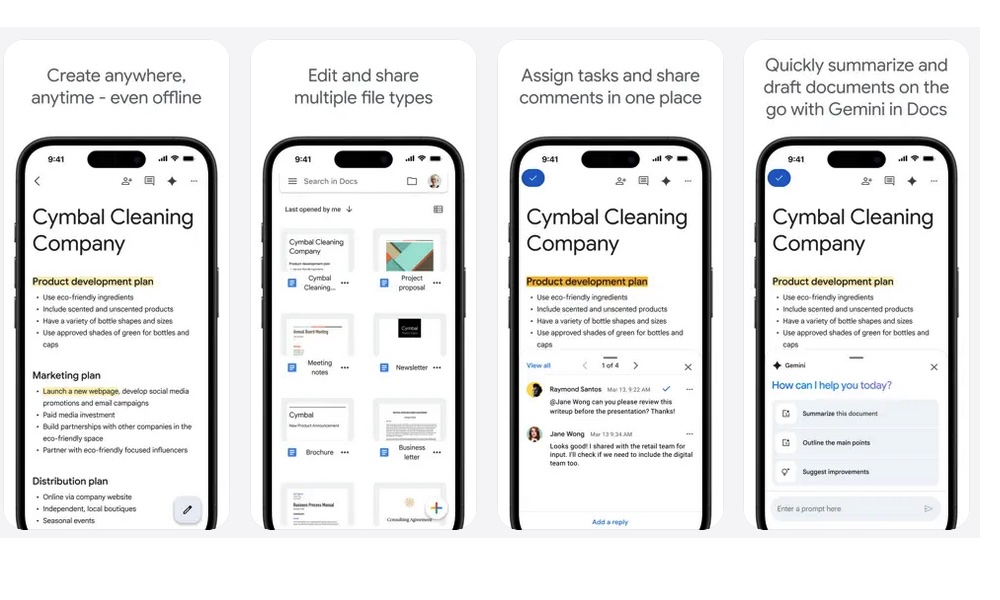
Speaking of Google’s productivity tools, Google Docs is still one of the easiest ways to write and collaborate across platforms. You don’t need a specific computer, operating system, or office suite. If you can open a browser, you can also open your document and get to work.
That makes it extremely convenient if you work from anywhere or work with many teammates. Any number of people can edit the same document at the same time, leave comments, and review older versions. This is much smoother than emailing files back and forth and trying to figure out which copy is the newest.
Plus, you can save your work in almost any format. You can download them as PDFs, Word documents, web pages, or even plain text. Even if your team doesn’t like Google Docs, you can still work on it and share the file however they want.
Google Docs also works well when you want to write something quickly. You can start working on your homework right from your iPhone, and then edit it once you’re back on your laptop. All changes save automatically, so you don’t have to think much about file management.
Granted, as good as Google Docs is, it’s still not perfect. So it may not replace Microsoft Word’s more advanced features, but for everyday writing and collaboration, Google Docs remains one of the best cross-platform tools available.
Todoist
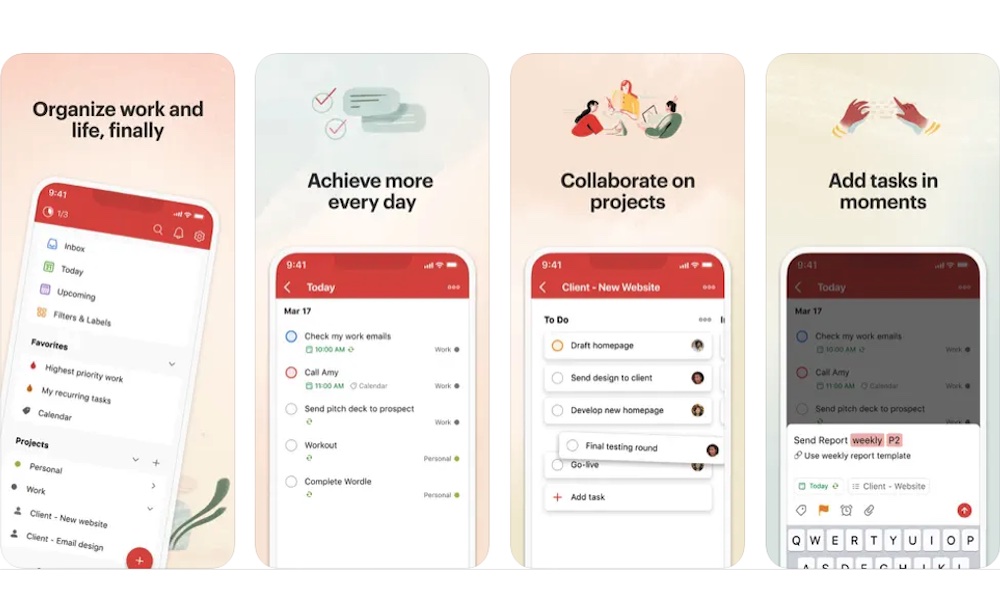
Todoist is one of the best task managers you can download because it keeps things simple and easy to manage. You can capture a task quickly, organize it into a project, set a due date, and move on with your day.
One of the best parts about the app is how casually it lets you create your to-do lists. You can type something like "submit report Friday at 3 PM," and Todoist understands what you mean. It will create the task with the specific due date and time without any extra work from you. That makes adding tasks faster than filling out several fields manually.
Todoist also works almost everywhere. It has apps for iPhone, Android, Mac, and Windows. And if that isn’t enough, you can also access your account from the web. It also integrates with browser extensions and email tools, making it easy to capture tasks across different parts of your day.
The app is great for personal productivity, but it also supports shared projects. That means you can use it for household tasks, team assignments, or freelance work. It doesn’t matter what you do; Todoist will be more than capable of helping you.
Slack
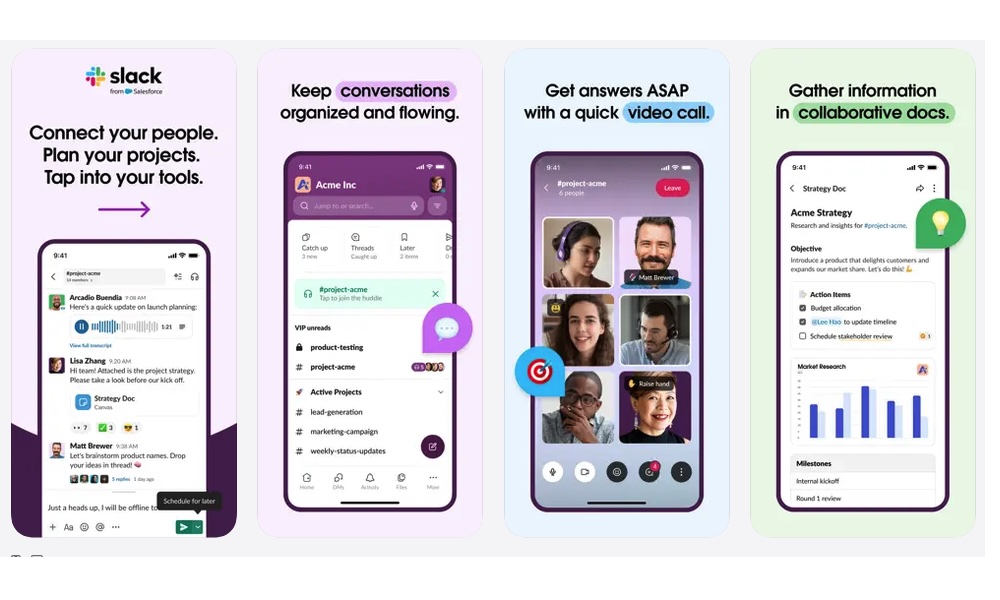
Slack is one of the most widely used communication apps in the workplace, and for a good reason. It replaces long email threads with channels, direct messages, and searchable conversations.
It works especially well for teams that need to stay connected across devices. You can check a conversation from your iPhone, respond from a browser, and continue working from the desktop app later. The experience is the same on all devices, so you don’t have to relearn the app each time.
Slack also supports file sharing, app integrations, workflow automations, and threaded replies. Those features help teams keep conversations organized and give you a couple of extra tools to make work more manageable, like a personal chat where you can store your thoughts that no one else can see.
Spotify
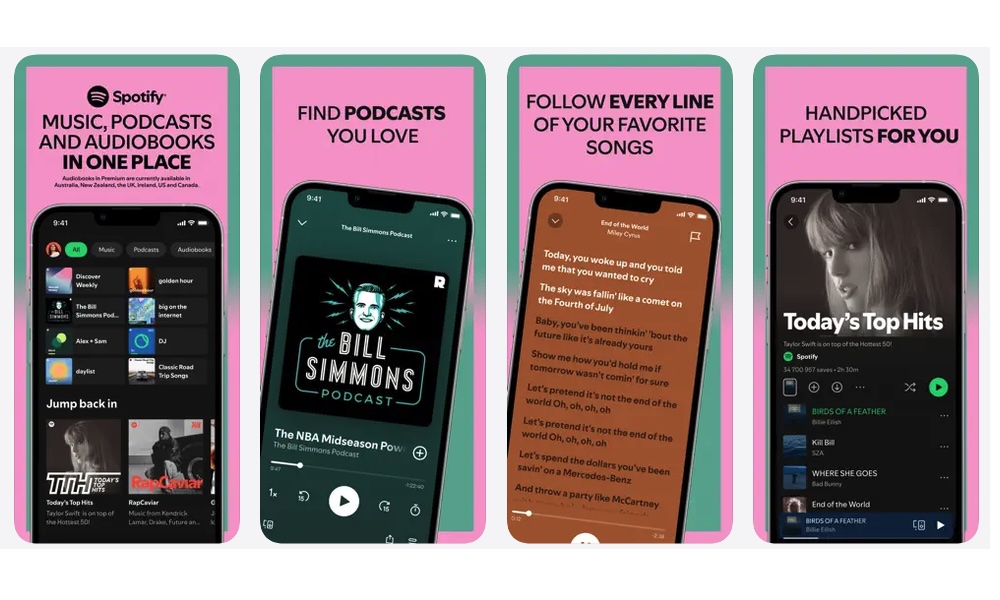
Not every app has to make you more productive; some are just for fun — though a great playlist can definitely help you stay focused while you work. That’s where Spotify comes in. This is one of the best examples of a cross-platform app that genuinely feels like it’s everywhere. It works on phones, tablets, computers, smart TVs, game consoles, car systems, smart speakers, and web browsers.
You can start music on your laptop, switch playback to a speaker, and control everything from your iPhone. Spotify Connect is a major reason the app feels so great to use on multiple devices.
Spotify also keeps your library, playlists, and listening history synced across devices. If you listen to a podcast during a walk and continue later from your computer, your place is usually right where you left it.
Apple Music is better for people fully invested in Apple’s ecosystem, but Spotify is harder to beat if you use many different devices. It’s one of the strongest cross-platform entertainment apps available.
Canva
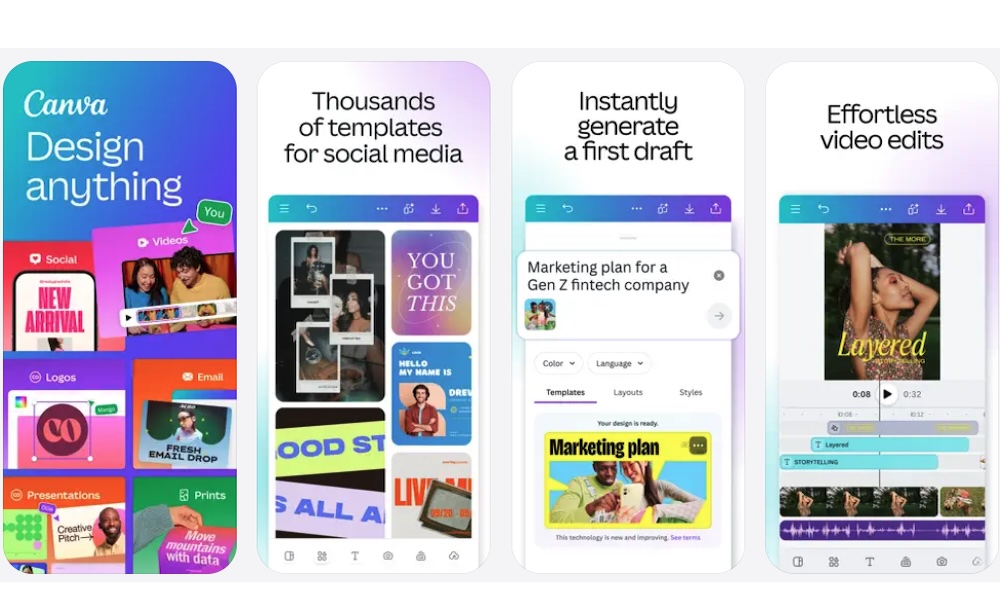
Canva is a fantastic design app, especially for those of us who aren’t designers or just not as creative as we’d like. You can create social posts, presentations, flyers, videos, resumes, posters, thumbnails, and simple marketing graphics without learning how to use specific design software.
What makes the app great is its templates. Instead of starting with a blank canvas (which you can do if you want), you can begin with a layout and customize it. That makes Canva much easier for beginners while still being useful for small businesses, content creators, teachers, and students.
Canva is also very accessible across platforms. It works through the web and has apps for mobile devices. It also offers desktop options for Mac and Windows, making it easy to start a project on one device and continue it on another.
It won’t replace advanced tools for every professional designer, but for everyday design work, Canva is one of the most useful cross-platform apps around.
ChatGPT
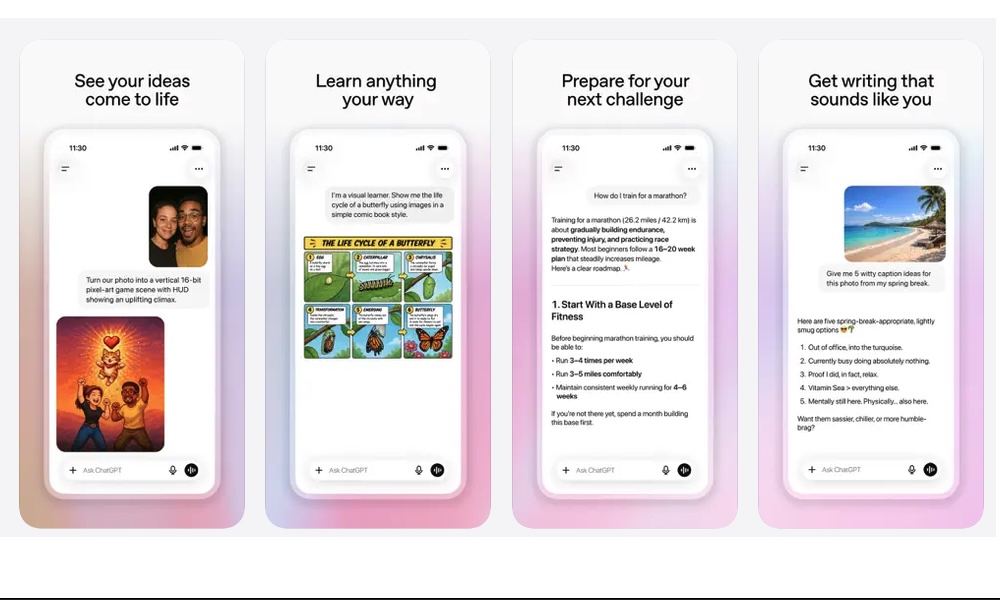
ChatGPT is one of the most versatile cross-platform apps available today. You can use it from the web, iPhone, Android, Mac, and Windows. Since conversations sync through your account, you’ll have access to everything regardless of the device you use.
That makes it useful for everyday work. You might ask a question on your iPhone, continue working on an idea on your laptop, and later return to the same conversation in a browser. The desktop apps also make ChatGPT easier to access while working, especially if you use it for writing, coding, planning, or analyzing information.
ChatGPT is also more capable than a simple chatbot. Depending on your plan and available features, it can work with images, files, voice conversations, web information, and screenshots.
Of course, it’s still important to verify important information, especially current facts or anything involving your health, finances, or legal decisions. Used carefully, though, ChatGPT is one of the most helpful apps to keep up with every platform you use.
Cross-Platform Apps Are a Must-Have on Your iPhone
The best cross-platform apps make life or workflow feel easy regardless of your operating system. They let your notes, files, projects, and creative work move with you instead of staying trapped on one device.
The apps on this list are a great way to get started. They’re free to download and try, and they work seamlessly across almost any supported device.. Of course, you don’t need to use every app on this list. In fact, using too many productivity apps can create more clutter. Start with the most useful apps for you and then explore other options that will help you in your everyday life.