
9 Ways to Give Your Old Apple Watch a Second Life
 Gabo_Arts / Shutterstock
Upgrading your Apple Watch doesn’t automatically mean your old one becomes useless. In fact, an older Apple Watch can still be surprisingly helpful once it stops being your main watch. Depending on the model, it can still track workouts, handle sleep tracking, and do so much more, so why just store it and forget about it?
You essentially have two paths forward: give your old watch a second life or turn it into credit toward your next upgrade. Some people should absolutely keep an older Apple Watch around as a second device because it can still help you in your everyday life. Others are better off trading it in or recycling it responsibly if it’s just going to sit in a drawer for the next three years.
While selling or trading in an Apple Watch are obvious choices, read on for 9 creative ways you can still make the most out of your “old” Apple Watch.
Turn Your Old Apple Watch Into a Dedicated Workout Watch
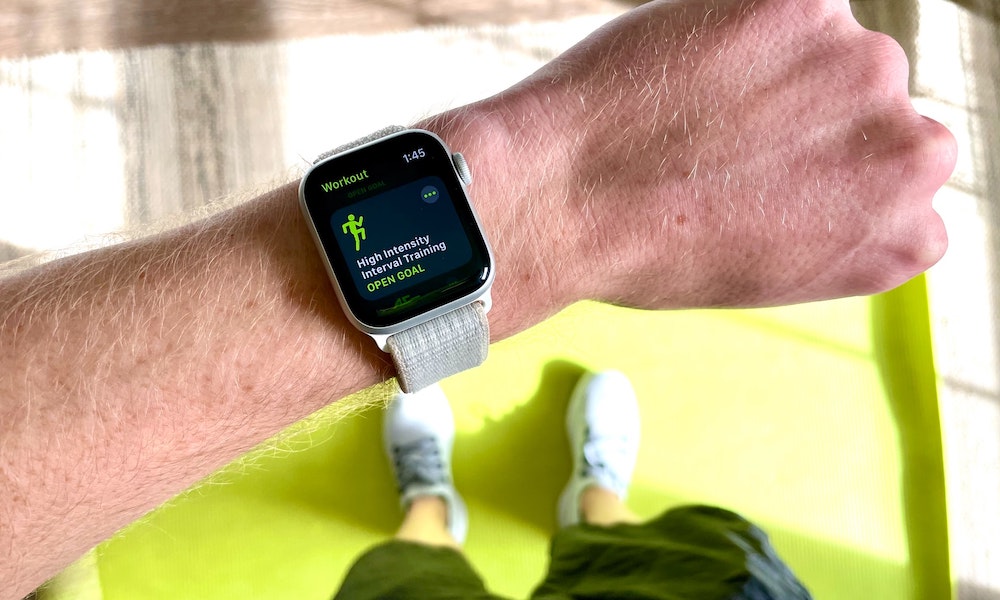
One of the easiest and smartest ways to reuse an older Apple Watch is to make it your exercise-only watch. If you already bought a newer model, your older one becomes the perfect candidate for runs, walks, cycling, gym sessions, or any workout where you’d rather not worry about bumps, sweat, or scratches. This is especially useful as older models can still track workouts well even after they feel a little too slow or worn out to stay on your wrist all day.
A lot of people baby their newer Apple Watch more than they want to admit, especially during tougher activities. An older watch removes that pressure. You’re still getting fitness tracking, heart-rate data, and workout logging, but you’re doing it on a watch you don’t mind treating like a workout tool.
Just make sure your older Apple Watch is still paired to your iPhone. Afterward, you can open the Workouts app and start exercising.
Use Your Old Apple Watch as a Sleep-Tracking Tool
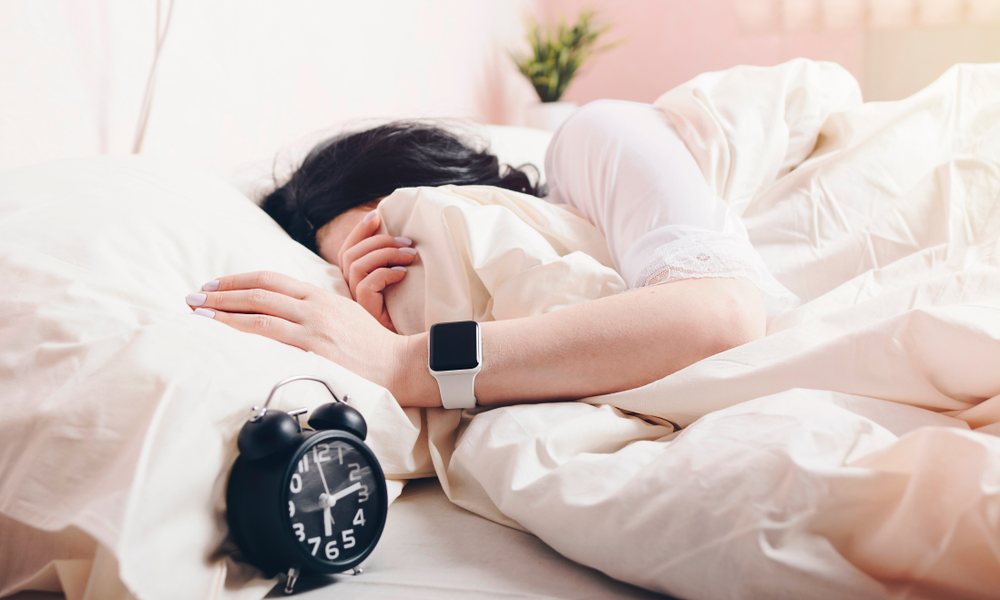
Sleep tracking is one of the most practical reasons to keep an old Apple Watch around. The biggest downside to sleeping with an Apple Watch has always been figuring out when to charge it. Although Apple has improved charging times and battery life on newer Apple Watch models, that may still not be enough for people with very active lifestyles.
If you wear your main Apple Watch all day, and then want to wear it all night too, you eventually run into that awkward moment when you can’t fully charge it before leaving.
A second Apple Watch solves that problem in a very clean way. One charges while the other stays on your wrist. Then you switch back in the morning. If your old watch still has enough battery to make it through the night comfortably, it can become the dedicated sleep watch while your main one handles daytime use. You’ll get the benefits of sleep tracking without any worries in the morning.
As long as you have your sleep routine set up, your old Apple Watch will begin tracking automatically.
Keep It as a Backup Travel Watch

Travel is one of those situations where an older Apple Watch can become more useful than your newer one. If you’re going to the beach, heading to a festival, going on a rough trip, or spending time in places where theft, loss, or damage feels more than likely, the older Apple Watch is often the smarter one to bring.
This works because you'll still get all the benefits of your new Apple Watch. Since you’re traveling, it just needs to handle the basics like time, alarms, messages, and maybe a few workouts or wallet features. Using the older watch for travel also gives you a backup if your main Apple Watch ends up low on battery, damaged, or simply left behind in a charger. It’s not glamorous carrying two Apple Watches at once, but it is practical.
Use Your Apple Watch as an iPod nano
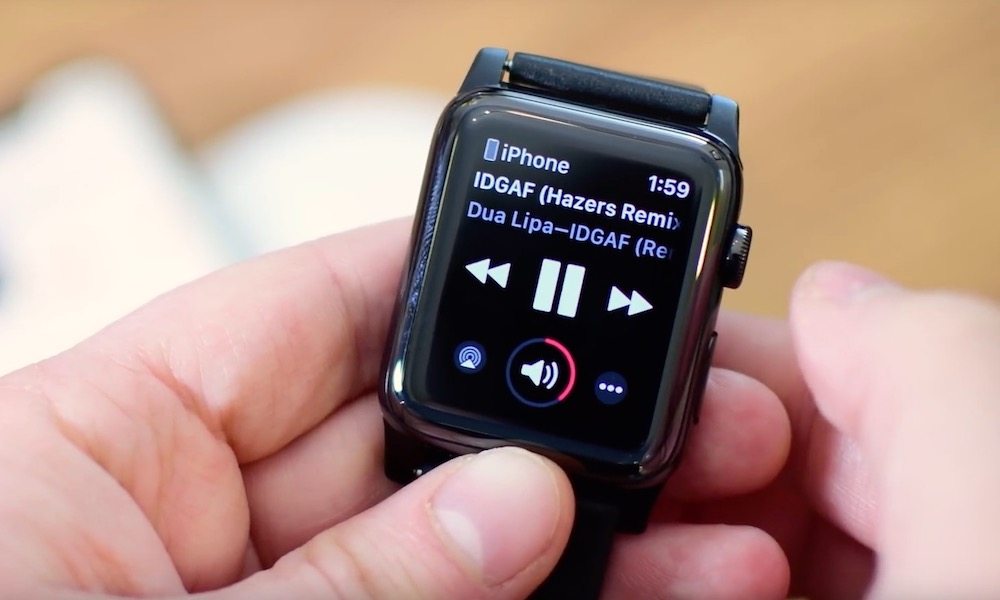
Remember the days when we all wanted an iPod nano? There were even some folks who wore the sixth-generation iPod nano as a watch — and companies that were happy to make watchbands for it. Well, now you can do the opposite.
If you like walking, running, or doing short errands without your phone in your pocket, an older Apple Watch can still make a very good audio companion. Depending on your model, you can simply pair your AirPods via Bluetooth and then listen to music, podcasts, and in some cases even audiobooks.
You'll be able to control everything from your wrist without worrying about notifications, cellular data, or anything that can distract you from a little "me time." For workouts or quick trips where you want less screen time and less bulk, that’s genuinely useful.
Use It as a Timer and Kitchen Helper

A watch is often a better kitchen tool than a phone because it’s way easier to use when one of your hands is full. If your old Apple Watch still works well, it can become your dedicated cooking timer, tea timer, and quick reminder device while you’re in the kitchen.
That’s especially nice because it keeps you from reaching for your phone with wet or messy hands every few minutes. You can set timers, glance at them quickly, and move on. It’s a small, everyday use, but if you’re always trying something new in the kitchen, it’ll be incredibly useful.
Hand Your Apple Watch Down to a Child or Older Relative
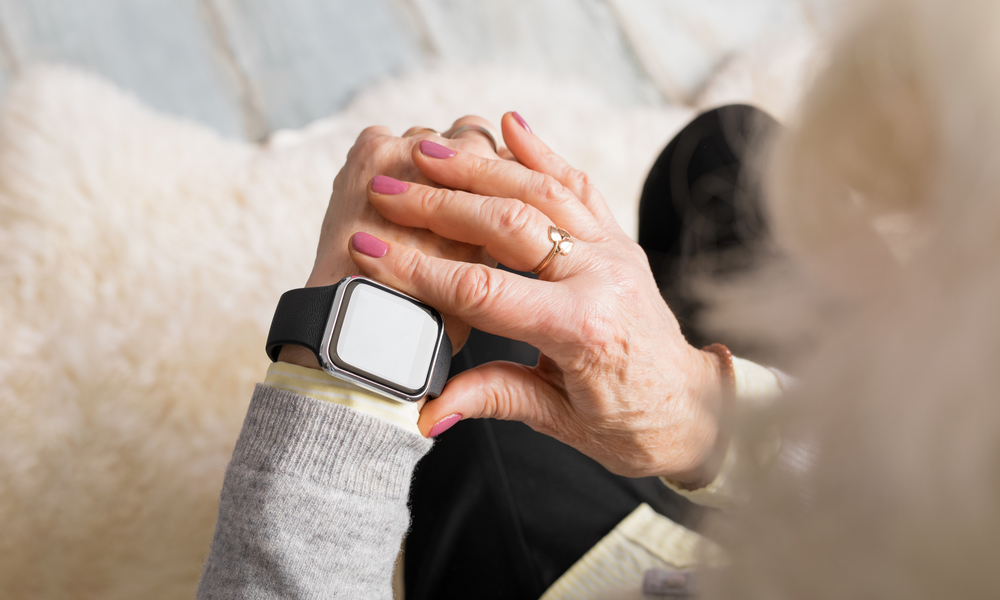
If your old Apple Watch is a cellular model, it can still do a lot of things even if it’s not connected to an iPhone. That can make it a good fit for a child who doesn’t have their own iPhone yet. You can still locate them and even have a chat, without having to buy a whole iPhone for someone who might not be ready yet. Plus, it’s a great way to introduce them to the Apple ecosystem one device at a time.
On the other hand, you can give it to an older member of the family. Your parents or grandparents might not want to deal with a brand new smartphone, as they might find it a bit complicated. However, a smaller, simpler Apple Watch can still give them a ton of benefits, like calls, messages, and location. Plus, you can also set up safety features like Fall Detection, so you’re always alerted in case of an emergency.
Keep it as an Emergency Spare
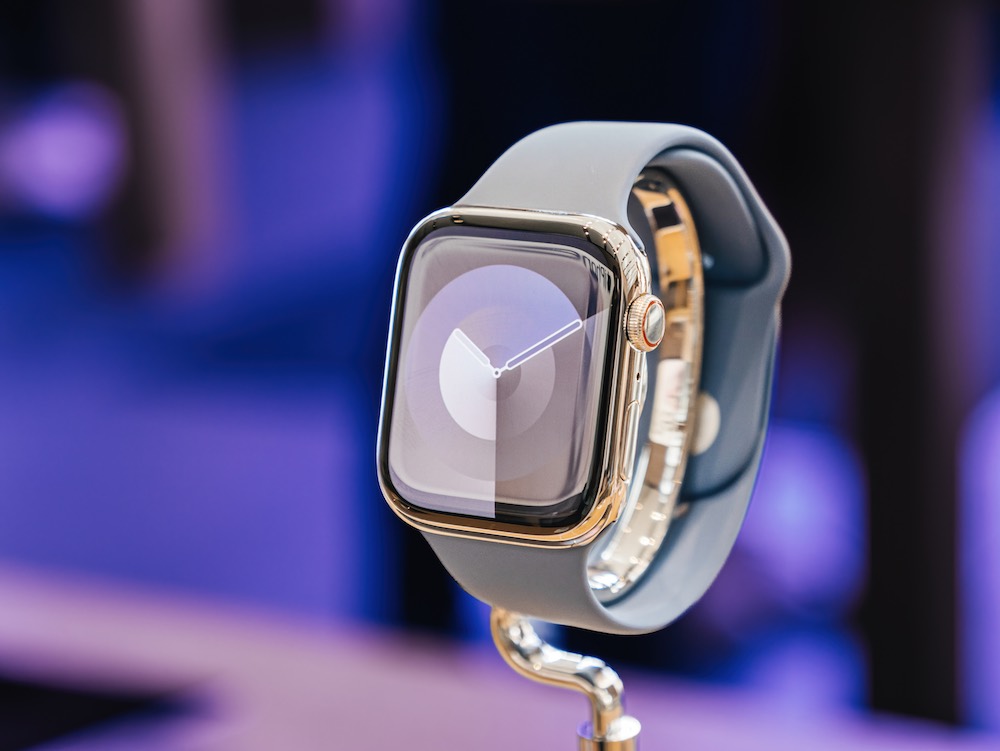
This is probably the least exciting option on the list, but it’s also one of the most practical. Instead of immediately selling or recycling your old Apple Watch, keep it ready as an emergency spare. If your main Apple Watch breaks, gets lost, or needs service, having a backup means you don’t lose all your favorite Apple Watch features at once.
That matters more than you might think. Once you get used to alarms, workouts, notifications, and other useful features right on your wrist, suddenly losing the watch entirely can feel more disruptive than expected. A backup solves that problem quietly.
Trade It In Toward a New Apple Product
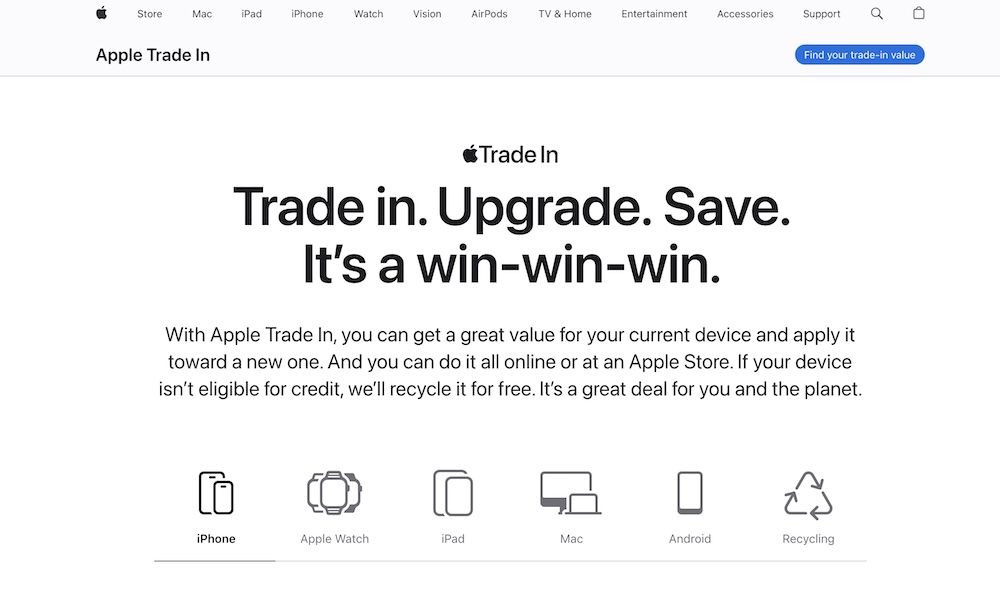
Of course, not every old Apple Watch is worth keeping. If it’s just sitting around unused and still has some value, trading it in can be the smartest move. Apple supports Apple Watch through its trade-in program, and that makes it one of the easiest ways to turn an unused device into credit toward something newer.
That option makes the most sense if you already know you’re not going to reuse it in any meaningful way. A backup is only useful if it’s actually going to be used or appreciated. If it isn’t, trade-in is often the cleaner answer.
Just go to Apple’s Trade In website and see how much Apple is willing to give you for your money. If you think it’s worth it, make use of it. If not, you might find more value if you sell it yourself.
Recycle It Responsibly if it’s Already Too Old
Some Apple Watch models are simply past the point where reusing them makes much sense. Maybe the battery is rough, the model is too old, or the device just doesn’t fit into your life anymore. In that case, responsible recycling is a much better outcome than letting it sit in a drawer forever or tossing it out the wrong way.
This is the least exciting ending, but it’s still a good one. If the Apple Watch no longer has practical value, recycling it properly is a better solution than pretending you might use it someday and never touching it again.
Before you do that, though, just remember to unpair and erase it, so your data is still safe. When all of that’s done, you can take it to Apple so they can start the recycling process for you.
Make Use of Your Old Watch
One detail most of us tend to overlook is that your iPhone can support more than one Apple Watch at a time. That means you don’t always have to fully retire your old one just because you bought a newer model. You can keep both and use each one for different situations.
The best thing you can do with your old Apple Watch depends on one simple question: Does it still solve a real problem for you?
If it does, keeping it can make a lot more sense than people expect. An older watch can still work well for many different things. It can even work for your kids or parents, if needed.
On the other hand, if your old Apple Watch isn’t really useful to you anymore, you can try selling it, trading it in with Apple, or recycling it. Not every old device needs a second life. But a surprising number of them still have one if you think beyond using them the exact same way you did when they were new.