
Learn the Basic Swipe Gestures First
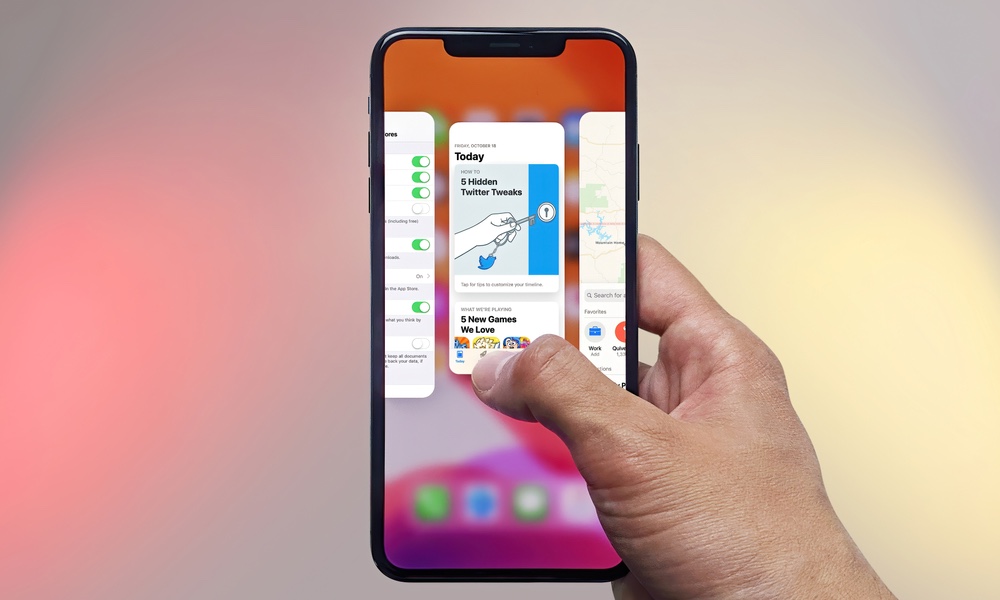
Modern iPhones rely solely on gestures instead of physical buttons. If you’re coming from an older iPhone or an Android phone, this may feel unfamiliar at first. However, once you get the hang of them, navigating your iPhone becomes second nature — and extremely fast.
Many new users slow themselves down by looking for visible navigation buttons that simply aren’t there anymore. The key is to trust the gestures and practice them for a few minutes. Once you do, switching apps, opening notifications, and returning to the Home Screen will feel natural.
There are a lot of things we could show you, but for now, you can get started by learning these basic gestures:
- Swipe up from the bottom edge of the screen to return to the Home Screen.
- Swipe up from the bottom to the middle of your screen to open the App Switcher.
- Swipe down from the top-left area of the screen to open Notification Center.
- Swipe down from the top-right corner to open Control Center.
- When you’re in an app or page, swipe from the left edge of your screen to the middle to return to a previous page.