
Make A Smart Home Control Panel
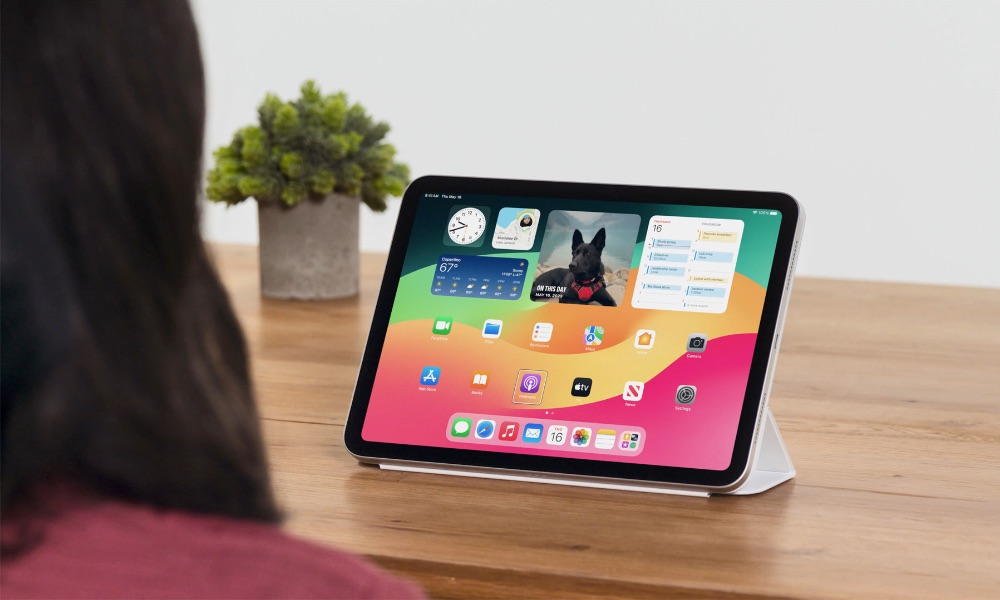
If you use smart lights, plugs, cameras, or a thermostat, a wall-style iPad dashboard can make your whole setup feel much easier to control. Instead of yelling at a voice assistant or hunting for the right app on your phone, you get a dedicated control center you can tap in two seconds.
This works especially well with Apple Home, because it’s built in and can act as the main hub for scenes and accessories. If you also rely on device-specific apps like Philips Hue, Eufy, or Ring, you can keep those too, but the point is to make the iPad feel like a control panel, not a multitasking device.
Placement matters more than people expect. Put it somewhere central, keep it powered, and set the display brightness so it’s readable without being blinding at night. You can also build simple Shortcuts that act like big buttons for things you do constantly, like turning off all lights or setting a bedtime scene.