
Turn Your iPad Into a Dedicated Kitchen Recipe Screen
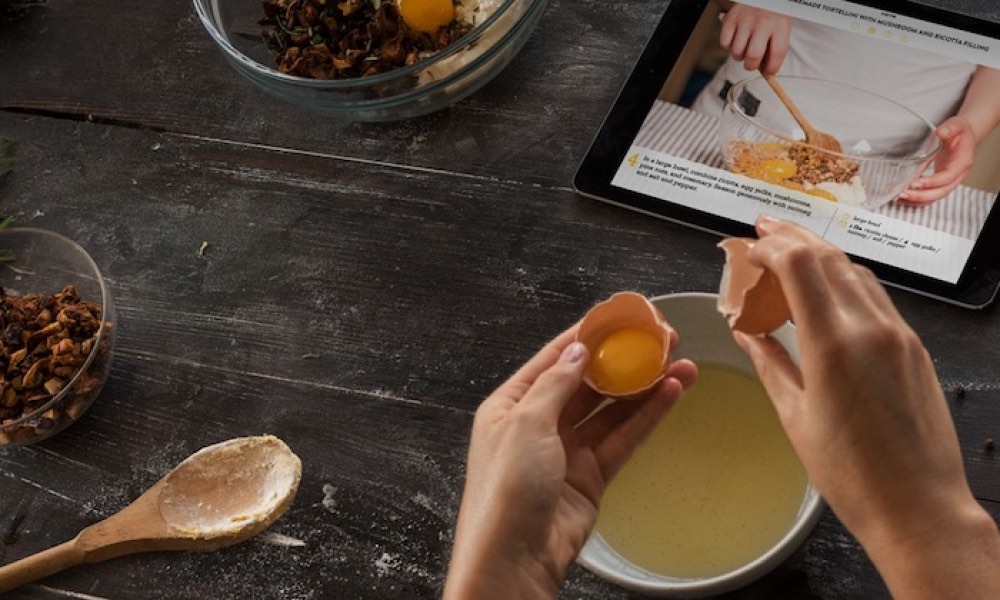
Your kitchen is one of the best places for a repurposed iPad because it thrives on one simple promise that it will always be ready when you need it. A dedicated recipe and timer screen is the kind of thing you don’t realize you want until you have it. Suddenly, you’re not grabbing your phone with messy hands or letting your cooking session turn into a doomscrolling session.
Start by simplifying the iPad so it feels like a kitchen tool, rather than a general-purpose tablet. Keep the Home Screen minimal, add your recipe app (Paprika is a favorite for saving and organizing recipes), and make Safari bookmarks for the sites you actually use. Then add a stand or mount so it’s always visible without taking up space on your cutting board.
A simple upgrade that makes a big difference is keeping it quiet. A kitchen iPad doesn’t need notifications from anything. Timers, yes. Everything else, no.