
Use The Dock Like A Taskbar, But Don’t Treat It The Same
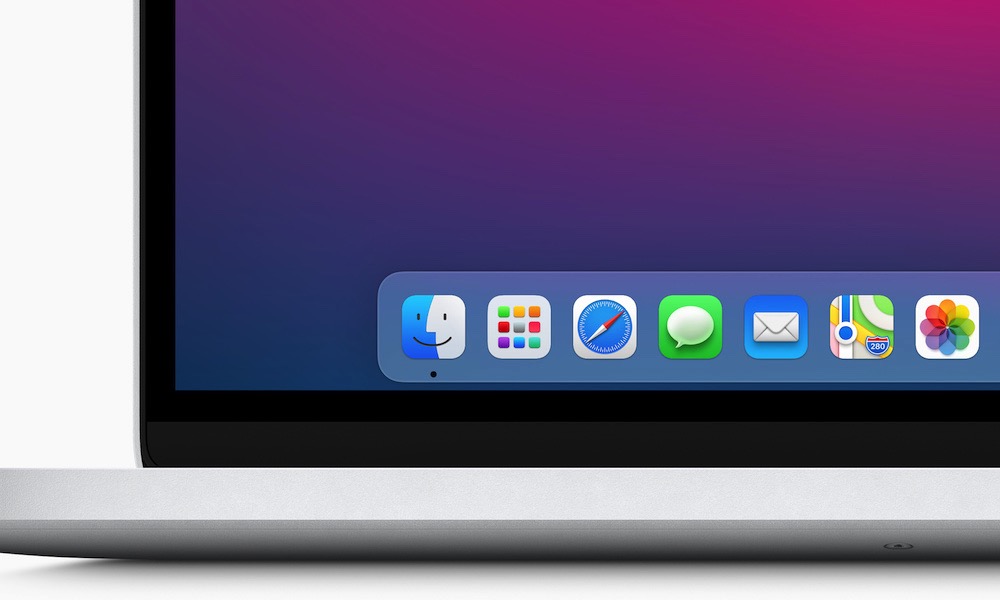
The Dock is part taskbar, part launcher. It shows apps you’ve pinned and apps that are currently running.
The Dock is best when you keep it clean. Pin your daily apps, remove clutter, and let it serve as your quick-access strip rather than a dumping ground.
You can also tweak the Dock’s behavior so it fits your style. Some people like it big. Some keep it tiny and out of the way, and some prefer to stick it on the left or right side of the screen.
First, if you want to pin an app, you need to right-click its app icon and then go to Options > Keep In Dock.
On the other hand, if you want to change the size and position of the dock, simply go to the Apple menu (Apple logo) in the top left corner and then click on System Settings. Scroll down on the left sidebar and go to Desktop & Dock. From there, customize the Dock however you want.