
Use Spotlight Instead of the Start Menu
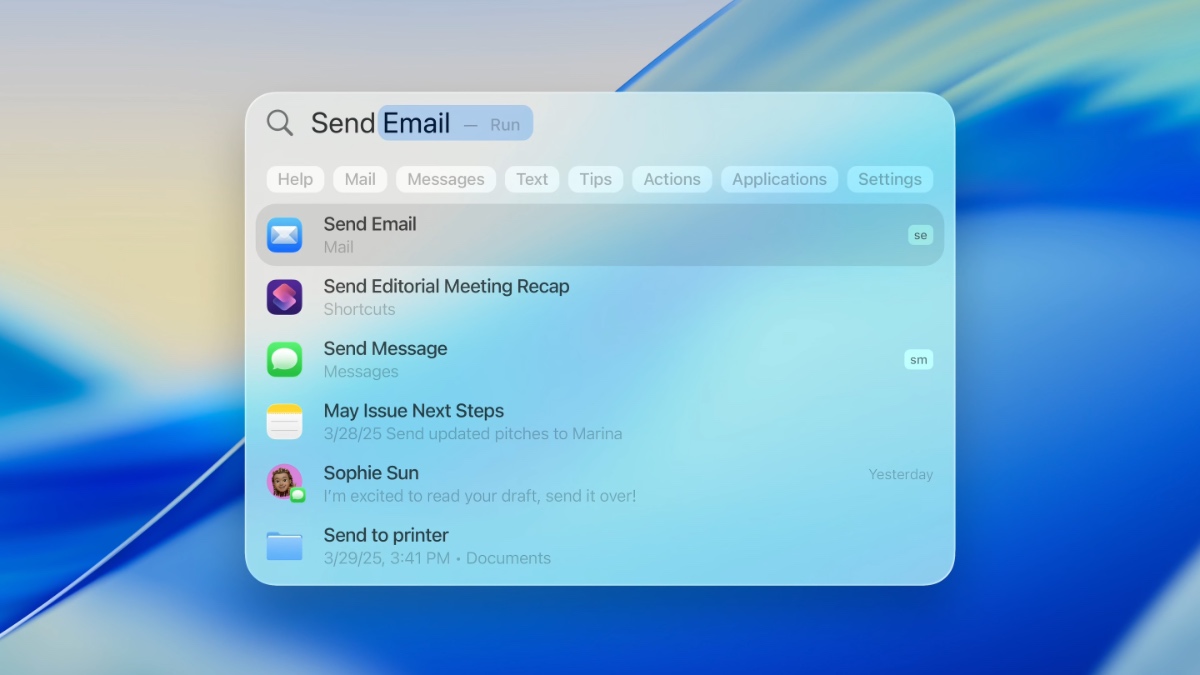
Spotlight is one of the easiest ways to get around a Mac. Think of it as a quick way to search, launch apps, search files, do quick calculations, and a lightweight system search all rolled into one.
Instead of clicking around looking for an app, you can just bring Spotlight up and type the first few letters. It’s also great when you can’t remember where a file is. If it’s on your Mac, Spotlight will usually find it faster than you can.
Once you start using it, you’ll wonder why you ever clicked through folders to open things.
Here’s how to start using Spotlight Search:
- Press Command + Space.
- Type an app name, file name, setting, or even a quick math problem.
- Press Enter to open the top result.
Spotlight has a couple of other neat tricks up its sleeve. For instance, it can even help you do quick Google searches without opening Safari first, or search for specific pictures based on the location or a person’s name. So play around with it to learn everything it can do for you.