
Command Replaces Control
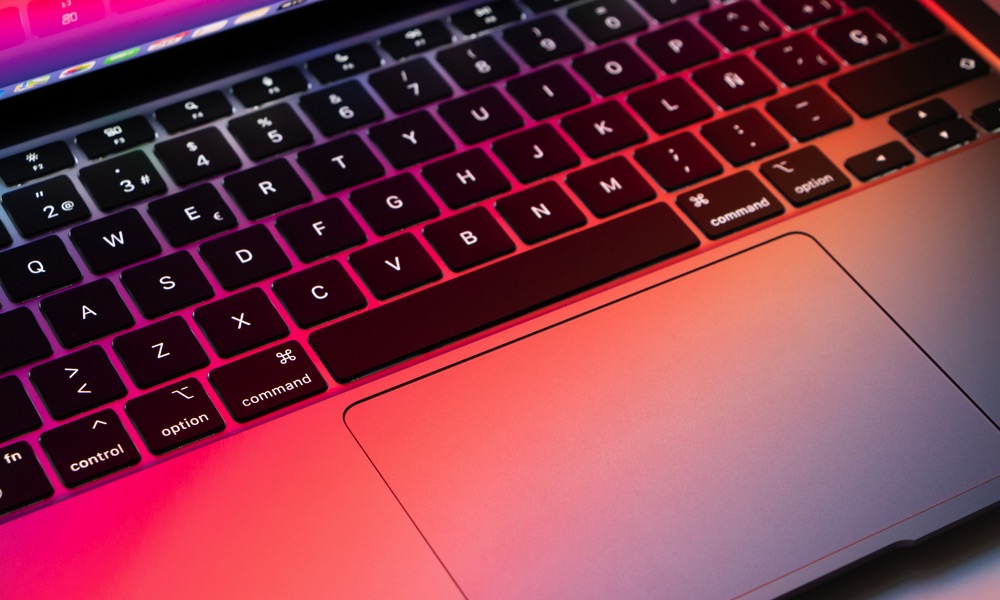
If your hands know Windows shortcuts by muscle memory, this will probably be the biggest adjustment. While you still have a Control (CTRL) key, on a Mac, most of the shortcuts that used that key on Windows now work with the Command (CMD) key. The good news is that the actual shortcuts are basically the same pattern, just with a different key.
Once you stop fighting it, this becomes second nature. Copy, paste, save, and undo all feel familiar again. It’s just that the CMD key is doing the heavy lifting now. Here are some examples:
- Copy: CMD + C
- Paste: CMD + V
- Undo: CMD + Z
- Save: CMD + S
- Switch Apps: CMD + TAB
As you can see, these are basically the same letter shortcuts you’re already familiar with on Windows; only the modifier key is different.