
The Menu Bar Is Always at the Top
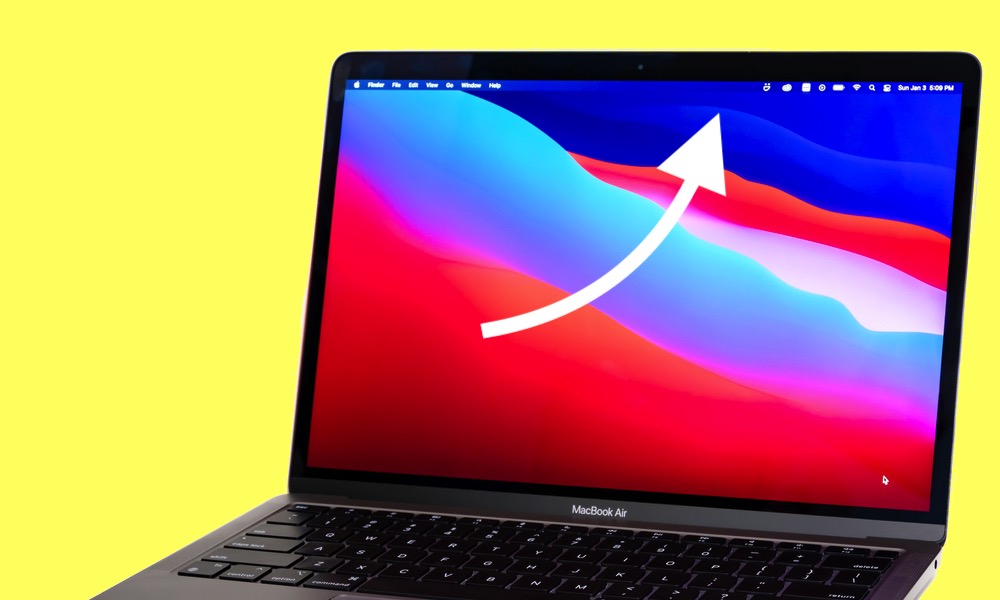
If you’re coming from Windows, it’s normal to look for File, Edit, View, and Tools inside the app window the first time you open an app on a Mac. On macOS, however, those menus don’t live inside the window; they live in the menu bar at the very top of the screen, which changes depending on the currently active app.
This is one of those things that feels odd for about a day before it suddenly feels cleaner. The menu bar becomes a consistent place for controls — you’ll always know where to find them — and your windows can stay focused on content instead of being stuffed with menus.
To make it work, you just need to remember one rule: the menu bar reflects the app you most recently clicked. So just click inside the app window that you want to control and look at the top to see all of the app’s menus and options.