
Preview Can Replace A Bunch Of Extra Utilities
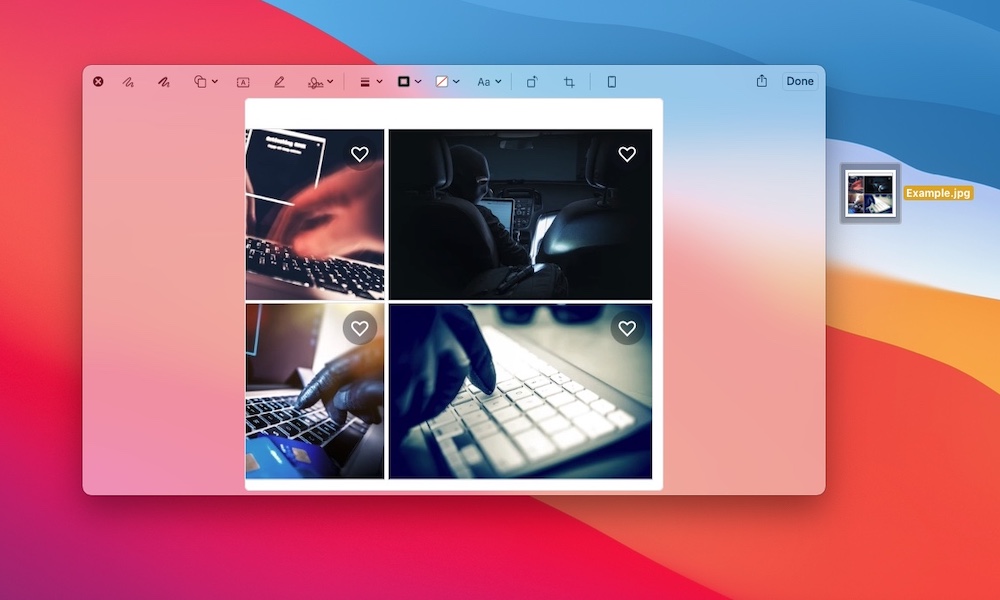
Windows users often install extra tools like Adobe’s Acrobat to handle PDFs and basic image edits. However, the Mac includes Preview, an app that handles most of that out of the box. It opens PDFs instantly, lets you sign documents, highlight text, add notes, crop images, and do quick markup without needing a separate app.
If you’re used to downloading a PDF editor the second you need to fill something out, try Preview first. There’s a very good chance it already does what you need — and it’s lightweight and fast.
Preview is also perfect for quick tasks like combining PDFs — simply drag one PDF into the sidebar of another — exporting images to different formats, and adding a signature to a document in seconds.
Another useful feature that macOS brings to the table is the ability to preview a file or image directly from Finder. Simply select the file you want to preview and press the space bar. That will let you see the whole document without having to open it. If it’s a PDF file, you can press the Markup button (the icon that looks like a pencil), and then you can do things like add your signature instantly.