
Stop Fighting Your Mac: 10 Tips For Windows Switchers
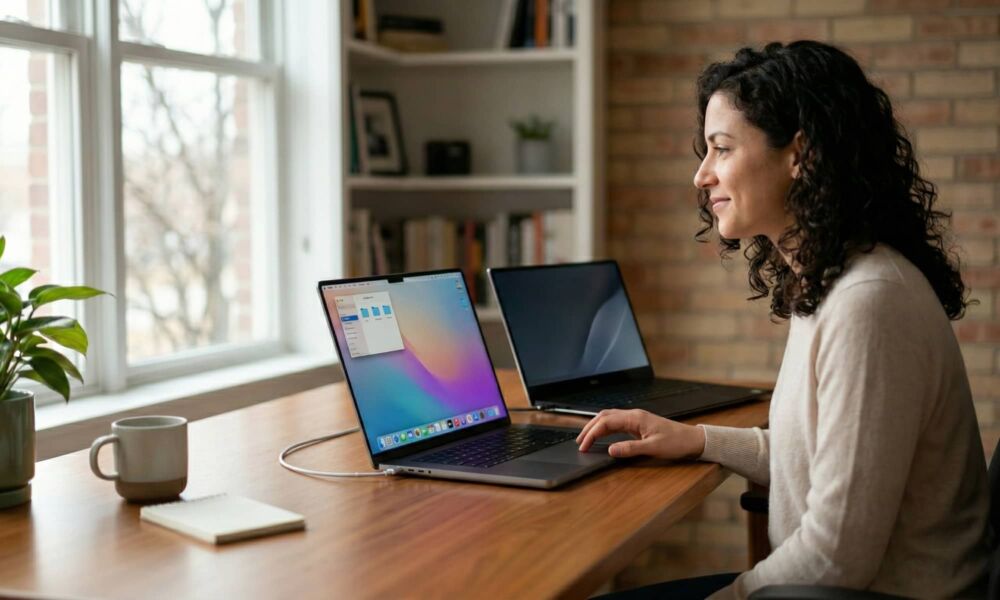
If you’ve just made the switch from Windows to a Mac, welcome. You’re going to love it here, but it will take some time to get used to everything.
Switching from Windows to a Mac can feel a little like moving into a well-designed house where all your most-used stuff, like light switches, are in slightly different places.
Sure, you still have apps, files, folders, and a browser. You can still install software from anywhere, multitask, and get work done (maybe even faster than on Windows). But macOS has its own logic for how windows behave, where settings live, and how you should move around the system.
The fastest way to feel comfortable isn’t relearning everything from scratch, but getting started by learning a handful of Mac habits to replace your Windows habits. Once those clicks, shortcuts, and window behaviors start feeling natural, the whole system stops feeling confusing and starts feeling easy.
To help you get started with your new operating system, we’ve gathered 10 of the most useful features for new macOS users. Read on…