
Update Your Apps
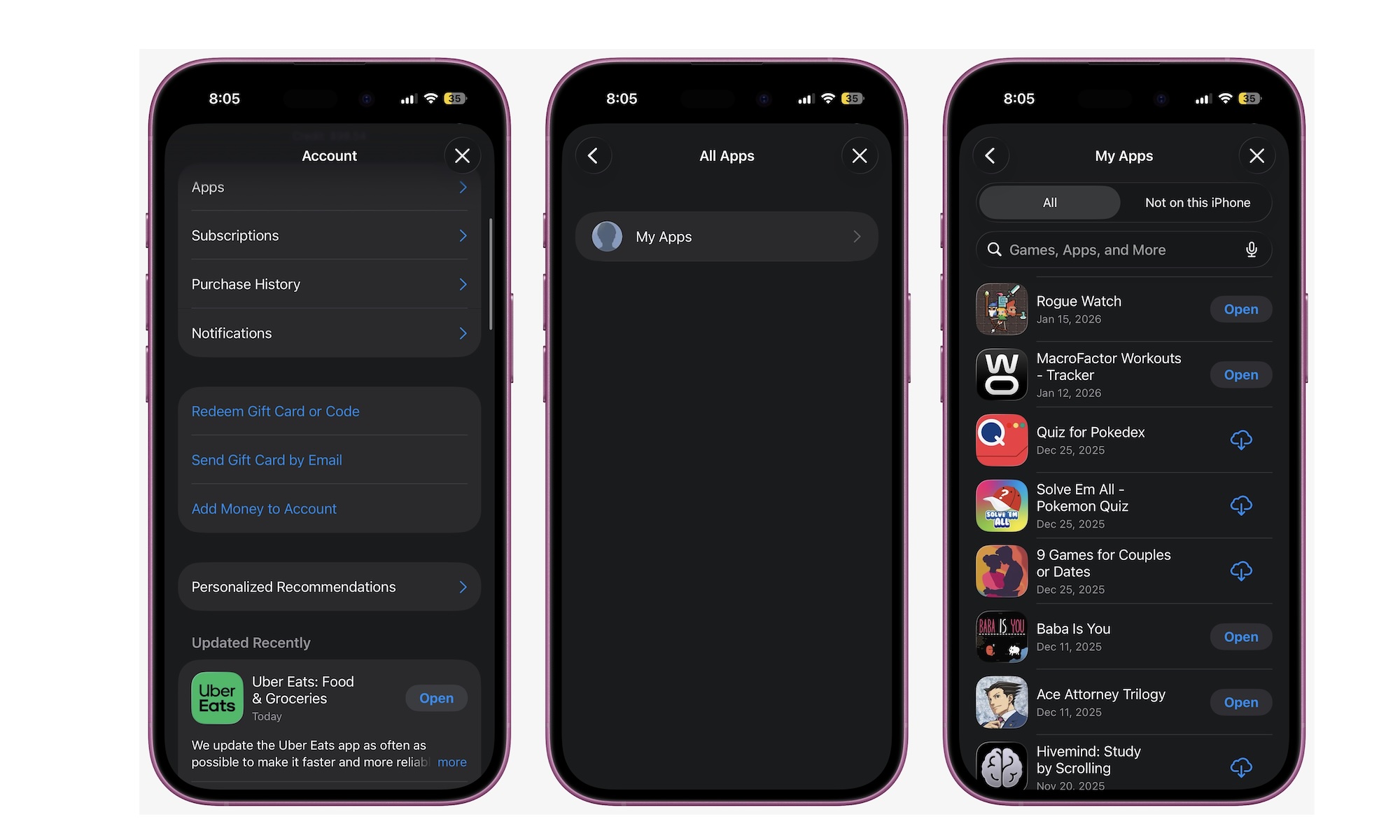
Apps can make an old iPhone feel even older. If you’re running outdated versions of social, messaging, banking, and media apps, you’re more likely to encounter bugs, crashes, performance hiccups, and battery drain. App updates often include optimizations that matter more than you’d think, especially when developers adjust for newer iOS versions.
To update all your apps, open the App Store, tap your profile icon in the top right corner of your screen and scroll down to look for any pending app updates.
Prioritize the apps you use most and the ones that tend to run in the background. Messaging apps, email apps, social apps, and streaming apps are common culprits.
Even if you’re not seeing obvious issues, keeping apps up to date is one of the easiest ways to keep an older iPhone feeling stable.