
Update iOS Even if You Don’t Care About New Features
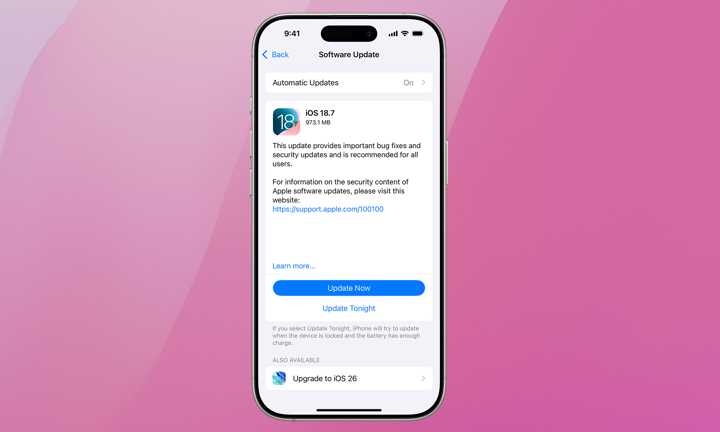
It’s tempting to avoid iOS updates on an older iPhone because you’re worried about performance or bugs. However, these updates often fix performance issues, along with adding security patches and stability improvements that can help your phone run better. Even if you don’t care about what’s new, you should care about the other improvements that you don’t necessarily see.
Modern versions like iOS 26 include smarter resource allocation that actually helps older hardware manage heavy tasks better than older software could, so don’t assume that a newer update will automatically demand more performance than your old iPhone can handle.
To update your iPhone, go to Settings > General > Software Update. If there’s an update available, tap on Download and Install. You might need to plug in your iPhone, and it’s always recommended to use Wi-Fi to download software updates.
Yes, it’s true that more modern software updates aren’t completely optimized for older iPhones. But whether it’s because of performance, bug issues, or security, it’s always important to keep your iPhone up to date.