
9 Effective Tweaks to Make Your Old iPhone Feel New Again
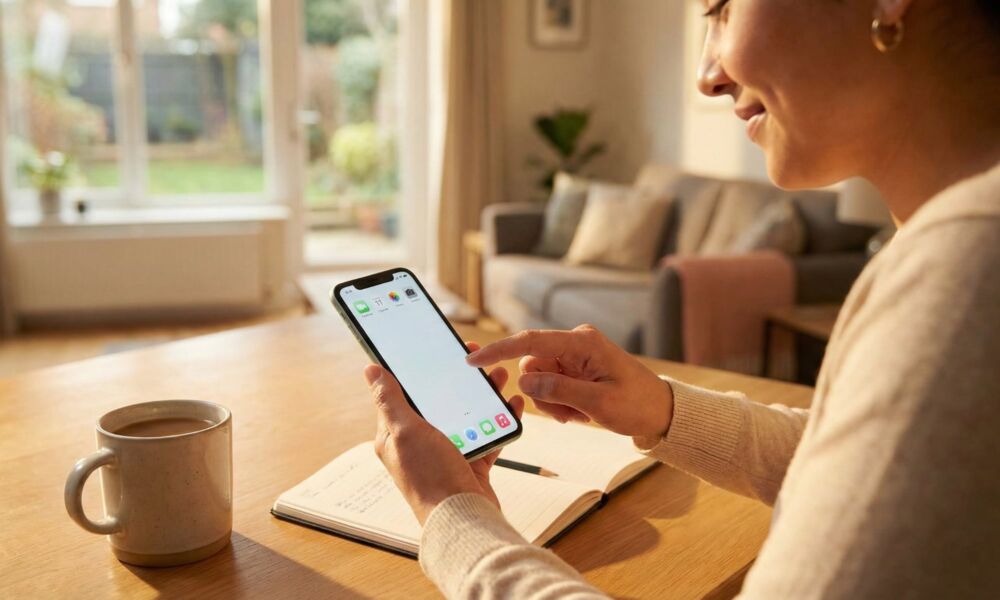
An older iPhone doesn’t need magic performance hacks. Most of the time, it needs the same thing a cluttered desk needs: a cleanup. Freeing up some storage, leaving fewer things running in the background, and changing a couple of settings is often enough to make your whole experience feel much smoother.
When an iPhone starts feeling sluggish, it’s usually not because the device suddenly became useless overnight. It’s because storage is tight, the battery has aged, apps are constantly running in the background, and new iOS animations are asking an older chip to do a little more work than it needs to.
The good news is that you can fix a lot of these things without deleting everything or doing a full reset. Some simple adjustments can help you deal with your iPhone’s most common reasons to become sluggish and ensure that your old device has a new life. Read on for 9 safe and effective tweaks to breathe new life into your older iPhone.