
The New Liquid Glass Design Makes iOS Feel Fresh Again
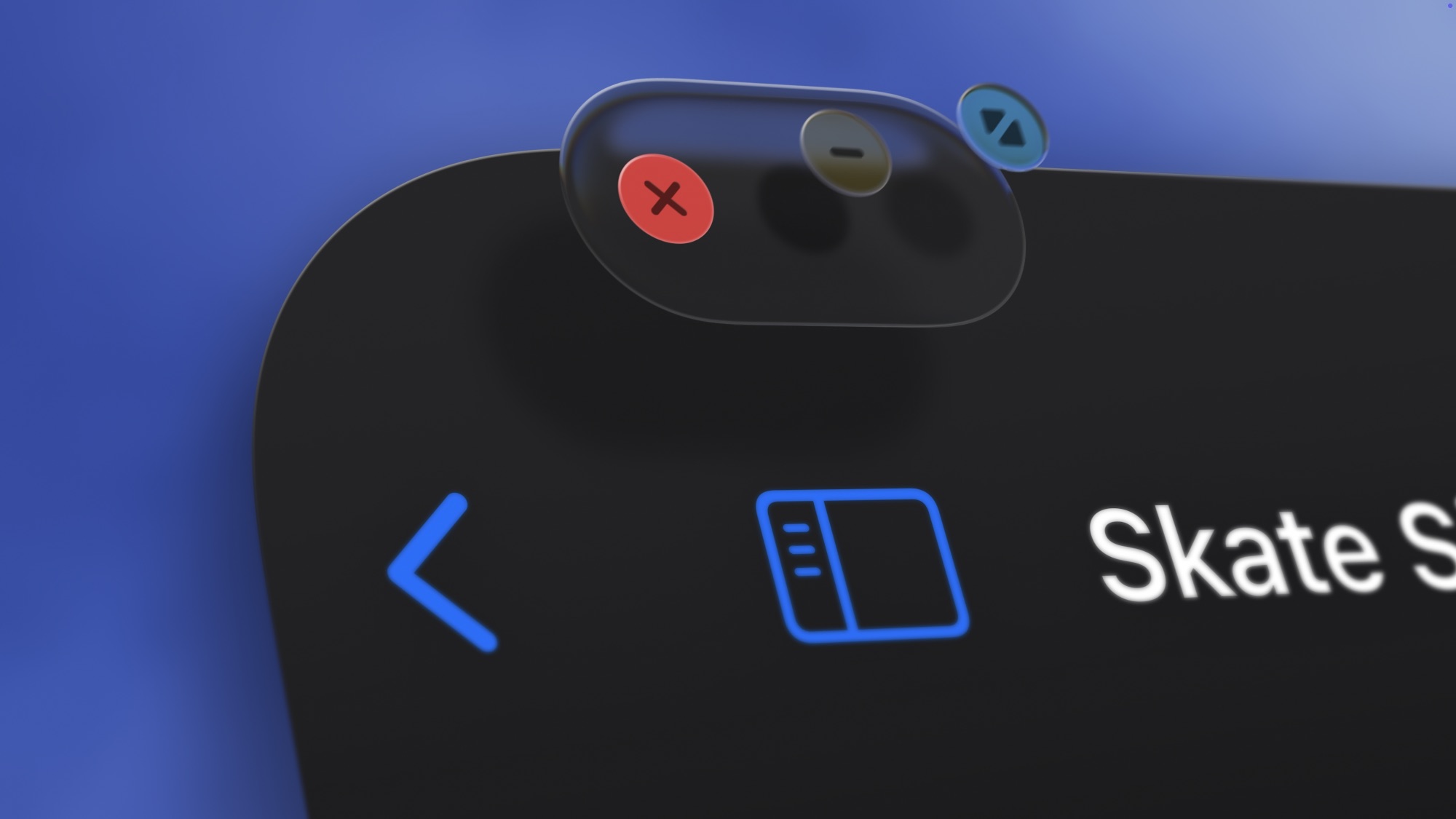
Whether you like it or hate it, you can’t deny that it’s been a long time since we got a new iOS design. The first thing you notice after updating to iOS 26 is the new Liquid Glass visual design.
Beyond the system-wide visual overhaul, first-party apps like Mail, Safari, Camera, and Messages now use translucent layers that move with the phone as you tilt it. Depth, lighting, and motion all play a greater role, making buttons and panels easier to distinguish.
App icons can adopt a Clear theme that blends into backgrounds, giving the Home Screen a cleaner, more unified look.
This entire redesign isn’t just there to look pretty; it helps make the interface feel more fluid and responsive. Animations have been tuned, and the glass-like effect adds depth to the UI. If your iPhone has felt the same for too long, iOS 26 is one of the easiest ways to make it feel new without upgrading. Plus, there are ways to tone down the new look if you find it overwhelming.