
Set Your Default Web Browser
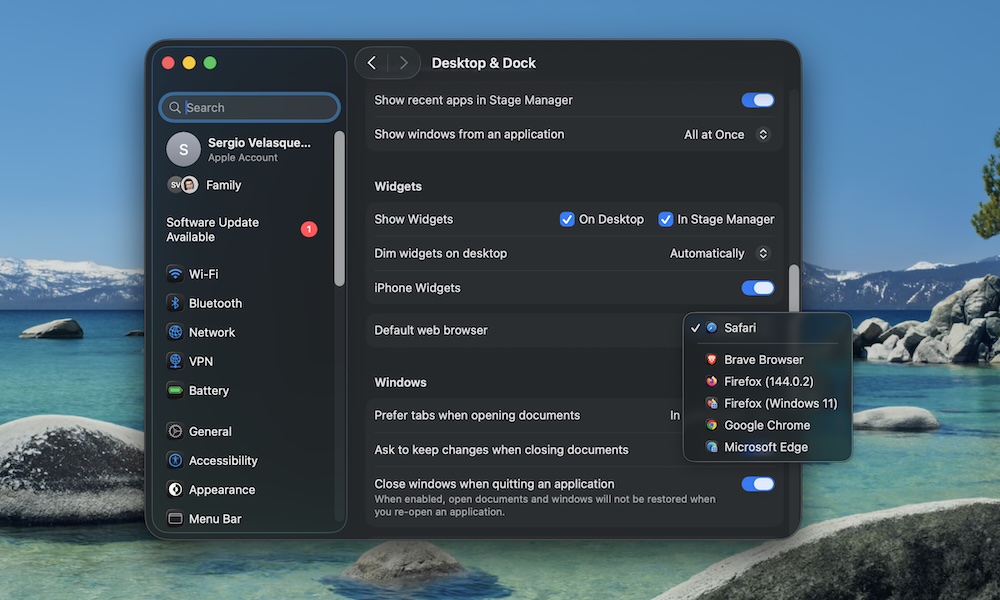
This is a small thing, but it makes your Mac feel more personal. If you’re a Chrome user, you probably don’t want links opening in Safari, and fortunately that’s really easy to change. Here’s how:
- Click the Apple menu (Apple logo) in the top left corner of your screen.
- Go to System Settings.
- On the left sidebar, scroll down and click on Desktop & Dock.
- Scroll down again, and click Safari beside Default Web Browser, and choose the browser you want.
You’ll need to have the other browser installed first, of course, and some make it even easier by offering the option to set them as the default as soon as you open them for the first time.