
Start Downloading All the Apps You Need
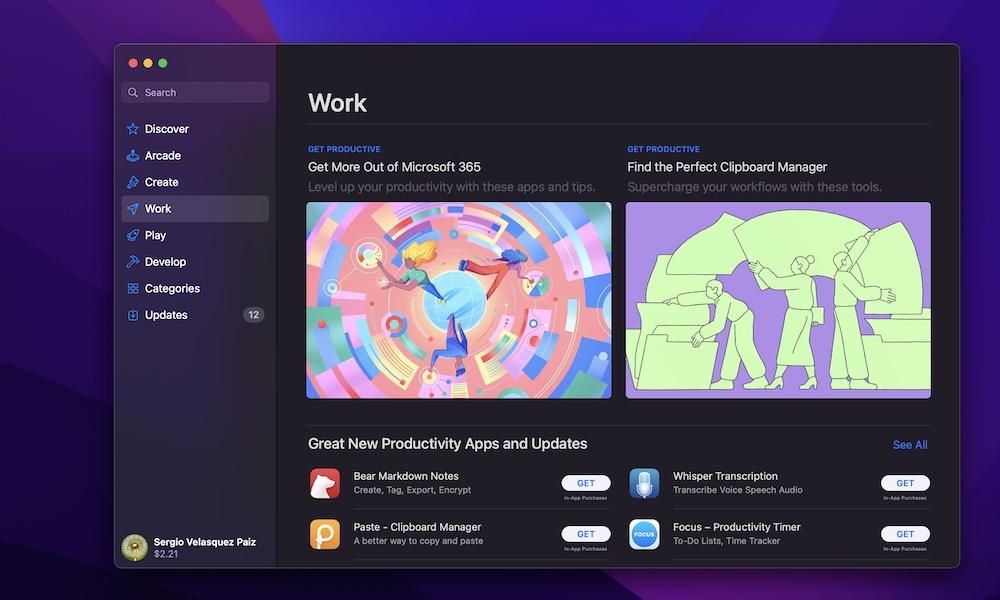
A new Mac comes with great default apps like Safari, Notes, and Photos. However, most people need a few extra tools to actually be productive with their new Mac.
That’s where the App Store comes in. This is where you’ll find hundreds of different apps that you can download and start using in minutes — and it’s far easier than trying to find and download these from various developer websites.
Open the App Store, and you can search for and install many of the things you know you’ll use every day. Some common options are Microsoft Office, Slack, and WhatsApp.
Unfortunately, you won’t find all your favorite apps on the App Store. Standard tools like Zoom, Firefox, Chrome, and even Microsoft Teams are conspicuously missing, but that doesn’t mean you can’t download them: Just open Safari and search for the Mac version of the app you want, or visit the developer’s website directly.
Of course, there’s a slightly higher risk of downloading malicious software if you aren’t careful, so be sure to download apps only from trusted, legitimate sources.