
Disable Safari Extensions You Don’t Use
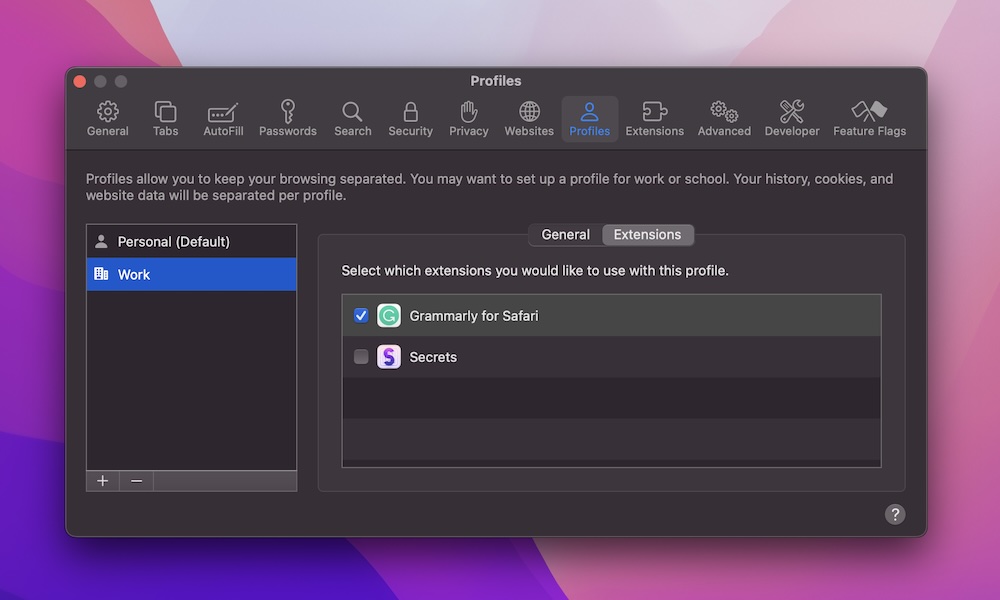
Safari extensions are one of those “small” things that can have a surprisingly big effect, especially if you have more than a few installed that run constantly. Content blockers, coupon extensions, productivity tools, and add-ons can all add up. Sometimes that might be worth it, while other times it’s just a tool that you should’ve deleted months ago.
If you can’t tell what an extension does, or you don’t expect to use it again, uninstall it. Here’s how:
- Open Safari.
- Click Safari near the top of the screen.
- Go to Settings.
- Go to the Extensions tab.
- Click the minus button next to the extension to delete it.
Since Safari extensions are often bundled with apps, you may also need to visit your Applications folder in Finder and delete the underlying app. If you plan to continue using the app but don’t want the extension in Safari, you can just uncheck it instead.
This isn’t just a Safari problem; if you’re using Chrome or Firefox you’ll want to dive in to their extensions sections and see if there’s anything you don’t need or no longer use. In fact, the much broader collecton of extensions for these browsers makes it even more likely they could be needlessly cluttered with extensions.