
Manage Browser Extensions and Clear Browsing Data
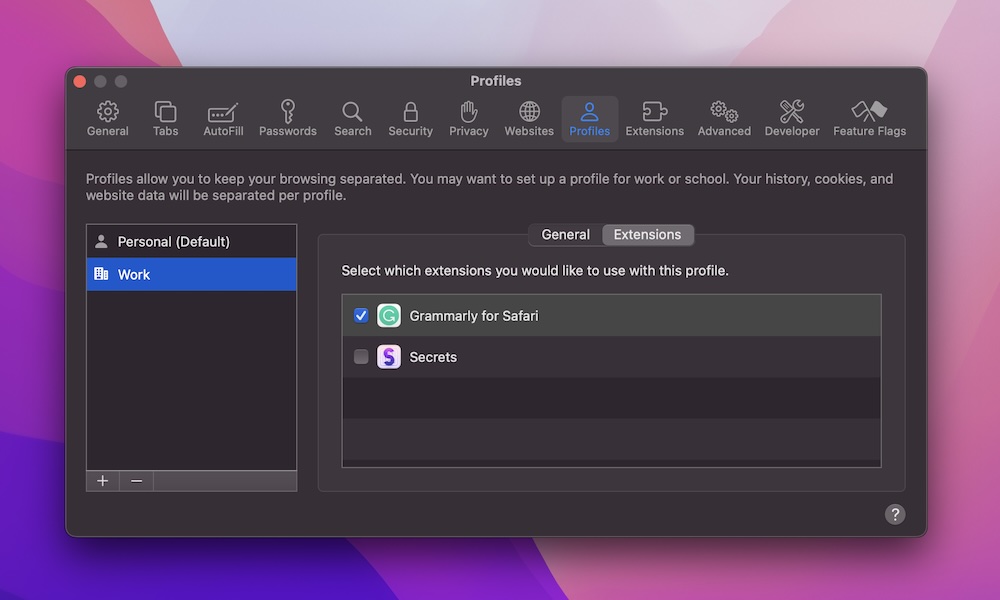
Safari, Chrome, and other browsers become slower and more memory-hungry over time, especially if you install every interesting extension you see. Some extensions constantly run scripts, add content to pages, or sync in the background.
If browsing feels sluggish or your fans spin up every time you open a few tabs, take a minute to get rid of extensions and sites that are too heavy for your Mac.
Open the Safari app and go to Safari > Settings > Extensions and turn off or uninstall anything you don’t truly use. Then go to Privacy > Manage Website Data, and click on Remove All (or selectively clear heavy sites).