
Update Your Apps Frequently
Running old apps on a new macOS version is a recipe for bugs, crashes, and performance issues. Developers release updates not just for features, but also for compatibility, security, and efficiency.
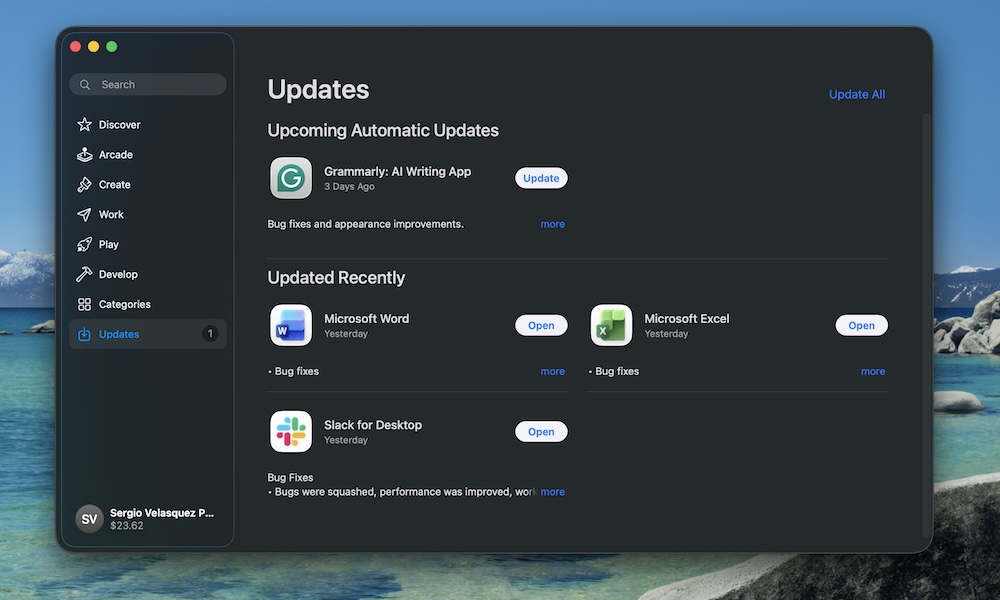
If you’re seeing odd glitches in one specific app after a macOS update, chances are it just needs an update. To update all the apps that you installed from the App Store, simply open the App Store app, click Updates on the left sidebar, and click on Update All in the top right corner.
For apps installed outside the App Store, open them and look for a Check for Updates option in the menu bar, or visit the developer’s website.