
Update all Your Existing Apps
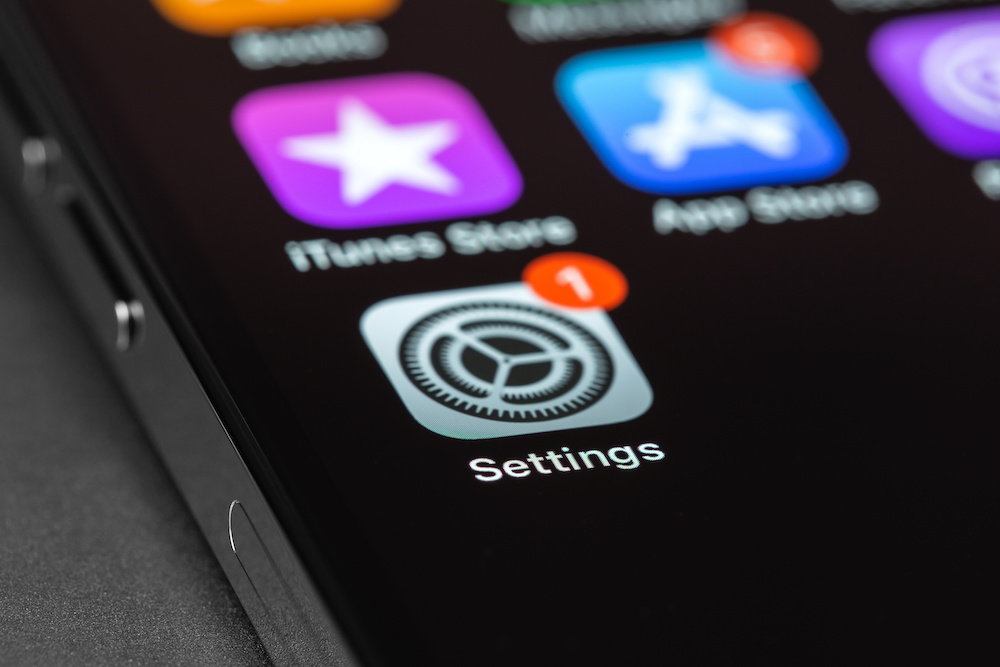
Sometimes, iOS isn’t the problem, but rather the apps that you’re using. You might still be running an outdated version that doesn’t work well with iOS 26. Because of this, it’s important to keep all your apps as up to date as possible.
You can go to the App Store and manually update your most important apps. However, that might be a bit too slow and boring for most of us. Here’s a faster way:
- Open the App Store
- Tap on your profile picture in the top right corner.
- Scroll down and you’ll see all the apps that can be updated right now. You can select which ones you want to update, or choose Update All.