
Update to the Latest Version of iOS
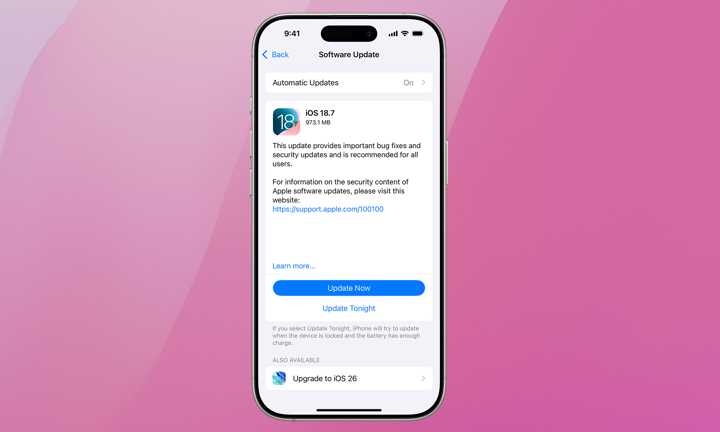
If you’re still running an older version of iOS, you might be fighting bugs Apple has already fixed. Minor updates often include performance improvements, better memory management, and security patches that are often invisible but incredibly useful.
Needless to say, you should update your iPhone. Here’s how:
- Open the Settings app.
- Scroll down and go to General.
- Go to Software Update.
- If there’s an update available, tap on Download and Install.
Right after an update, things can start to feel better, as your iPhone might have new fixes to get rid of bugs that were causing it to slow down.