
Restart Your iPhone to Clear Minor Glitches
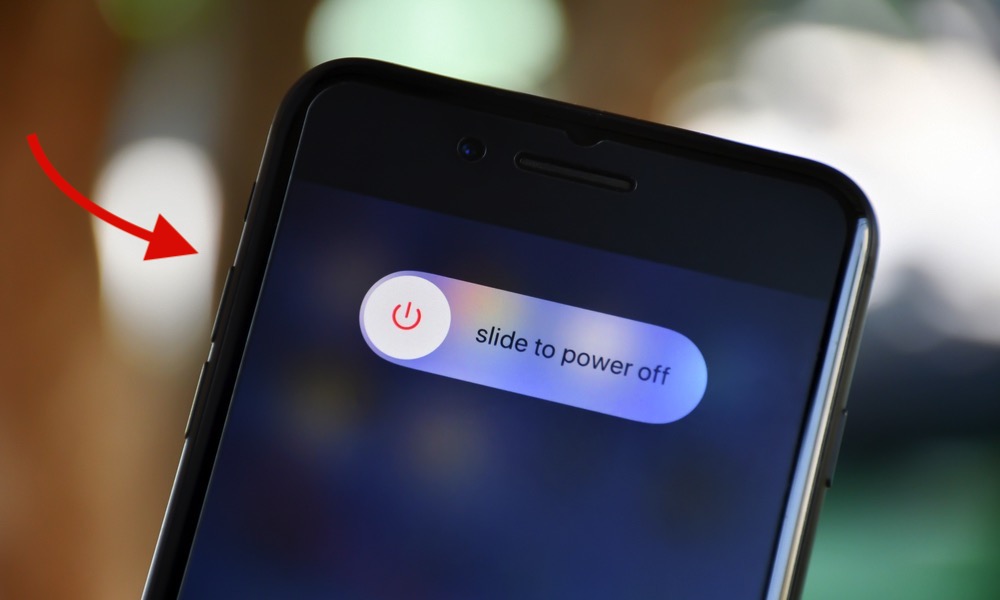
When was the last time you actually turned your iPhone off on purpose? Many of us just let it run for weeks or months. Over time, small bugs, stuck background processes, and memory leaks can add up and make everything feel sluggish.
A proper restart is one of the easiest fixes you can try before anything more drastic.
To turn off your iPhone (with Face ID), simply press and hold the Side button and the volume up or volume down button for a couple of seconds. If you have an iPhone with Touch ID, simply press the side or top button for a couple of seconds.
Next, drag the Power Off slider to the right to turn off your iPhone. Leave it turned off for 10 to 15 seconds, and then press and hold the side button until the Apple logo shows up on your screen.
After your iPhone boots back up, open the apps that were giving you trouble and see if they feel snappier. It’s not a magic cure, but it often clears weird short-term issues.