
From Midterms to Finals: 9 Free (or Nearly Free) Apps to Save Your Semester
 JackF / Adobe Stock
The best student apps are the ones that help you stay organized, study smarter, and get more out of your iPhone between classes. That sounds obvious, but if you go to the App Store, you’ll find a ton of apps that don’t actually help you the way they’re supposed to.
You need something for planning, something for studying, reading, and ideally a few apps that make your phone feel less distracting when you want to sit down and get stuff done.
That’s also why a good student app doesn’t have to be flashy to be useful. In many cases, the best one is just the app that saves you from forgetting an assignment, wasting money on books, or getting stuck on a concept you couldn’t understand.
Read on for 9 of the best apps for turning your iPhone into a productivity tool for student life.
Todoist
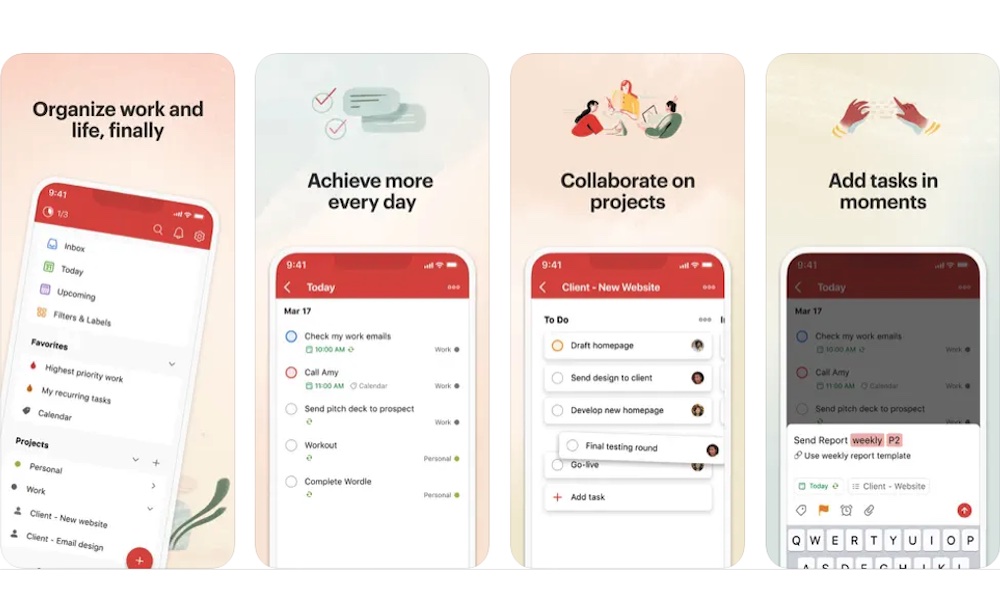
Not every student wants an all-in-one workspace, and if you’re one of them, Todoist is a good option.
It’s a clean, simple task app built to capture what you need to do and help you actually keep up with it. If your main problem is not remembering homework, deadlines, errands, and personal responsibilities all at once, Todoist is a seamless solution that tracks every task — for both your solo projects and group efforts.
You can drop in assignments quickly, sort them by due date or priority, and get a much clearer picture of your workload without building a complicated system first. Not only that, but you can also invite others, which is great if you have a big group project and want to see what everyone is working on.
My Study Life
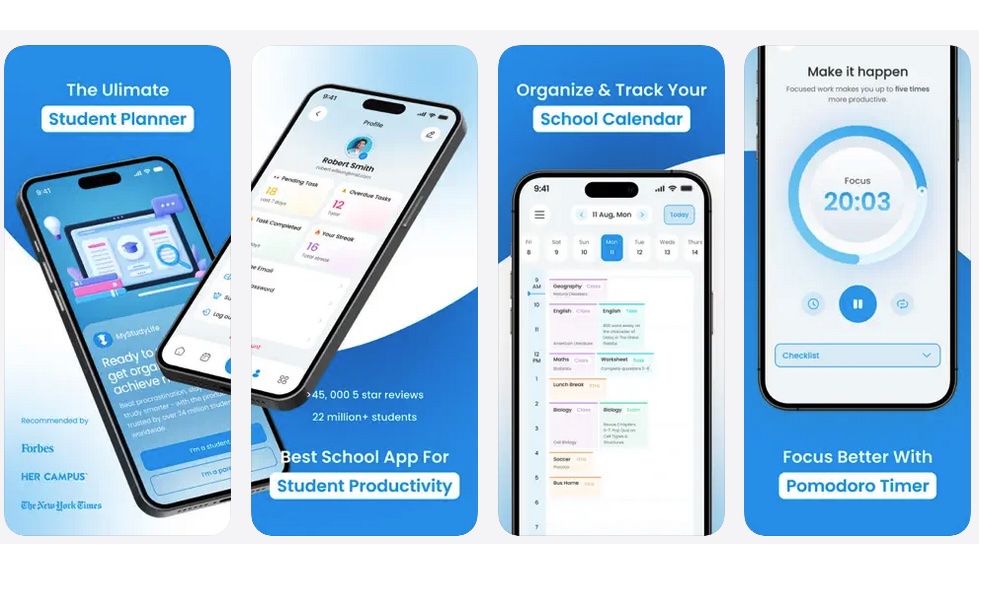
My Study Life is one of the best examples of an app that understands student life more directly than a general productivity tool does. It’s designed around homework, exams, schedules, reminders, and class timetables, so you don’t have to build everything from scratch the way you often do in more general purpose productivity apps.
That makes it particularly appealing if you’re someone who wants something that’s ready to use instead of something more customizable. You can keep track of assignments, exam dates, your daily schedule, and even a Pomodoro timer in one place. The structure is already shaped around school, which means it’ll be easier to just install and start using.
Quizlet
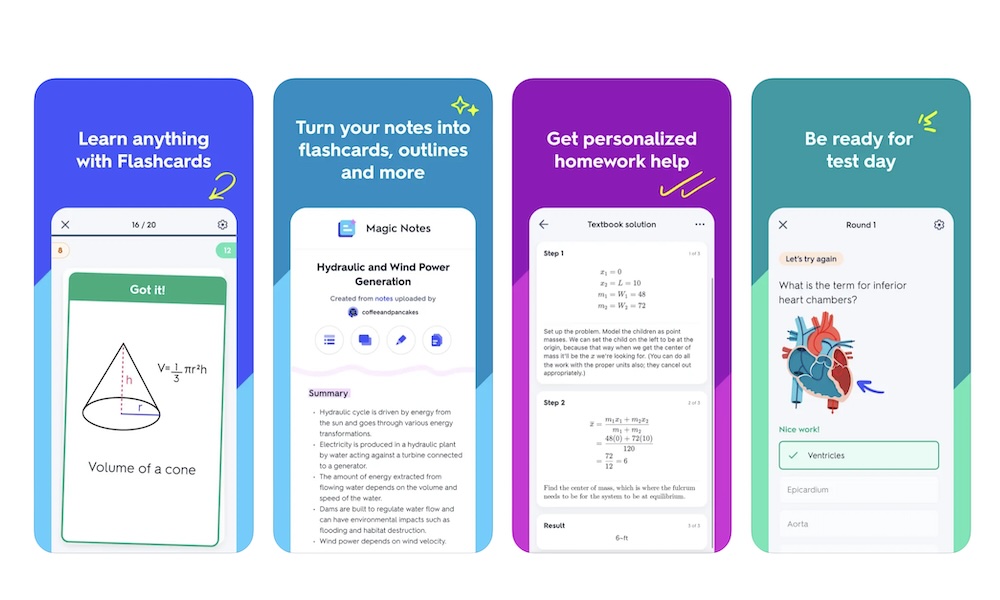
Quizlet is the perfect app not only for students, but anyone looking to study something, because flashcards work across so many different subjects. Whether you’re learning vocabulary, biology terms, historical dates, formulas, or key definitions, Quizlet gives you a fast way to review and repeat information until it starts to stick.
What’s great about Quizlet is how easy it is to get started. You can make your own study sets, but you can also tap into an enormous library of existing ones created by students and teachers. That means you don't have to start from scratch, which is useful when you’re trying to review quickly before a quiz or find extra help with a topic that isn’t clicking yet.
Forest
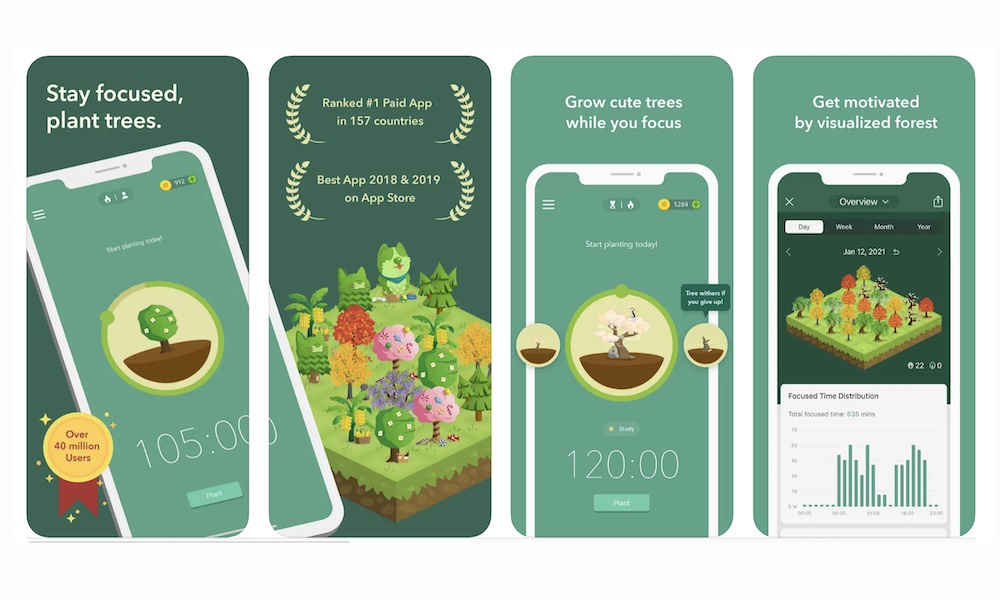
Forest is one of the best apps for students who know exactly what they’re supposed to be doing but keep getting distracted by messages, social media, or any other app on their iPhones.
The idea is simple: you start a timer, and you get to work. Once the timer is done, you plant a virtual tree in your forest. If you stop focusing for longer periods, your tree dies. It sounds almost silly at first, but it works surprisingly well if you’re willing to give it a shot.
Instead of just telling yourself not to get distracted, you’re protecting a little timer-based goal that feels more manageable. That can be enough to keep you from bouncing over to social media or opening an app every few minutes.
It also manages to feel motivating without becoming too childish. Who doesn’t want to make their forest grow? Not only that, but because of how huge and popular this app is, the team behind it has even planted trees in real life, which means you’ll be doing yourself and the world a favor.
Libby
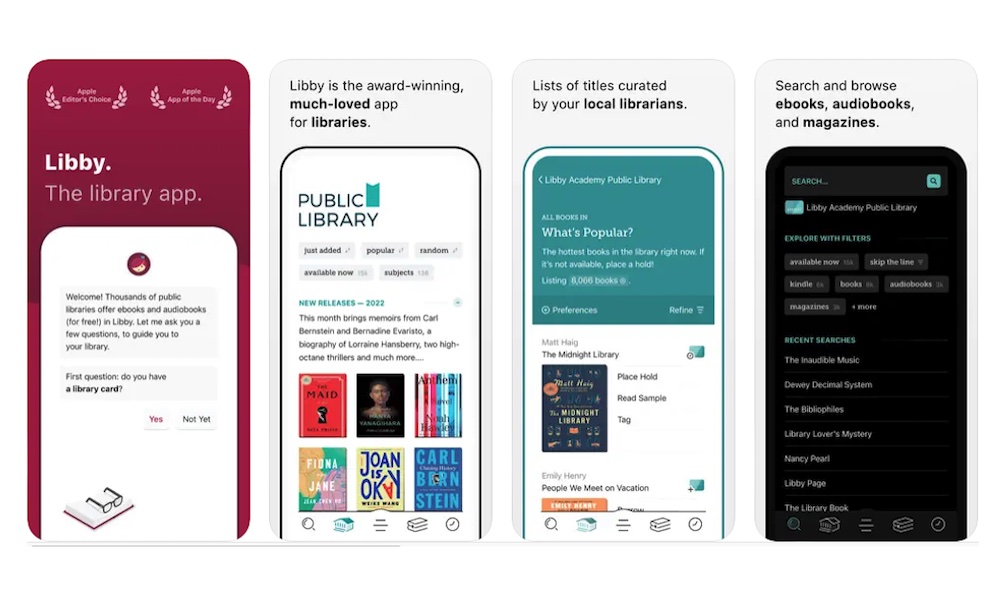
Libby is one of the most valuable apps on this whole list if you’re trying to save money as a student. With a library card, you can get access to a vast collection of ebooks, audiobooks, and magazines for free through participating libraries.
That’s a big deal if you read for class, want audiobooks for commutes, or just don’t want every book to become another expense.
The money-saving part is the obvious appeal, but Libby is also just a very comfortable reading and listening app. You can borrow titles, download them for offline use, and keep your reading material on your phone without having to buy everything outright. That makes it a great app not only for required reading, but also for staying curious outside of class without spending extra.
With that said, this app works as an actual library, which means you will have to wait for your book to be available. Additionally, you’ll also have to return it after a while, even if you didn’t finish it. However, for students on tight budgets, this is one of the best apps to download. It’s basically a free library in your pocket.
Photomath
Photomath is one of the most straightforwardly useful apps for your math classes. You scan a problem with your camera, and the app breaks the whole thing down step by step.
That’s the part that matters most, as it’s not just giving you the answer. It’s showing the process in a way that’s often easier to follow than a rushed classroom explanation or a confusing textbook example.
That makes it a strong support tool rather than just a cheating app to get it to do your homework for you. Used well, it can help you understand where you went wrong and how to get to a solution. That’s especially helpful when you’re studying alone and need one more explanation before the problem finally clicks.
For algebra, geometry, and a lot of other math work, it’s one of the most practical learning tools to have on your iPhone.
Grammarly
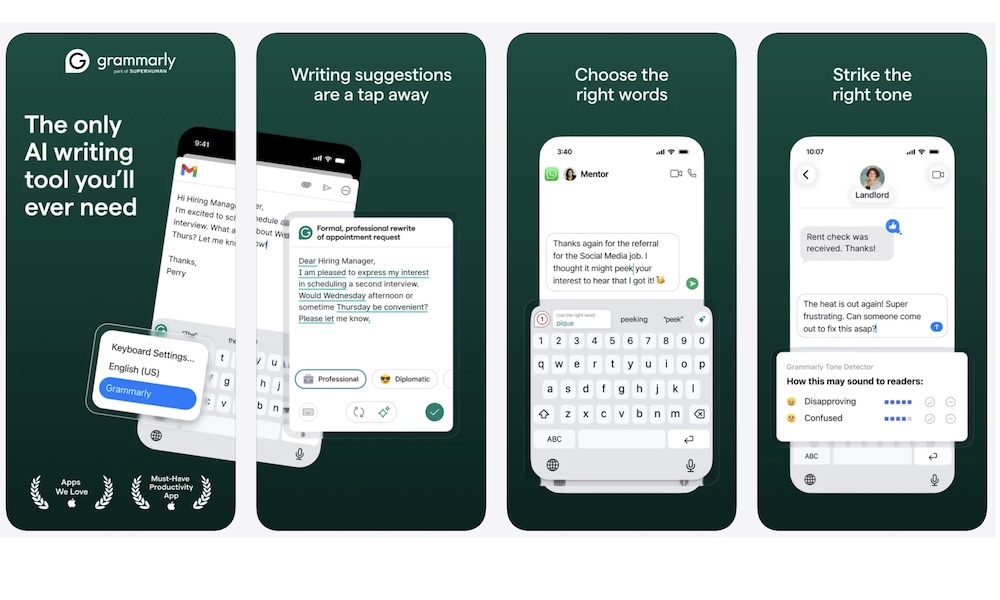
Grammarly is one of the best iPhone apps for students who end up doing a lot of writing from their phones.
Whether it’s emails, discussion posts, scholarship applications, short papers, group messages, or any other writing, this app can help anything sound more polished, even when you’re typing it in a hurry. Even if you have a moder iPhone with Apple Intelligence, Grammarly can complement Apple’s native Writing Tools by offering deeper, context-aware suggestions within its keyboard and Safari extensions, giving you a wealth of options for all writing styles.
Of course, this is not a substitute for knowing how to write well. But it’s still very useful for any student, and especially useful if you send a lot of academic or professional writing from your iPhone.
ChatGPT
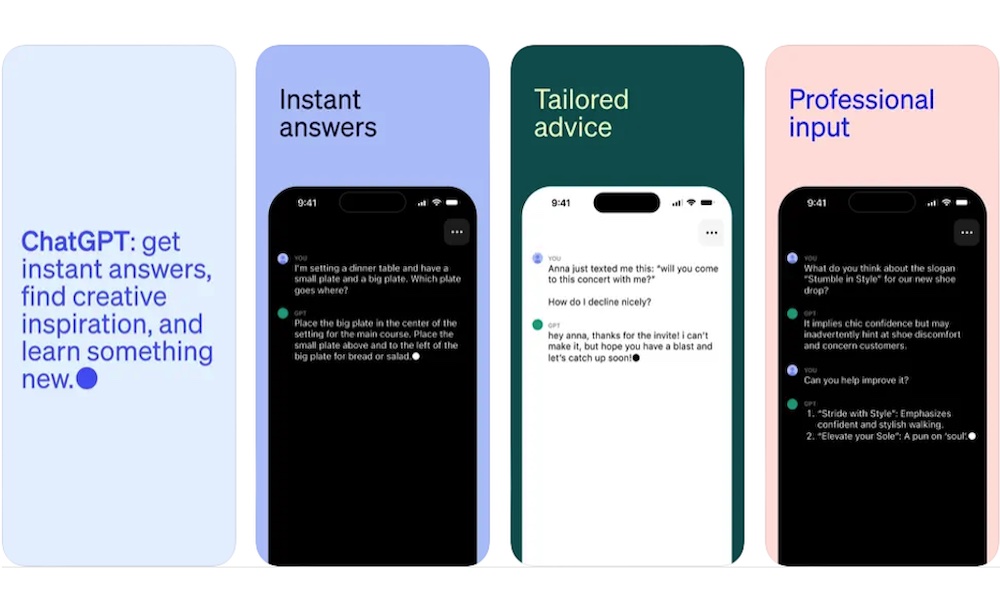
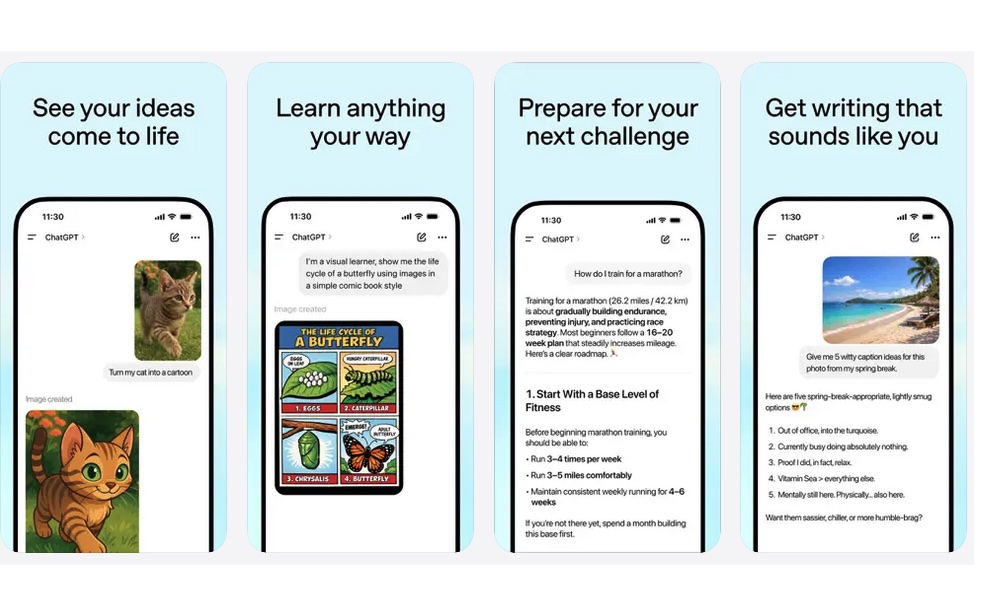
ChatGPT can be a very useful student app when you treat it like a study companion instead of a shortcut around learning.
It works well for brainstorming paper ideas, explaining concepts in simpler language, generating practice questions, helping you review unfamiliar material, and giving you another way to think through something you’re stuck on.
You can type a question, speak it in voice mode, or even share an image and ask about it when you need help with something visual. It’s the kind of app that can fit into quick study moments between classes just as easily as longer review sessions later in the day.
Used badly, it can obviously become a crutch. Used well, it can help students think more clearly, study more actively, and fill in the gaps when they need another explanation in plain language. Of course, ChatGPT isn’t always right, so be sure to double-check the answers you get if it’s a really important paper.
Notion
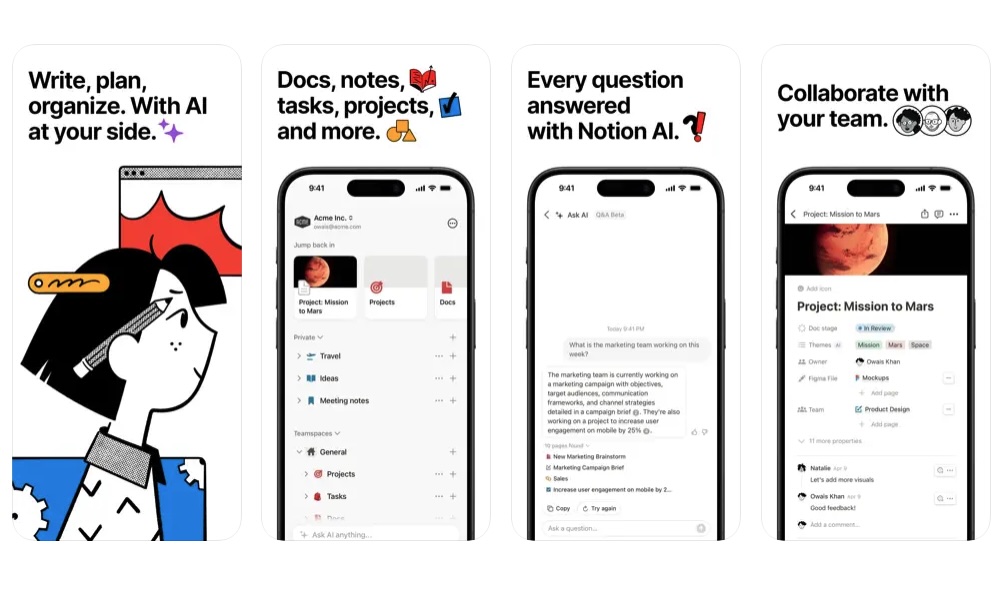
Notion is for those who want a single flexible place to store and keep track of nearly everything. It can handle class notes, planning your semester, tracking your assignments, group projects, and personal to-dos all in one place.
Sure, it might take a few days to understand everything the app can do and set it up however you like. But after that, you’ll have a powerful tool to help you and others be more organized.
What makes it work so well is that it can be as simple or as complex as you want. You can use it as a basic note app with a few checklists, or turn it into a whole academic dashboard with linked pages, databases, calendars, and project boards. If you like the idea of one app covering notes, tasks, and organization instead of juggling separate tools for each, Notion is still one of the easiest recommendations on the list.
It also works well across devices, which matters a lot more than we realize. You can start something on your iPhone between classes, continue it later on a laptop, and check it once more on the web that night.
Student Life Doesn’t Have to Be Hard(er)
All of these apps are perfect for many different things, regardless of what you’re studying. That could mean planning assignments, reviewing terms, annotating lecture slides, scanning handouts, storing files, staying focused, borrowing books, or getting help with writing and math when you need it.
If your iPhone mostly feels like a distraction right now, the right app mix can change that pretty quickly. You can turn your iPhone into a productivity tool that will make life in school a whole lot easier.
These apps are free to download, so you can install them and see if they meet your expectations. You don’t have to use all of them, but we’re sure you’ll find something useful on the list.