
Grammarly: AI Writing Keyboard
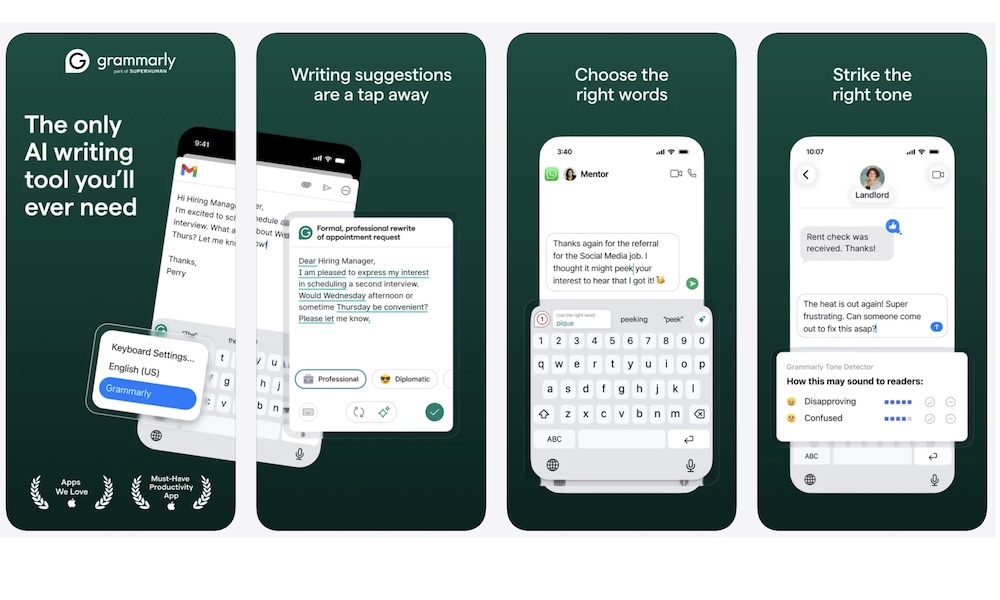
Typing on your iPhone is where typos become constant and annoying. You’re writing quick emails, filling out forms, sending messages through web apps, or applying for something important while standing in line somewhere. There’s bound to be a couple of mistakes. And let’s face it: Apple’s autocorrect doesn’t really do the trick.
That’s where Grammarly comes in. By itself, the app features an iPhone keyboard that makes typing fast and accurate. But if you’re always writing comments or filling out forms on web pages, Grammarly’s Safari extension is a simple way to up your writing game without having to edit everything yourself.
The best part about Grammarly on iPhone is that it helps fix mistakes quickly and quietly. You can easily catch obvious grammar issues and fix clunky sentences. You still sound like you, but a bit cleaner and maybe even more professional.
If you already use Grammarly on other devices, this keeps your writing workflow consistent when you’re doing real work in Safari instead of a desktop browser.