
Myth: Private Browsing Makes You Anonymous Online
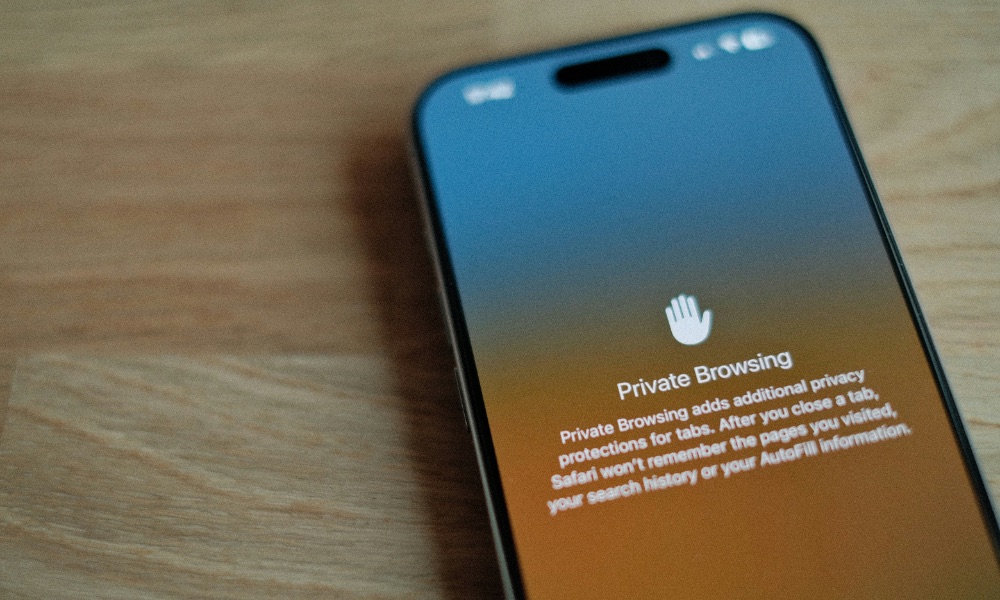
If you think you can just go into Private Browsing or Incognito Mode and search for anything you want without leaving a digital footprint, we’ve got bad news for you.
Private Browsing is useful, but not for the reason many people think. It mainly prevents your iPhone or other device from saving local history and some browsing data on your device, making your browsing stay private to anyone else who happens to look at it.
What it does not do is make you invisible to websites, your internet service provider (ISP), your workplace network, or tracking systems tied to accounts and device fingerprints.
If you’re signed into the same account, private browsing doesn’t magically erase that identity. And if a website tracks you through other methods — like your IP address — private mode isn’t a shield.
That doesn’t mean private browsing is bad. But you should use it for local privacy, like when you don’t want history saved on a shared device.
For stronger privacy, focus on blocking trackers from websites or apps, cautious login habits, and limiting what apps and sites can collect. You can also look to a good VPN, but as we explain the next section, that’s not a catch-all solution either.