
Myth: Cleaner Apps Are the Best Way to Remove Junk Files on iPhone
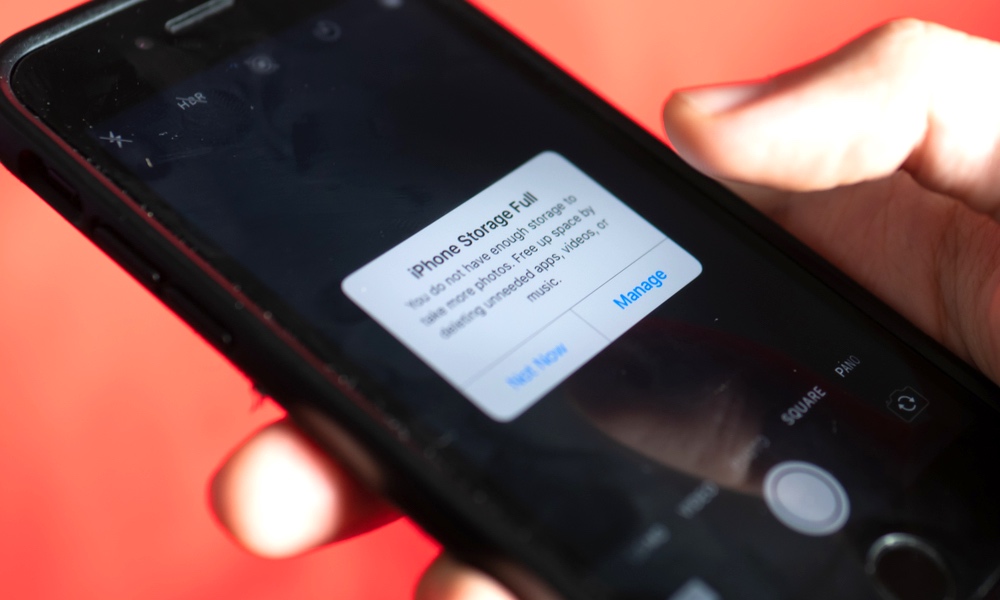
Cleaner apps love to promise dramatic results because it’s an easy sell, but the reality is that iOS is a pretty strict operating system, meaning these apps can’t even scan your iPhone the way “PC cleaner” tools do, much less actually fix much of anything.
Many “cleaner” apps end up doing one of two things: helping you manually delete photos and videos, or showing you storage info you can already see in your iPhone’s Settings app. The worst ones do that while pushing subscriptions and ads and possibly even trying to sell you some solutions to problems you don’t really have.
If your iPhone is low on storage, the fix isn’t tapping a magic button; it’s identifying what’s actually taking space and removing what you don’t need.
So instead of trusting third-party cleaner apps, go to Settings > General > iPhone Storage, and review the recommendations that pop up. Then, get rid of all the files, apps, and even pictures that you don’t need anymore. Sure, it’s a lot of work, but you’ll know for sure that you got rid of unnecessary files.