
Phone App Now has Call Screening and Hold Assist
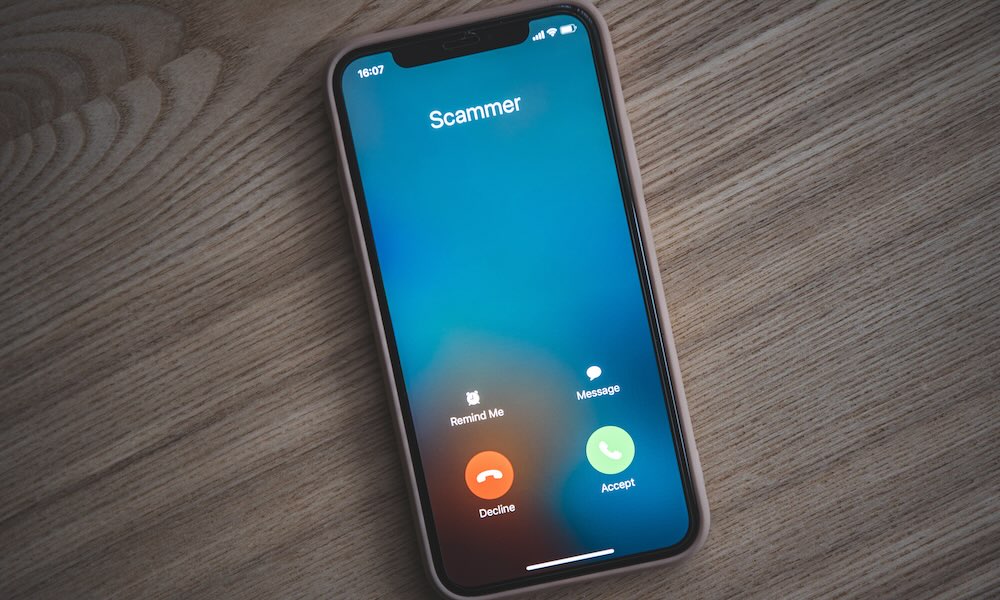
The Phone app quietly gets some of the most practical upgrades in iOS 26, especially if you’re tired of unknown callers and long voicemails.
Call Screening lets your iPhone intercept unknown numbers and ask callers to identify themselves before you even hear your phone ring. You see a transcription of what they said and decide if it’s worth picking up, sending to voicemail, or ignoring. In practice, that means fewer scam calls, fewer robocalls, and more confidence answering to the people who actually matter.
Additionally, your iPhone can also hold the line for you, at least in phone calls. This new feature is called Hold Assist, and as you can guess by its name, it will hold phone calls for you.
Your iPhone will detect that you’ve been placed on hold and discreetly ask if you’d like it to take over the wait. If you say yes, your iPhone will hold the line while you can go back to watch movies or work. Once a real person on the other side picks up the call, your iPhone will alert you and will let them know that you’ll be with them in a moment. Basically, you end up placing them on hold for a couple of seconds.
You can make sure your iPhone has these features enabled by going to Settings > Apps > Phone and turning on Hold Assist Detection, and choosing Ask Reason for Calling below Screen Unknown Callers.