
Visual Intelligence and Screenshot Actions
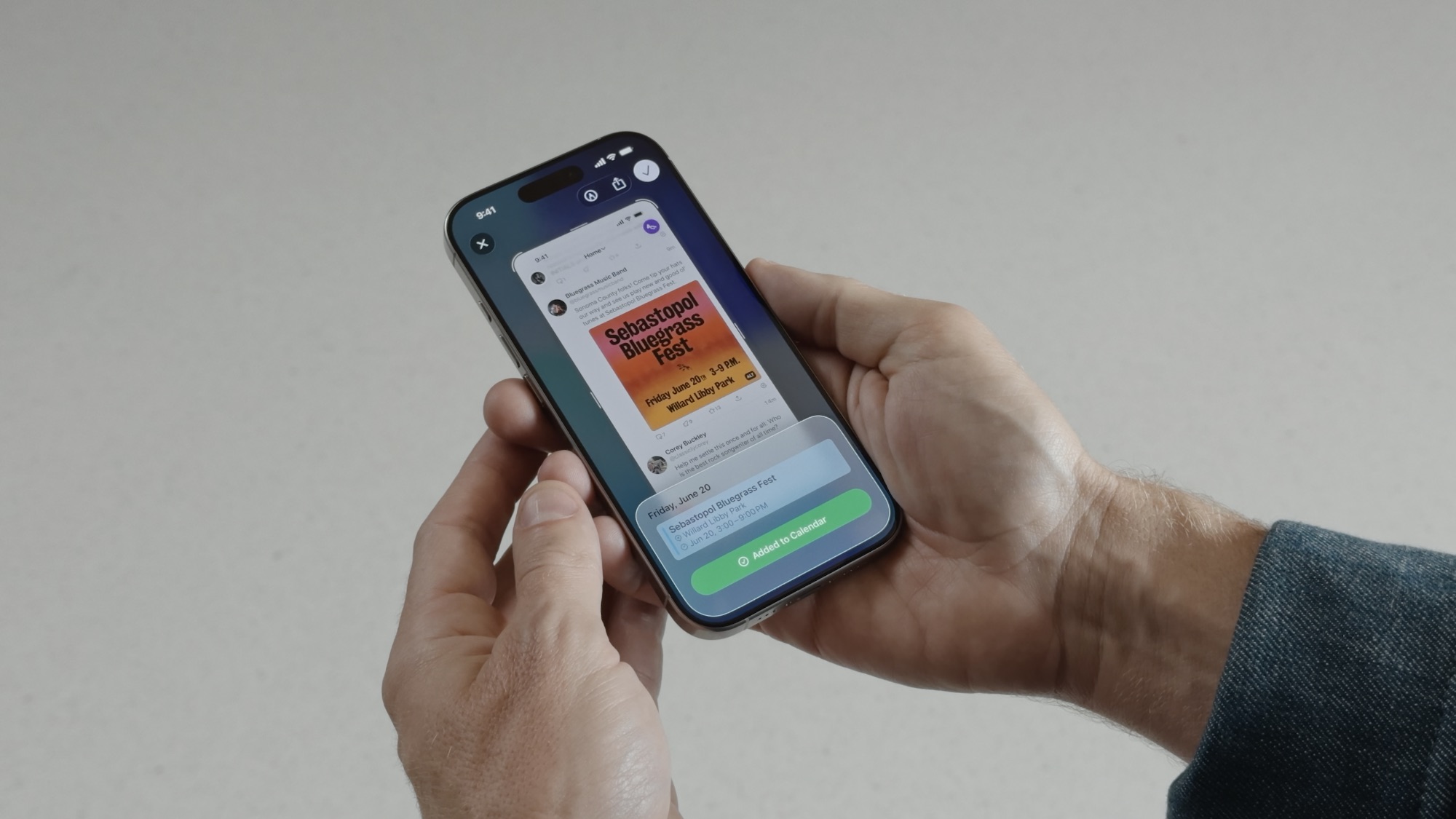
If you’re like most of us, some of the screenshots you save are meant to remind you to search for something useful later. Maybe a new pair of shoes you saw while browsing Instagram, or a phone number that you wanted to call later.
Of course, saving a picture for later usually means that we’ll forget about it. But that doesn’t have to happen anymore, as your iPhone can help you search for something as soon as you take a screenshot.
This is thanks to a new visual intelligence upgrade. When you view a screenshot, a bunch of options will appear at the bottom. You can then use these buttons to ask the web for more information, search for a product’s price, or ask ChatGPT for a more specific question.
That might mean identifying a plant or dog breed, recognizing a place, or pulling out dates and addresses to create an event on your calendar. This even works for QR codes or translating foreign text found in screenshots.
All you need to do is take a screenshot and then tap the preview in the bottom left corner to open it. Then, use your finger to highlight a specific object in your screenshot, or tap the buttons at the bottom to get more info straight away. After you have what you need, you can delete the screenshot immediately.
Once you get used to this, your screenshots won’t be cluttering up your Photos library. You can just keep the important ones and get information ASAP on the rest.