
Liquid Glass Design Is Actually Customizable
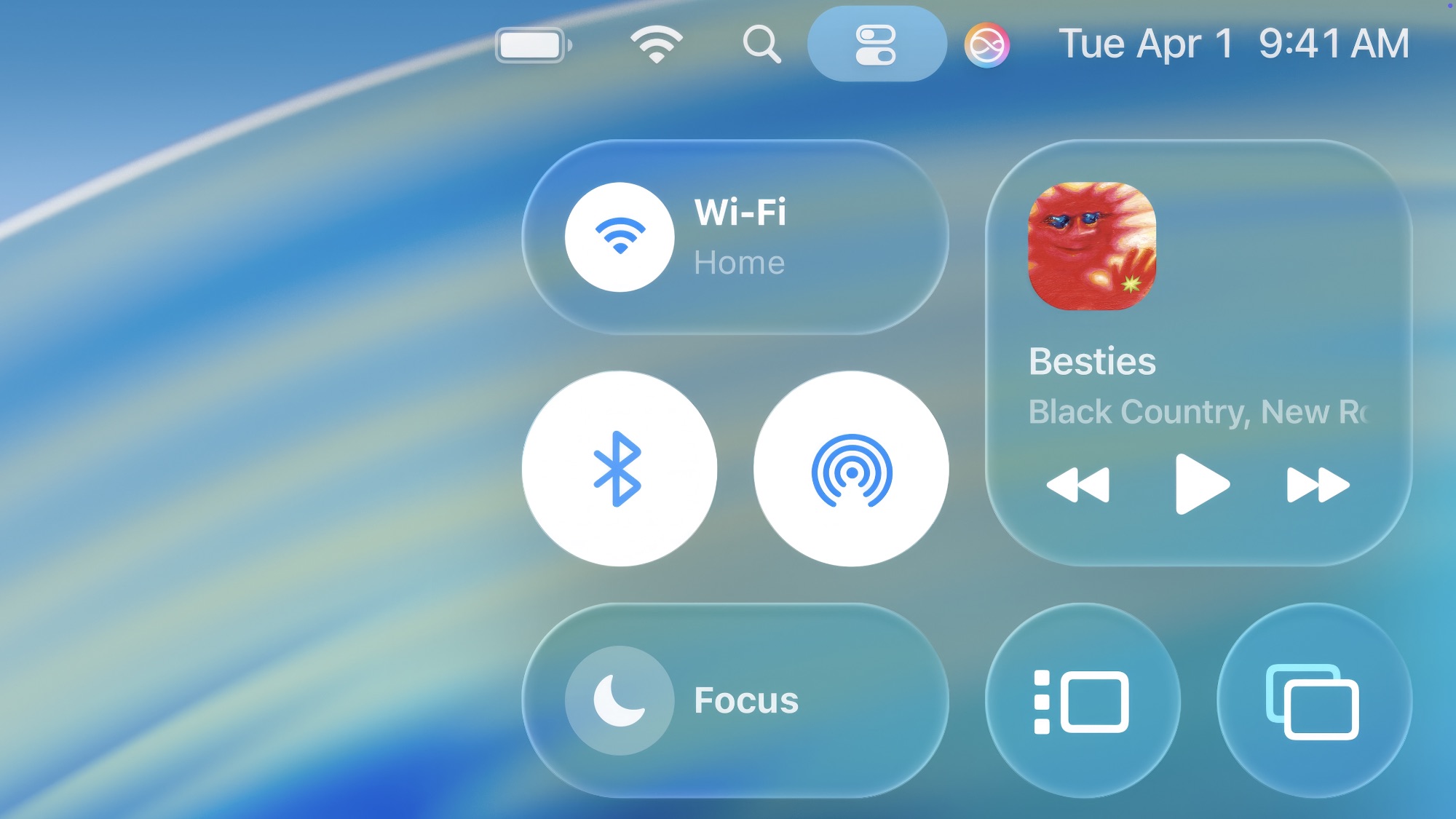
Apple loves to make big visual changes every few years, and Liquid Glass is no exception. Panels and menus now have a glossy, glass-like transparency that pulls colors from your wallpaper and responds subtly as you move and scroll.
Of course, not everyone enjoys this new change, which is understandable. Plus, it might not work as smoothly on older devices. Apple knows this hyper-modern look isn’t for everyone. That’s why there’s a built-in way to tone down the Liquid Glass look — a customization secret many folks haven’t discovered yet.
To customize your iPhone’s Liquid Glass design, there are a couple of things you can do. First, go to Settings > Display & Brightness and tap on Liquid Glass. If you don’t want a clear layout, choose Tinted.
Once that’s done, go to Settings > Accessibility > Display & Text Size. Next, turn on Increase Contrast and Reduce Transparency.
These changes will not get rid of Liquid Glass, but they will make a difference in the long run.