
Apple Intelligence Writing Tools & Summaries
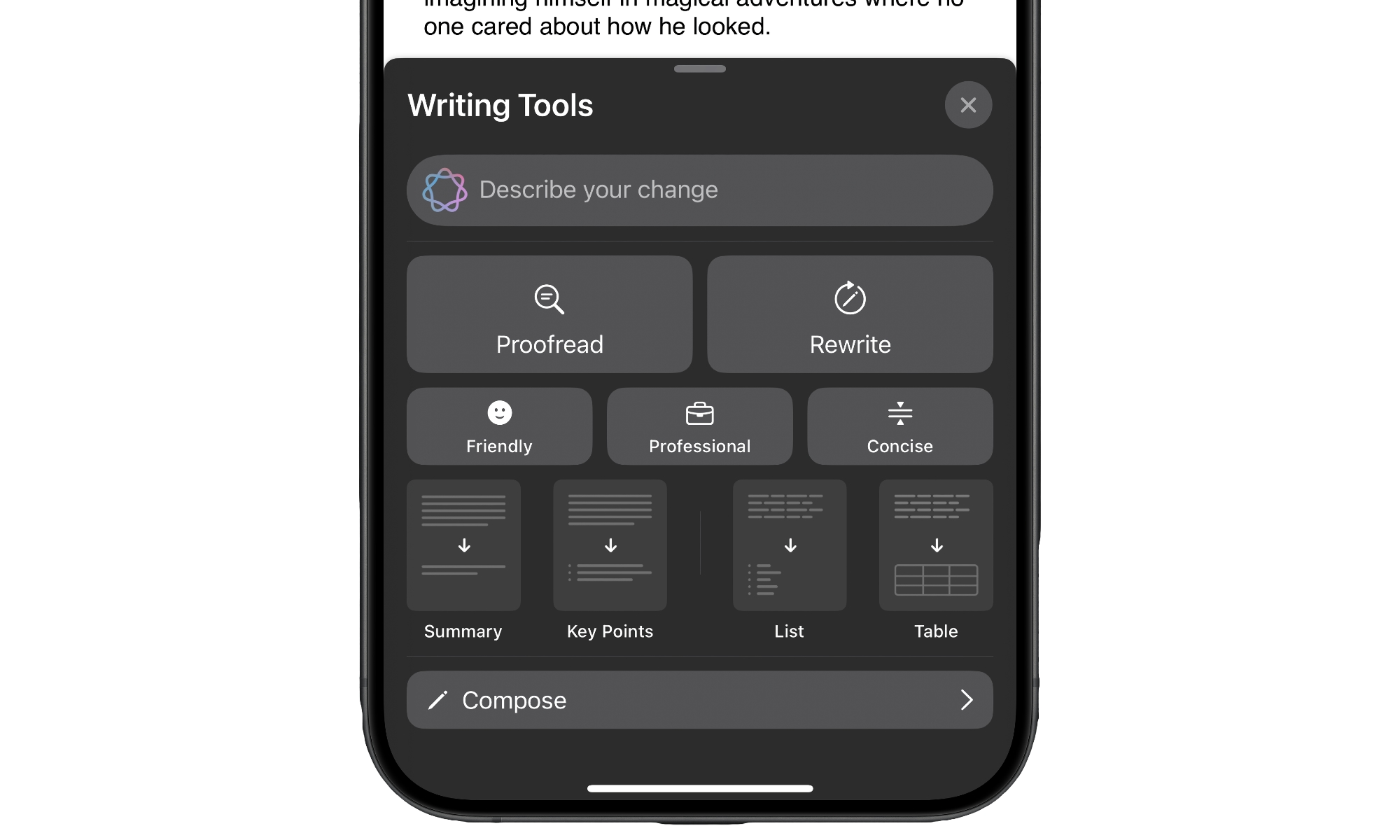
The biggest upgrade in iOS 26 isn’t a widget or a wallpaper; it’s a few improvements to Apple Intelligence. This new software update improves Apple’s AI in many aspects, including its writing tools.
You can draft a quick reply in Mail, write some notes, or ask your iPhone to rewrite, shorten, or adjust the tone of a long message. It’s perfect for those emails that might sound a bit too unprofessional or long.
Since Apple Intelligence is designed to run on-device when possible and lean on Apple’s Private Cloud Compute when it needs extra power, your personal content stays much more contained than with typical cloud AI tools. You get the convenience of assistant-style writing without handing your life’s story to a random web form.
Once you’ve used this for a few days, you’ll catch yourself leaning on it for everything from awkward texts to long trip-planning notes.