
6 iOS 26 Features You’re Probably Missing (and How to Use Them)
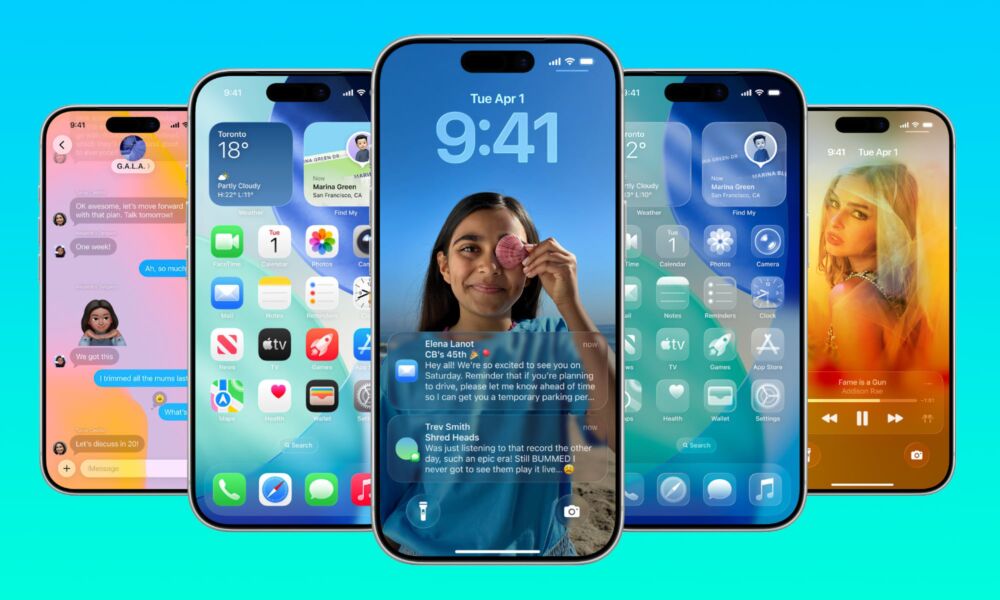
When Apple first announced iOS 26 and released the betas, the new software update gave us a lot to talk about. While some people loved the new changes, others preferred the classic design we’d grown used to over the past decade or so.
While the new design was one of the most significant changes, there was much more that Apple brought to iOS 26. With the latest update, you get new Apple Intelligence features added into everyday apps, more useful tools, and a ton of smaller changes.
With that said, if you updated, poked around the Home Screen for a few minutes, and then went straight back to your usual habits, you’re certainly not alone. But you’re also missing out on a ton of features that can save time, make things easier in your everyday life, and make your iPhone actually feel smart. Read on for 6 of our favorite features so far.