
The ‘Storage Full’ Trap
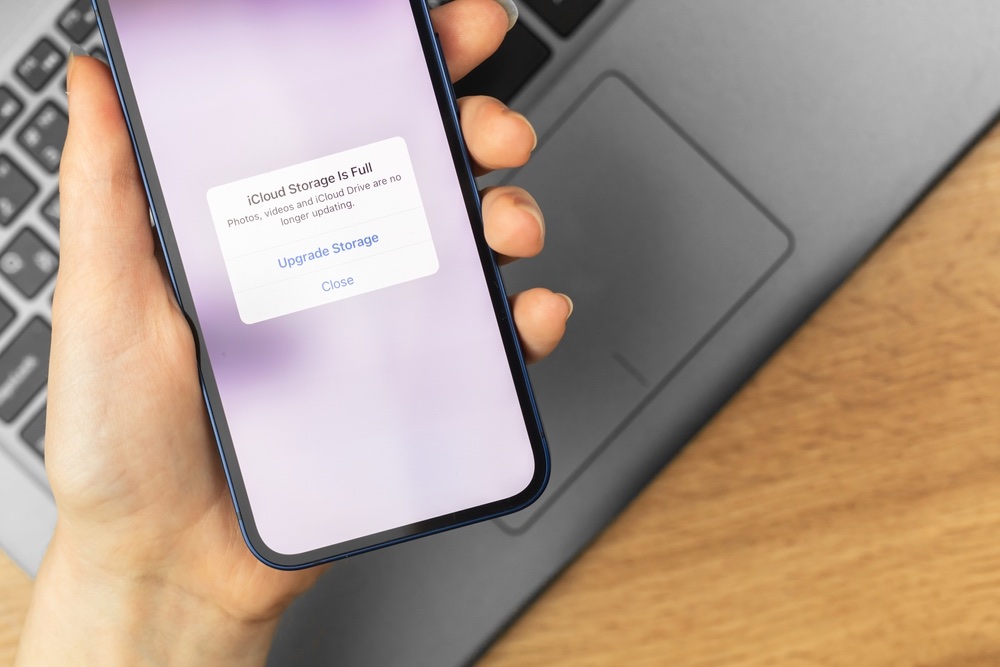
Nothing makes an iPhone crankier than running out of storage. It’s not only about being unable to download apps, either. Low storage can cause slowdowns, failed updates, camera hiccups, and weird behavior in apps that feels random until you connect the dots.
Your iPhone also needs breathing room for temporary files and system tasks. When storage gets full, it can’t handle those things as smoothly, and you’ll feel like your iPhone is trying to play catch-up all day long.
The trick is to stop thinking of storage as something you deal with only when you hit the wall. A quick check once in a while prevents the chaos.
So go to Settings > General > iPhone Storage, and check how your iPhone is doing. If it’s near its limit, you might want to start deleting apps and files you don’t need anymore. Getting rid of pictures and videos is also worth doing, as they sometimes take up the most storage on your iPhone.
Your iPhone will also offer a few smart recommendations to help you clean it up more easily.
Quick Win: Enable Offload Unused Apps in Settings > App Store. This automatically deletes the app “bulk” when storage is low but keeps all your personal data and documents intact.