
Treating Accessibility Features Like They Aren’t For You
Accessibility is one of the most underrated areas on the iPhone, as it’s filled with many powerful tools. A lot of features people think are hidden are sitting right there in plain sight, waiting to make your daily tasks a little easier.
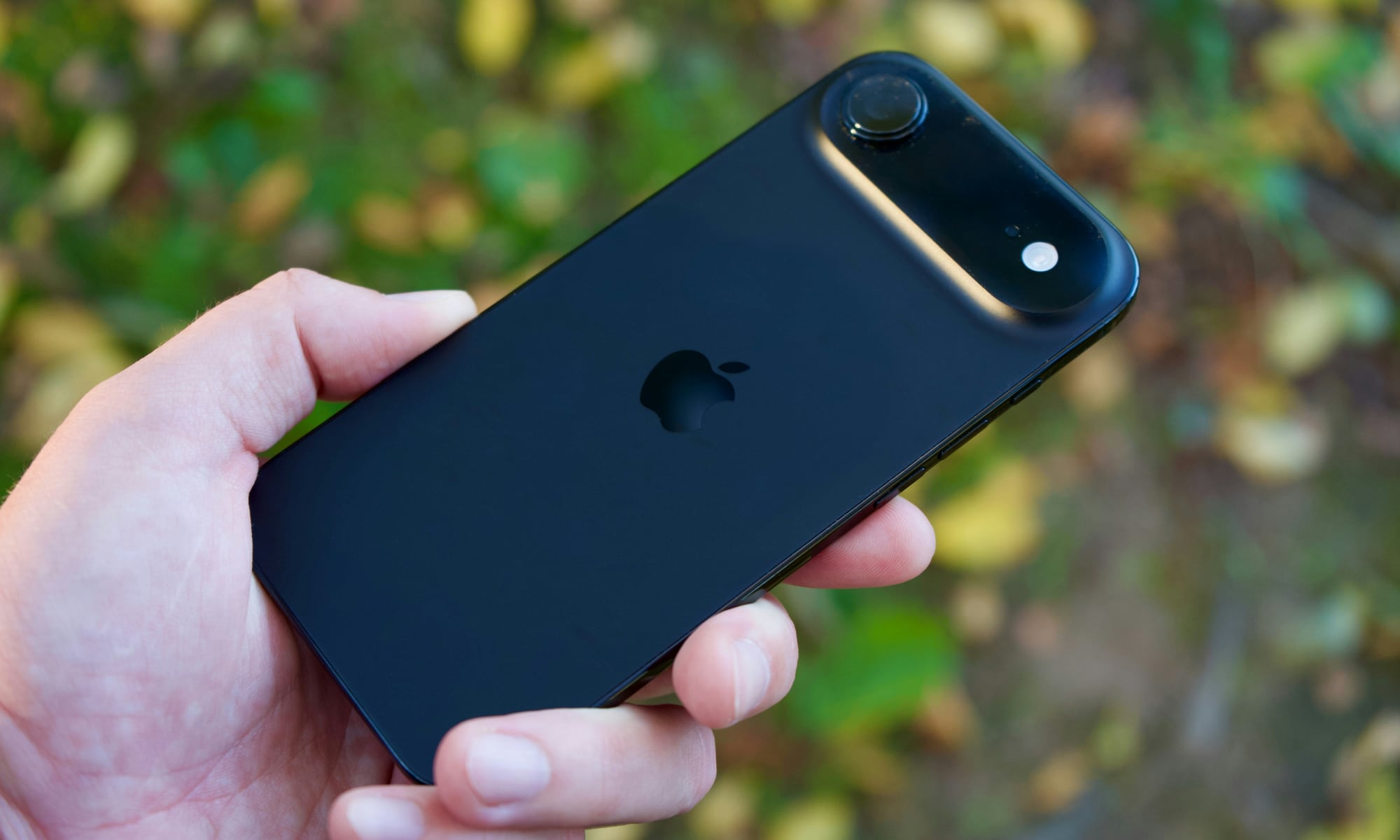
Back Tap is the perfect example. It turns your iPhone into a device with hidden buttons you can program however you want, such as turning on the Flashlight or opening the Camera. Once you set it up, you’ll just need to get used to having two extra buttons on the back of your iPhone.
Even if you don’t think of yourself as someone who uses accessibility features, try a couple. Many of them are really just smart convenience tools.
There are plenty of iPhone accessibility tools you can try, so play around with your settings and find the most useful for you.
Quick Win: Map Double Tap (Back Tap) to Flashlight or Screenshot in Settings > Accessibility > Touch > Back Tap. It effectively gives your phone a “secret” physical button on the back.