
Notes vs. CamScanner: Simple Scanning is Already Built-In
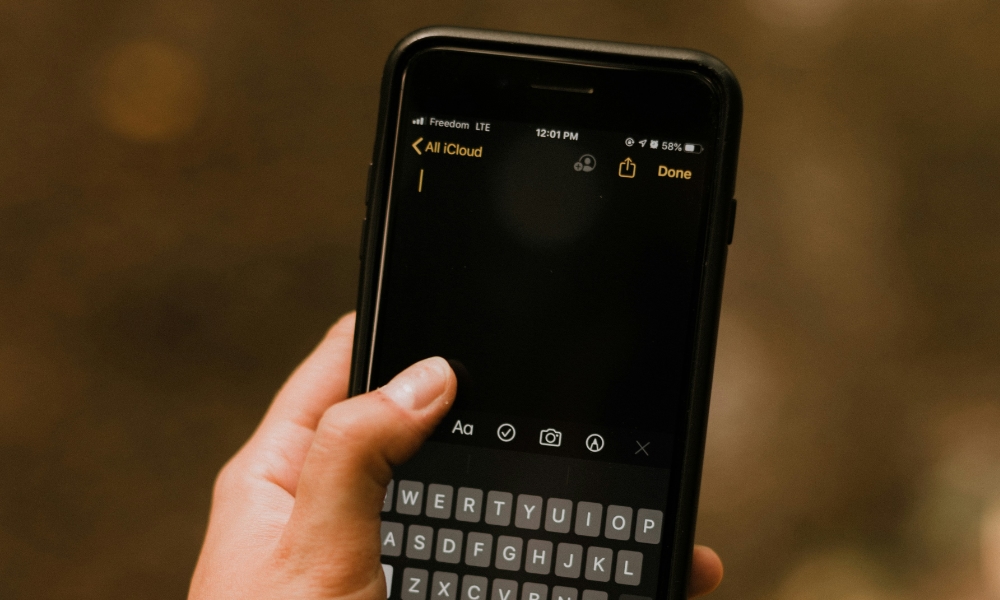
CamScanner used to be the default recommendation because it made phone scanning easy. But for most people in 2026, Apple Notes does the job without requiring another app subscription.
Apple’s Notes app can scan documents directly into a note, which is a big deal because organization happens by itself. You can keep receipts in a “Receipts” folder, store important documents in a “Home” folder, or create a shared note for paperwork. And because it’s Notes, the document sits next to your context instead of living inside a separate scanning app. Not to mention that you can quickly access it from any Apple device.
If you scan documents occasionally, Notes is the simplest option. If you’re constantly scanning for professional work and need advanced tools or special export features, a dedicated scanner app might still be worth it. But for everyday scanning, Notes is the clean, built-in path.