
Microsoft OneDrive
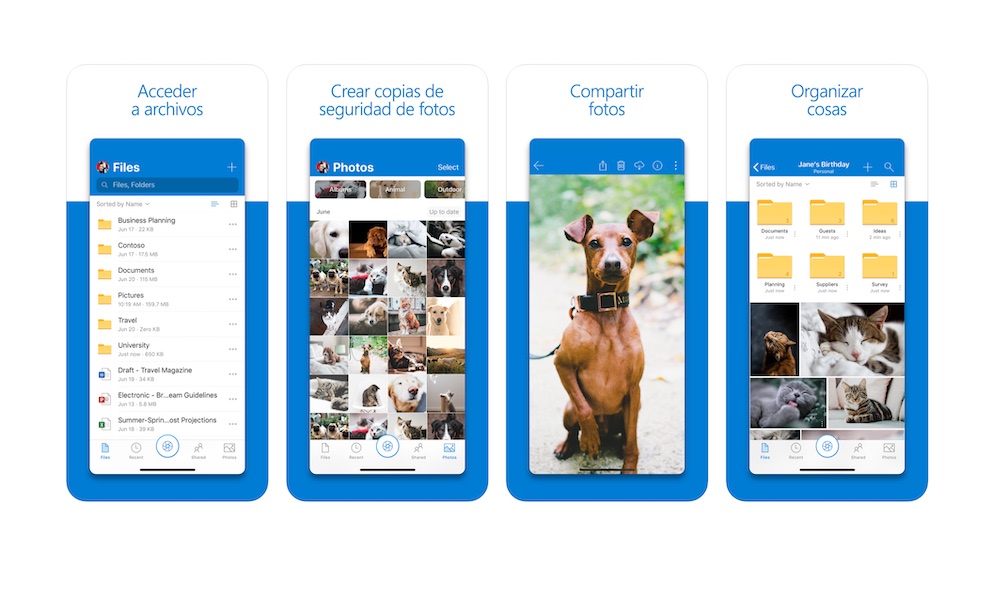
If your world runs on Word, Excel, PowerPoint, and Microsoft 365 accounts, OneDrive becomes the glue that holds it all together. It keeps documents synced, shareable, and easy to access across devices, which is exactly what remote workers need when they’re bouncing between phone, laptop, and work computers.
OneDrive is also getting extra attention right now because Microsoft has turned it into the new way to scan your documents, following the end of Microsoft Lens, which was retired on iOS and Android on January 9, 2026 and will be shut down on March 9, 2026. Now, you’ll be able to scan all your documents from your iPhone with OneDrive, which means fewer apps and steps to get all your files in one place.
For some remote workers, document scanning is not just a nice feature to have; it’s how you handle receipts, signed paperwork, ID verification, handwritten notes, and quick capture of real-world documents without a scanner. If your workflow has relied on scanning documents, now might be a good time to start thinking about switching to OneDrive.
Besides scanning, OneDrive is the perfect app to keep all of your files in the cloud. You can start working on any file on your computer, and continue where you left off on your iPhone while you’re on the bus or waiting for a client. You can also easily share your files with pretty much anyone, regardless of which device they use.